R1 EVO Smart Cycling Helmet | 25
9. LED TAILLIGHT
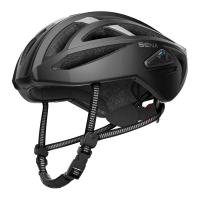
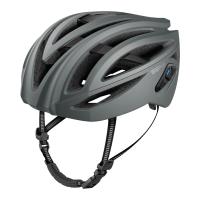
There is a Red LED on the back of the helmet to ensure you stand out
on the road.
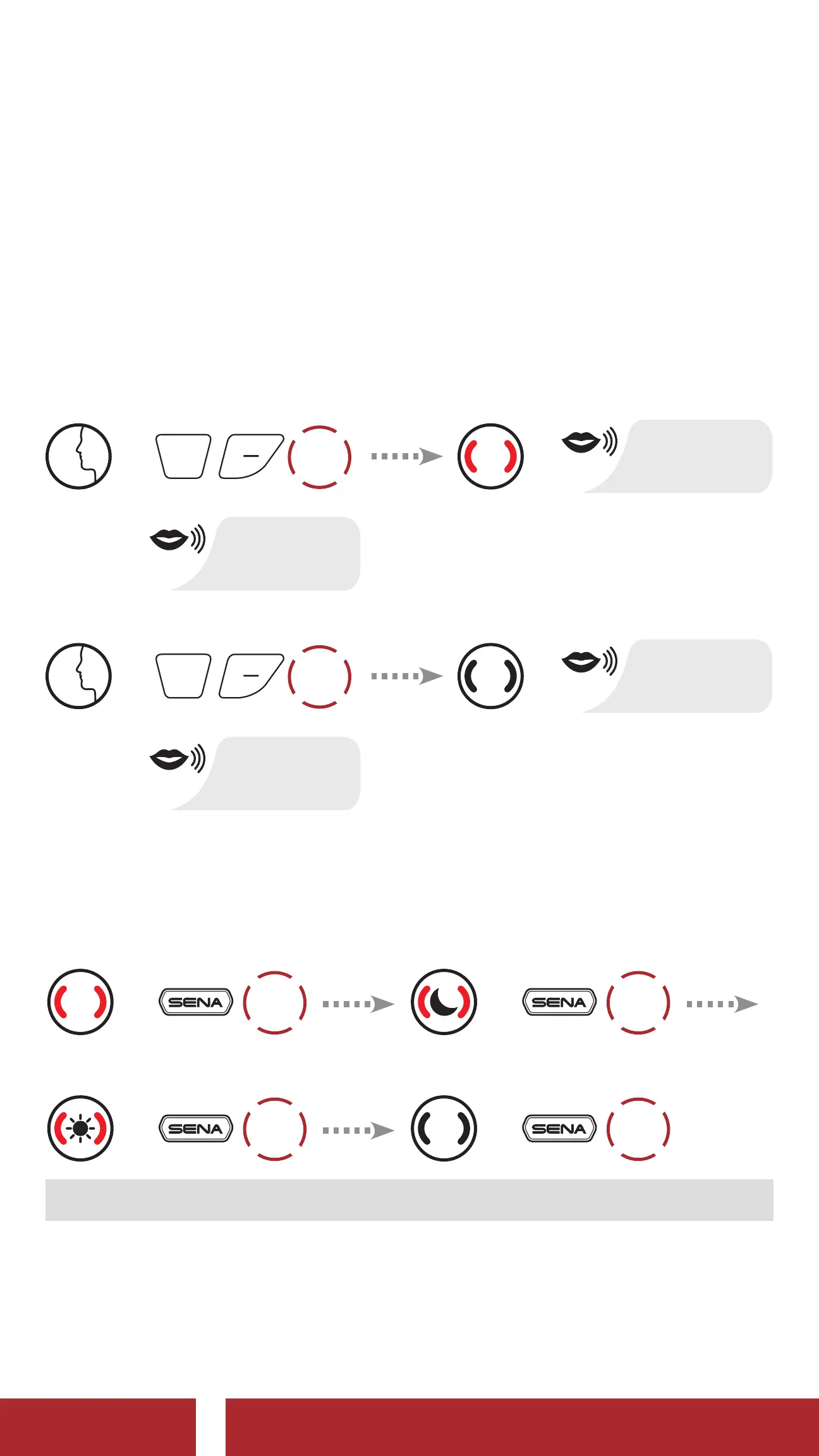
9.1 Using the Voice Command
LED On
=
1x
TAP
=
“Taillight”
or
“Hello Sena”
LED Off
=
1x
TAP
=
“Taillight”
or
“Hello Sena”
9.2 Using the SENA Button
LED On and Solid
=
1x
TAP
1s~
Night Flash
=
1x
TAP
1s~
Day Flash
=
1x
TAP
1s~
LED Off
=
1x
TAP
Note: Do not tap the button continuously.
9.3 Using the Sena Cycling App
You can control the LED Taillight through the Sena Cycling App.
CHAPTER



 To Next Page