F. Intercom
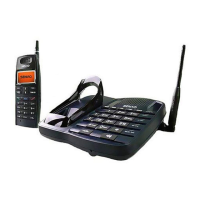
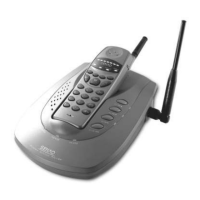
2. Paging all the handsets from the base unit
(1) Base unit: While in stand-by press INT-COM and all the
handsets ring for 30 seconds.
To stop paging, press INT-COM again.
(2) Handset: Press any key except or pick it up if it is placed on
the base unit or on the charger to answer.
(3) Handset: To end the intercom, press or place the handset
on the base unit or on the charger.
3. Paging the desired handset from the base unit
(1) Base unit: Press H1 (or H2 , H3 ) and the handset 1 (or 2,3) rings
for 30 seconds.
To stop paging, press H1 (or H2 , H3 ) again.
(2) Handset 1 (or 2, 3): Press any key except or pick it up if it is
placed on the base unit or on the charger to
answer.
(3) Handset 1 (or 2, 3): To end the intercom, press or place the
handset 1 (or 2,3) on the base unit or on the
charger.
1. Paging the base unit from the handset
(1) Handset: Press and the intercom is automatically established.
(2) Base unit: When the other party's voice is heard, answer through the
microphone.
(3) Handset: To end the intercom, press or place the handset on
the base unit or on the charger.
17-EN


 To Next Page