EN 31
EN
Revision 04/2019Copyright © 2019, Fast ČR, a. s.
Menu
6.6.1. Lock system
Use the buttons V/v to select the item Lock System, press OK and select one of the
following three options.
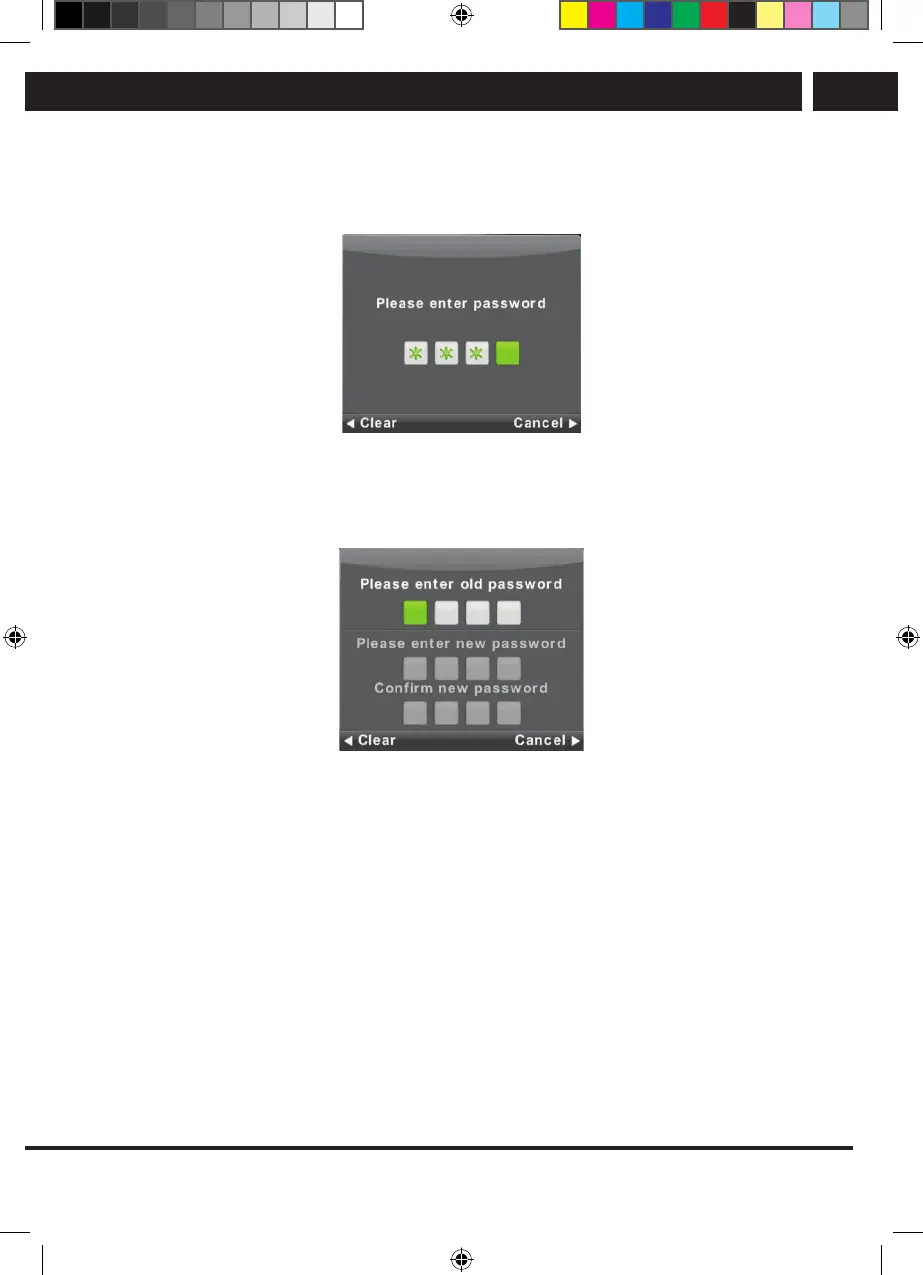
6.6.2. Setting the password
Use the buttons V/v to select the item Set Password and then press OK to enter the
submenu and enter the new password.
Sencor UM SLE 22F61TCS EN CZ SK HU PL.indb 31 29.04.2019 18:03:55



 To Next Page