32 EN
EN
Revision 04/2019
Copyright ©
2019, Fast ČR, a. s.
Menu
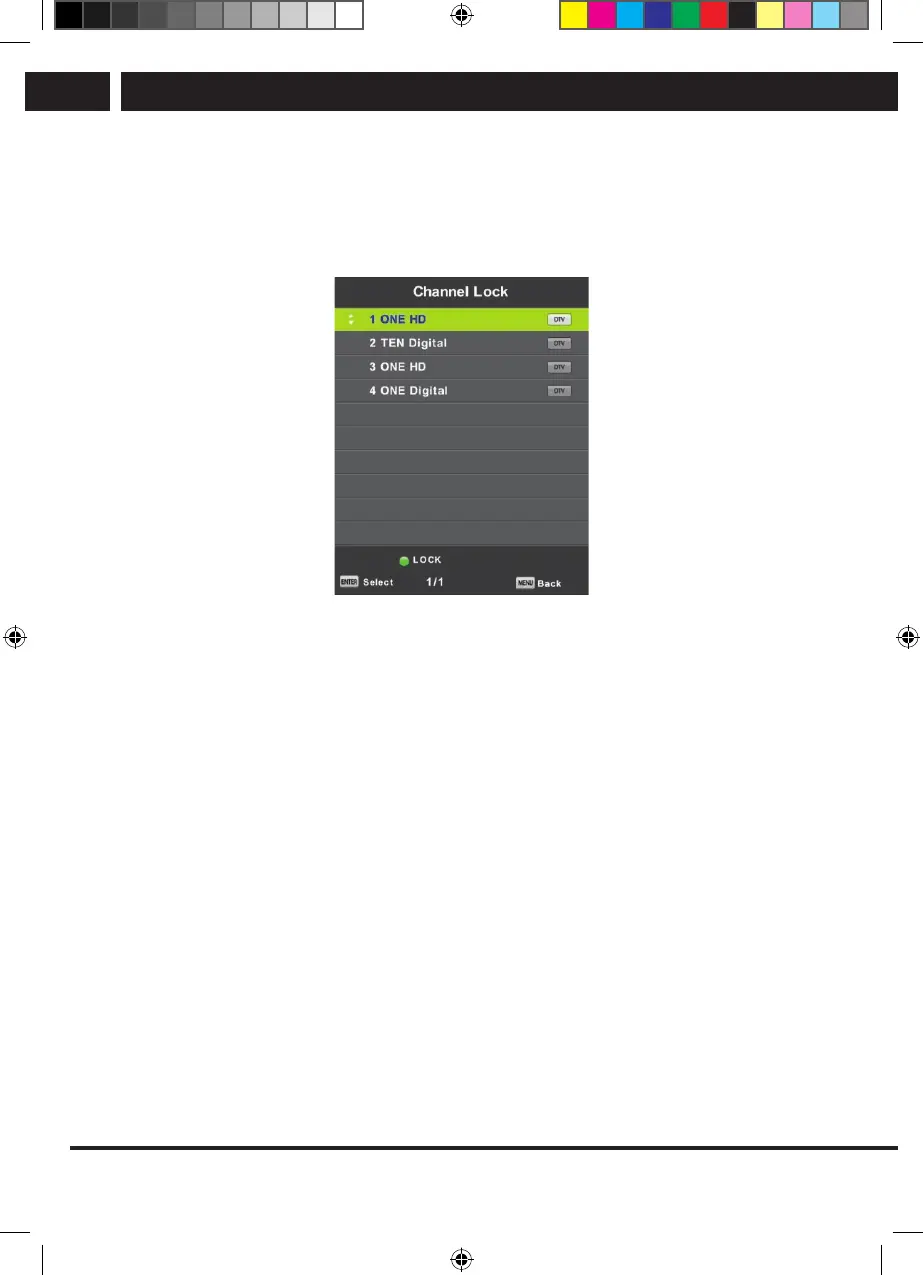
6.6.3. Channel Lock
Use the buttons V/v to select the item Channel Lock and then press OK to enter the
submenu and select.
Use the green button to lock or unlock the channel. You have to enter the apassword to
watch it.
6.6.4. Parental Guidance
Use the buttons V/v to select the item Parental Guidance and then press OK to enter the
submenu where you select the age suitable for your children.
The broadcaster can provide information about aprogram about arecommended or
minimum age for watching it. If aprogram is broadcast with hidden mark of minimum
age, the device then compares it with what you entered, and possibly prompts for
apassword, so that you can watch the program for higher age.
6.6.5. Key Lock
Use the buttons V/v to select the item Key Lock and then use the buttons b/B to select
the option Off or On.
If the key lock is active, you can not use the buttons on the control panel of the TV.
Sencor UM SLE 22F61TCS EN CZ SK HU PL.indb 32 29.04.2019 18:03:55



 To Next Page