37
Doc# 2016-25-05 Rev F Technical Support 678-208-3087 Ext #1 Airtext Installation Manual
Section III
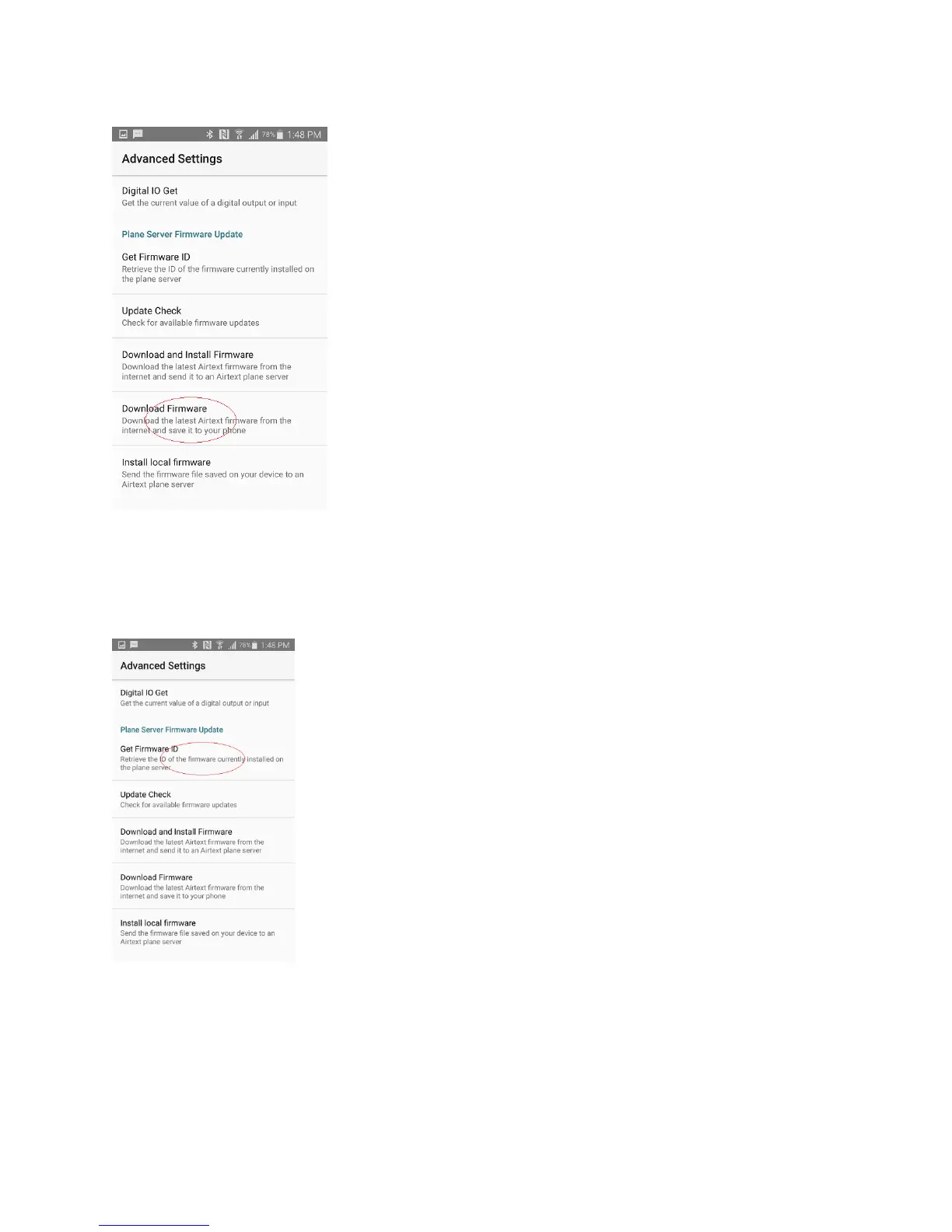
Power up the Airtext router and move within the range of its Bluetooth radios. While in the advanced
menu, select “Get Firmware ID”
This takes a few seconds. The screen should show the current version
firmware that is on the Airtext router. It should be something like
“10041610”. Record that value. It is in Month/Day/Year/Hour format.
Press “ok” to dismiss that screen. This proves that the Android device and
the Airtext router have proper Bluetooth connectivity.



 To Next Page