EW-DX EM 2 rack receiver
112
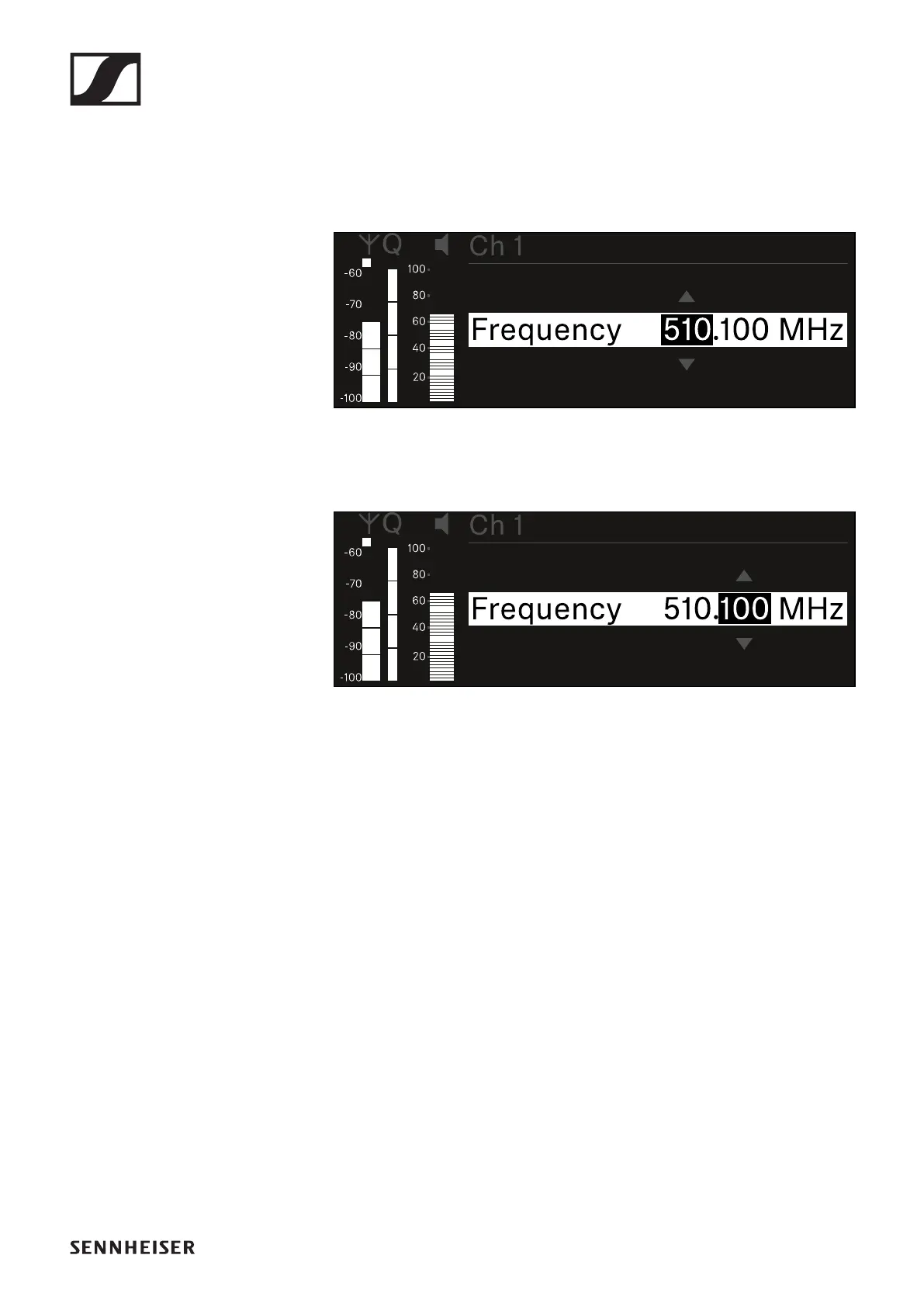
Setting the frequency manually
To set the frequency manually:
▷ Open the Frequency subitem.
▷ Turn the jog dial to set the MHz range for the frequency.
▷ Press the jog dial to confirm your selection.
▷ Turn the jog dial to set the kHz range for the frequency.
▷ Press the jog dial to save your selected frequency.
or
▷ Press the ESC button to cancel the entry without saving the
setting.













 To Next Page