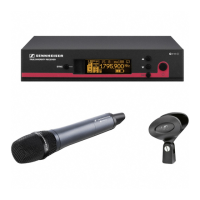
EW-DX EM 2 rack receiver
111
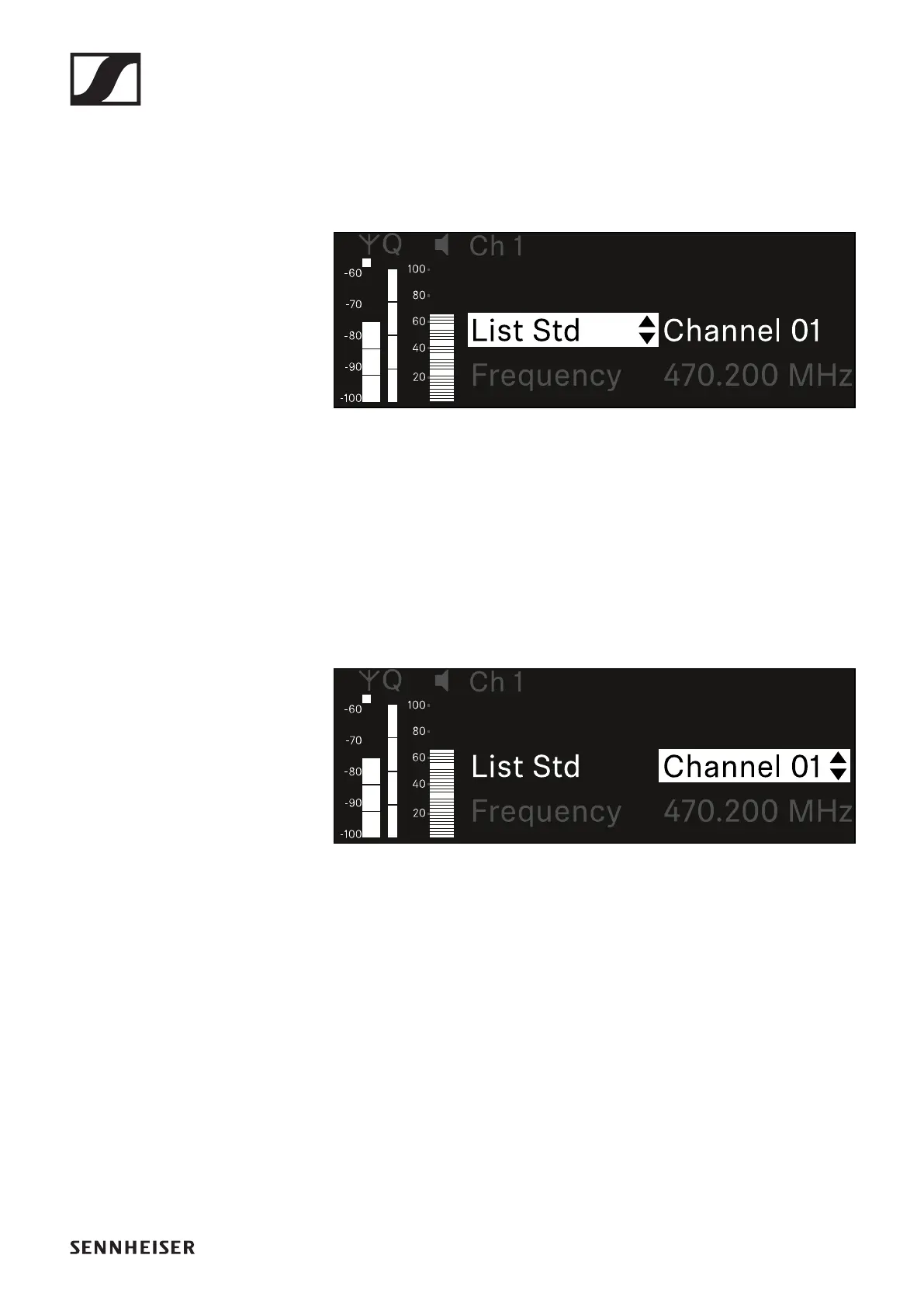
Selecting a frequency from a predefined list
To select a frequency from a predefined list:
▷ Open the List subitem.
▷ Rotate the jog dial to choose between the predefined list
(List Std) and the user-defined list (List Usr).
You can create a custom list using the Wireless Systems
Manager (WSM) software and upload it to the receiver.
For more information on the WSM software, see:
www.sennheiser.com/wsm
▷ Press the jog dial to confirm your selection.
▷ Rotate the jog dial to select the desired channel from the
list.
The frequency assigned to the channel is displayed.
▷ Press the jog dial to save the selected channel.
or
▷ Press the ESC button to cancel the entry without saving the
setting.




 To Next Page