EW-D EM rack receiver
53
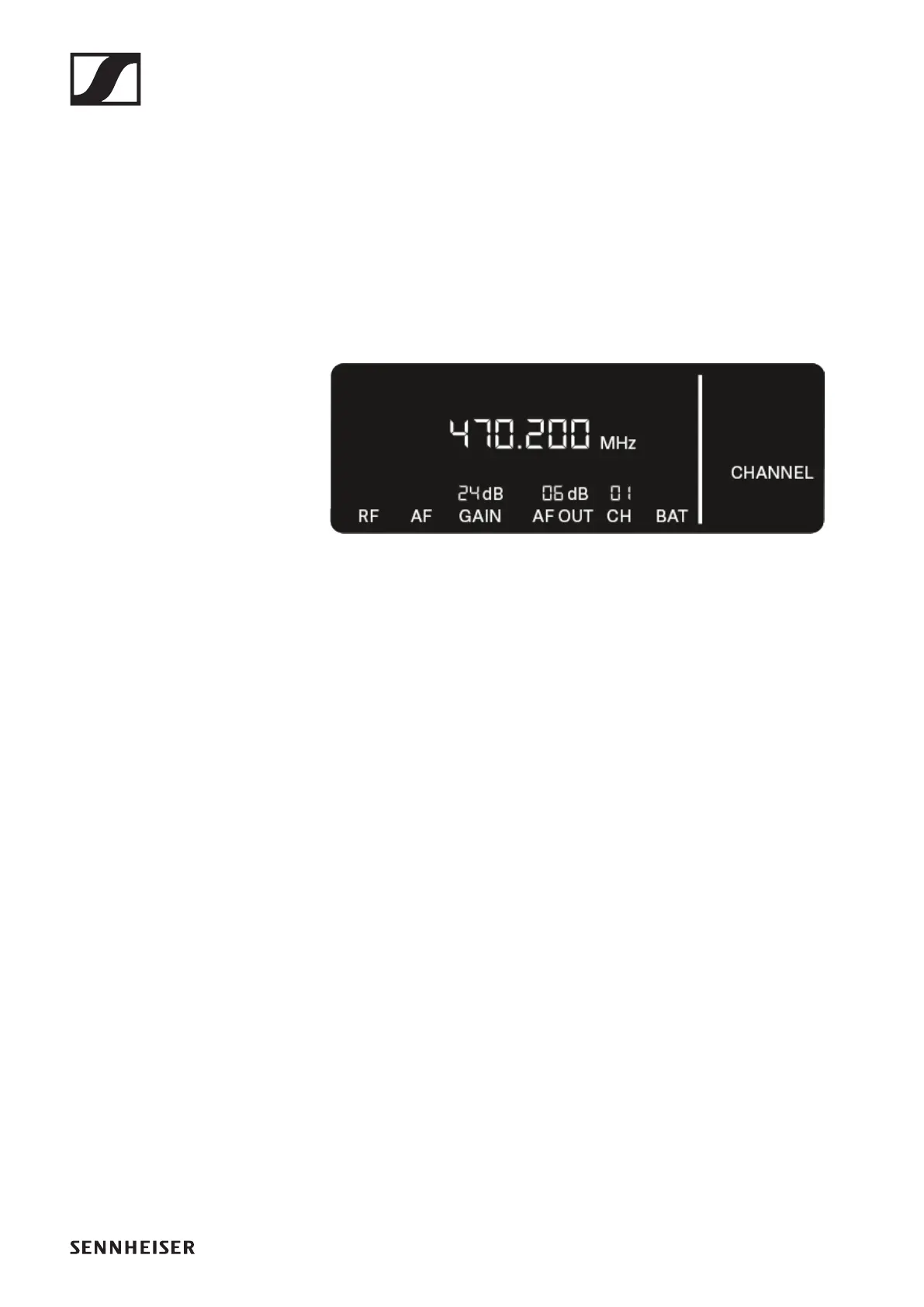
CHANNEL menu item
Under the CHANNEL menu item, you can set the radio fre-
quency by selecting a preset channel.
If you are not sure whether the selected frequency is free,
we recommend performing a scan to detect all free fre-
quencies: „AUTO SCAN menu item“.
▷ Open the CHANNEL menu item.
The item flashes on the display as follows.
►
▷ Press the UP or DOWN button to select a preset channel.
▷ Press the SET button to accept the displayed frequency.
or
▷ Press the ESC button to cancel the setting.
The previous frequency remains unchanged.
If you have set a new frequency, you must still synchro-
nize the receiver with the transmitter to establish the ra-
dio link (see „Establishing a radio link | Synchronizing the
receiver and transmitter“).







 To Next Page