Using the Set 860
22 | Set 860
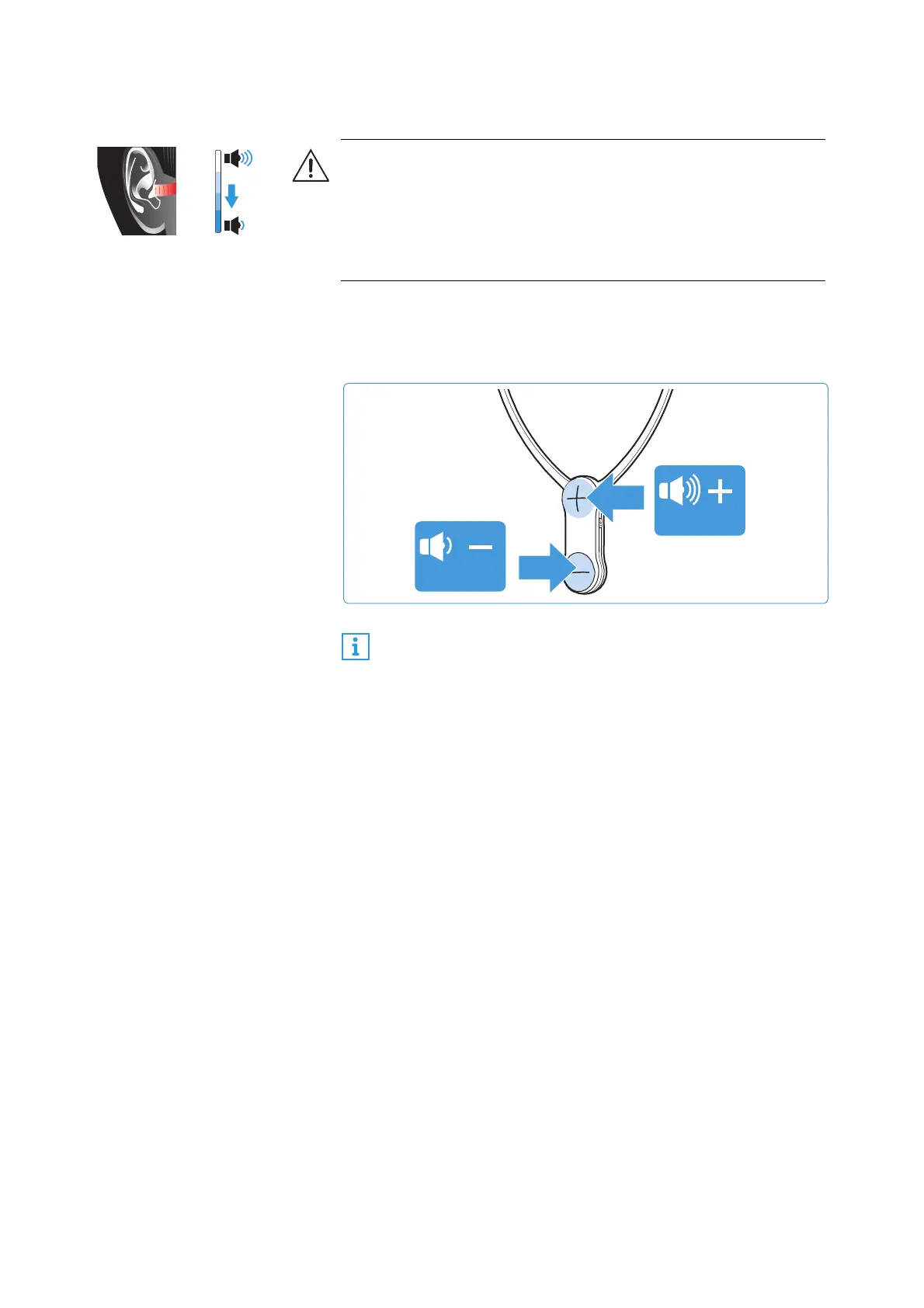
Adjusting the volume
b Press the volume button + or the volume button – until the
volume is adjusted to a comfortable level. When the mini-
mum or maximum volume is reached, you hear a beep in the
stethoset receiver.
WARNING
Danger due to high volume levels!
b Before putting the stethoset receiver on, set the volume on
the receiver to a low level.
b Do not expose yourself to high volume levels for extended
periods of time.
If you have set a very high volume level and switch the TV
headphone system off and on again, the volume is reset
to a moderate level to protect your hearing.














 To Next Page