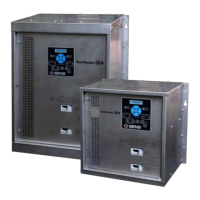
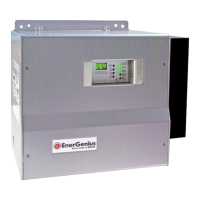
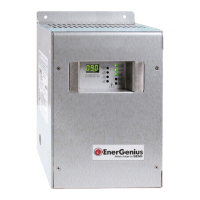
SENS MicroGenius S2/S4 Technical Manual
62
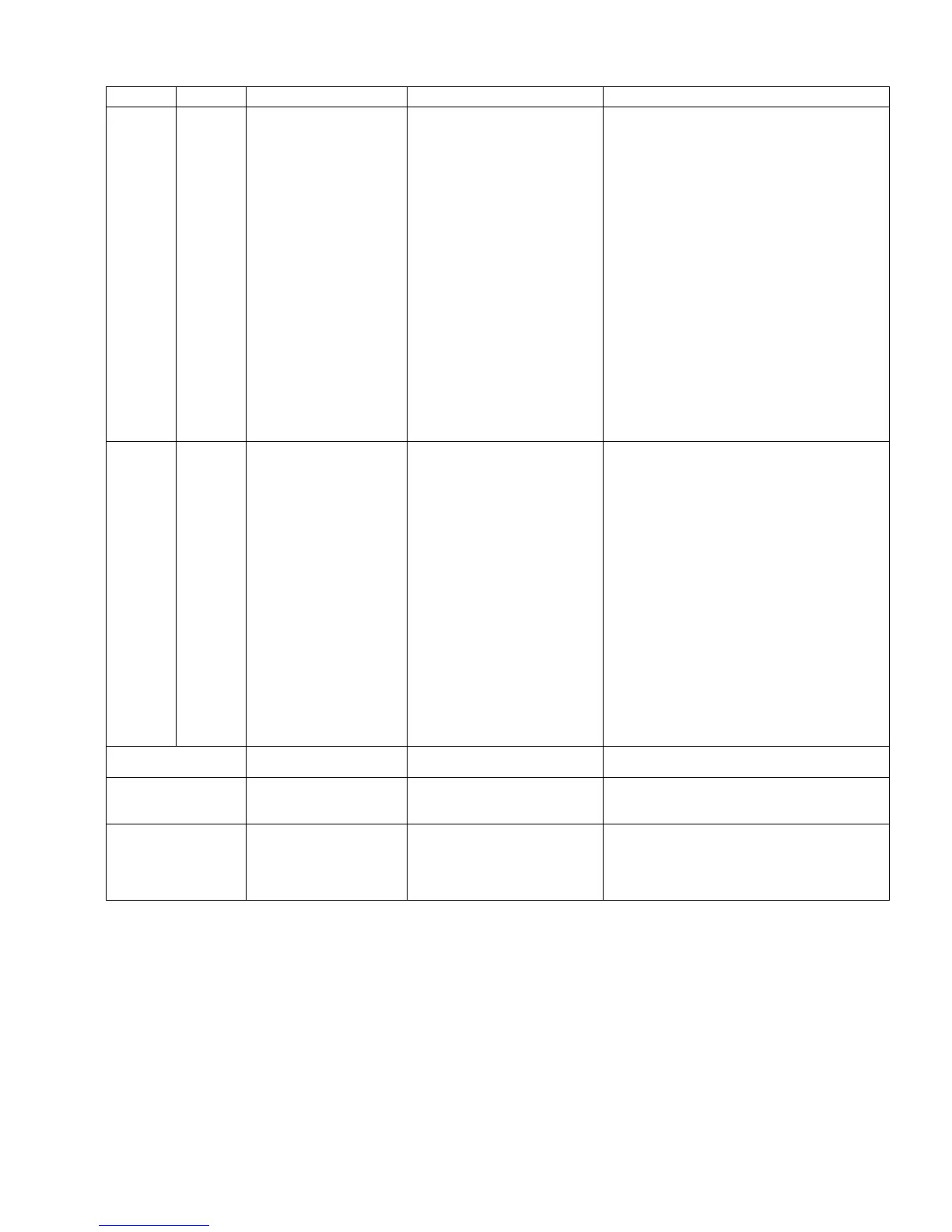
are in the range 80VAC – 264VAC / 47Hz – 63Hz or
that > 8VDC is present at DC output terminal
block/breaker and that the DC polarity is correct.
Correct charger AC input and DC output voltage as
required.
2. If step 1 doesn’t resolve RED AC light, remove both
AC and DC power for 1 minute, then reapply
power.
3. If steps 1 and 2 don’t resolve RED AC light, a
charger module failure is the likely cause. Replace
module.
DC LED
4. Remove AC and DC power from charger for 1
minute before reapplying power. Ensure AC
voltage and/or DC voltage is within specified
operating limits of the charger.
5. If fault remains, check overvoltage shutdown
settings and again remove both AC and DC power
for 1 minute, then reapply power.
6. If steps 1 and 2 don’t resolve issue, a charger
module failure is the likely cause. Replace module.
SOLID
RED
FLASHING
YELLOW
AC fail, low incompatible
battery error
frequency not applied
2. Charger module failure
And
3. Voltage improperly set
1. Using a voltmeter, check that AC input voltage and
frequency at AC input terminal block (J100) are in
the range 80VAC – 264VAC / 47Hz – 63Hz or that
>8VDC is present at DC output terminal
block/breaker and that the DC polarity is correct.
Correct charger AC input and DC output voltage as
required.
2. If step 1 doesn’t resolve RED AC light, remove both
AC and DC power for 1 minute and then reapply
power.
3. If steps 1 and 2 don’t resolve RED AC light, a
charger module failure is the likely cause. Replace
module.
DC LED
4. Check that charger voltage is set correctly for the
battery. After making any correction to the setting,
remove both AC and DC power for 1 minute, then
ALTERNATING
FLASHING YELLOW
No output
1. Ensure that charger has been programmed to
desired and allowable settings.
ALTERNATING
FLASHING RED
No output
1. Missing or invalid code (boot
load required)
1. Update charger firmware using setup utility.
2. If steps 1 doesn’t resolve issue or setup utility is
not available, replace charger
ALTERNATING
FLASHING GREEN
Starting-up
1. Charger is still powering-on
2. Failed display board
1. Remove both AC and DC power for 1 minute and
then reapply power. Allow charger at least 1
minute to fully boot.
2. If step 1 doesn’t resolve issue, a display board
failure is the likely cause. Replace display board.
*AC LED will flash green when charger is in ultracapacitor mode.



 To Next Page