Need help?
Do you have a question about the Sensi 1F95U-42WF, ST75 and is the answer not in the manual?
Explains how to change the heating/cooling system mode.
Details on circulating the indoor blower using fan mode.
Instructions for connecting the thermostat to Wi-Fi.
How to set heating and cooling schedules directly on the unit.
Configure thermostat settings based on your HVAC system type.
Definitions of terminal labels and wiring diagram explanations.
 General
| Category | Thermostat |
|---|---|
| Wi-Fi Connectivity | Yes |
| Installation | DIY or Professional |
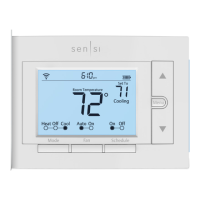
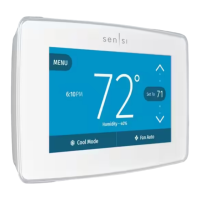
| Model Number | 1F95U-42WF, ST75 |
| Product Type | Thermostat |
| Mobile App | Sensi App |
| Voice Control | Amazon Alexa, Google Assistant |
| Display | Backlit |
| Scheduling | 7-Day Scheduling |
| Stages | 2 Heat, 2 Cool |
| Control Type | Touchscreen, App |
| Features | Geofencing, Alerts, Energy Usage Reports |
| Works With | Amazon Alexa, Google Assistant |
| Warranty | 3 Years |

 To Next Page