Need help?
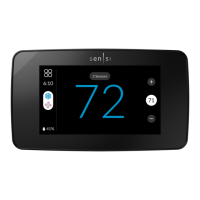
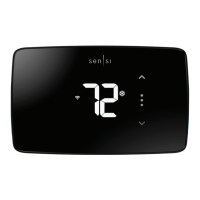
Do you have a question about the Sensi UP500W and is the answer not in the manual?
Instructions for downloading the Sensi mobile application from app stores.
Steps to register a Sensi account for remote thermostat management.
Detailed walkthrough for complete thermostat installation and wiring.
Crucial safety step to power down the HVAC system before wiring.
Using provided labels to mark wires before disconnection.
Matching wires to terminal labels on the new thermostat.
Recommends photographing wiring for future reference and troubleshooting.
Mounting the new Sensi thermostat base securely to the wall.
Inserting and securing wires into the Sensi thermostat terminals.
Restoring power to the HVAC system after installation.
Connecting an iPhone or iPad to the Sensi Wi-Fi network.
Inputting the Sensi security code (PIN) for network authentication.
 General
| Brand | Sensi |
|---|---|
| Model | UP500W |
| Category | Thermostat |
| Language | English |

 To Next Page