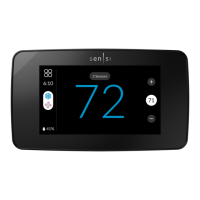
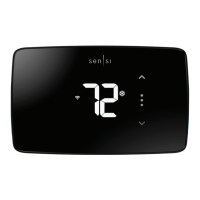
11
• Heating System
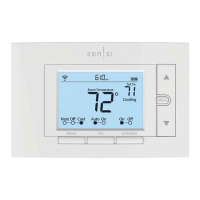
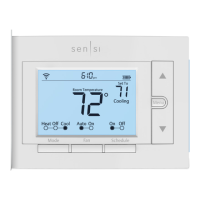
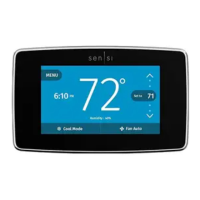
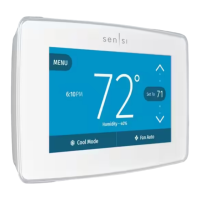
• Press the “Mode” button on the thermostat
and select the “Heat” position.
• Press the up arrow on the thermostat and adjust the
setting to 1° above the current room temperature. The
heating system should begin to operate and the thermostat
will indicate “Heating” of “Heating Auxiliary” on the screen.
• For heat pumps with auxiliary, press the up arrow
on the thermostat and adjust the setting to 3°
above the current room temperature. The auxiliary
heat should begin to operate and the thermostat
will indicate “Heating Auxiliary” on the screen.
• Press the down arrow on the thermostat and adjust the
setting to 1° below the current room temperature. The
heating system should stop operating and “Heating” or
“Heating Auxiliary” will disappear from the screen.


 To Next Page