MT3401E.doc rev.0 21/05/13 Pagina 23 di 86
3.1) Power ON
After ensuring correct installation of the MULTISCAN++S1, the unit can be switched on.
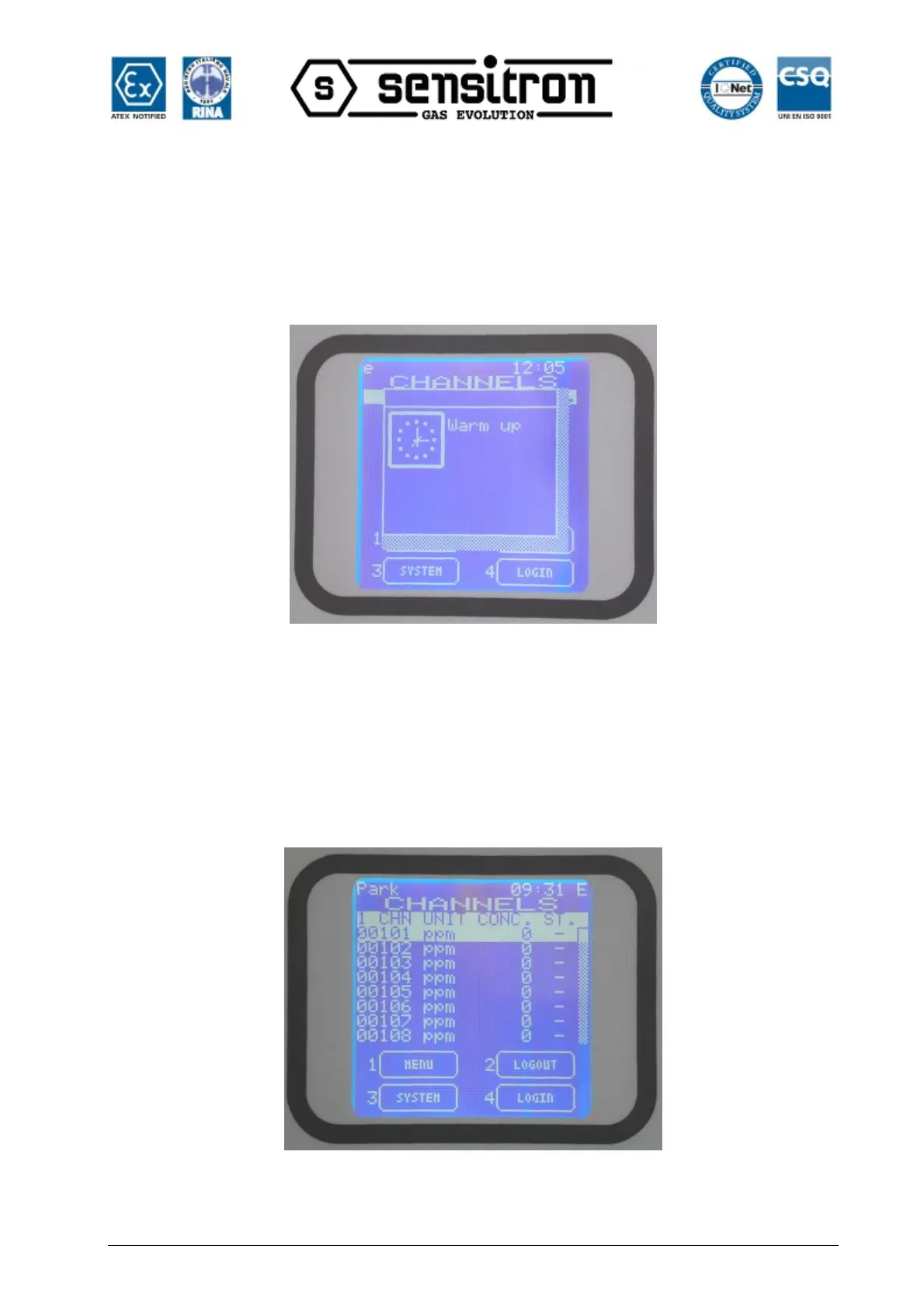
When first switched on, after the “Warm Up” time (3 minutes by default), the display will
show an empty picture without any indication because, at the first switch ON, the control
panel needs programming.
Fig. 3.1 a) Warm Up screen
The control panel programming must be performed just by the Personal Computer with
the dedicate configuration software (see the previous paragraph for the connection of
the control panel to the PC). Refer to the next chapter No. 6 for the configuration
software instructions.
For an already configured control panel, the normal screen will show eight channels
(detectors) with their status:
Fig. 3.1 b) Typical NORMAL state screen.



 To Next Page