MT3401E.doc rev.0 21/05/13 Pagina 37 di 86
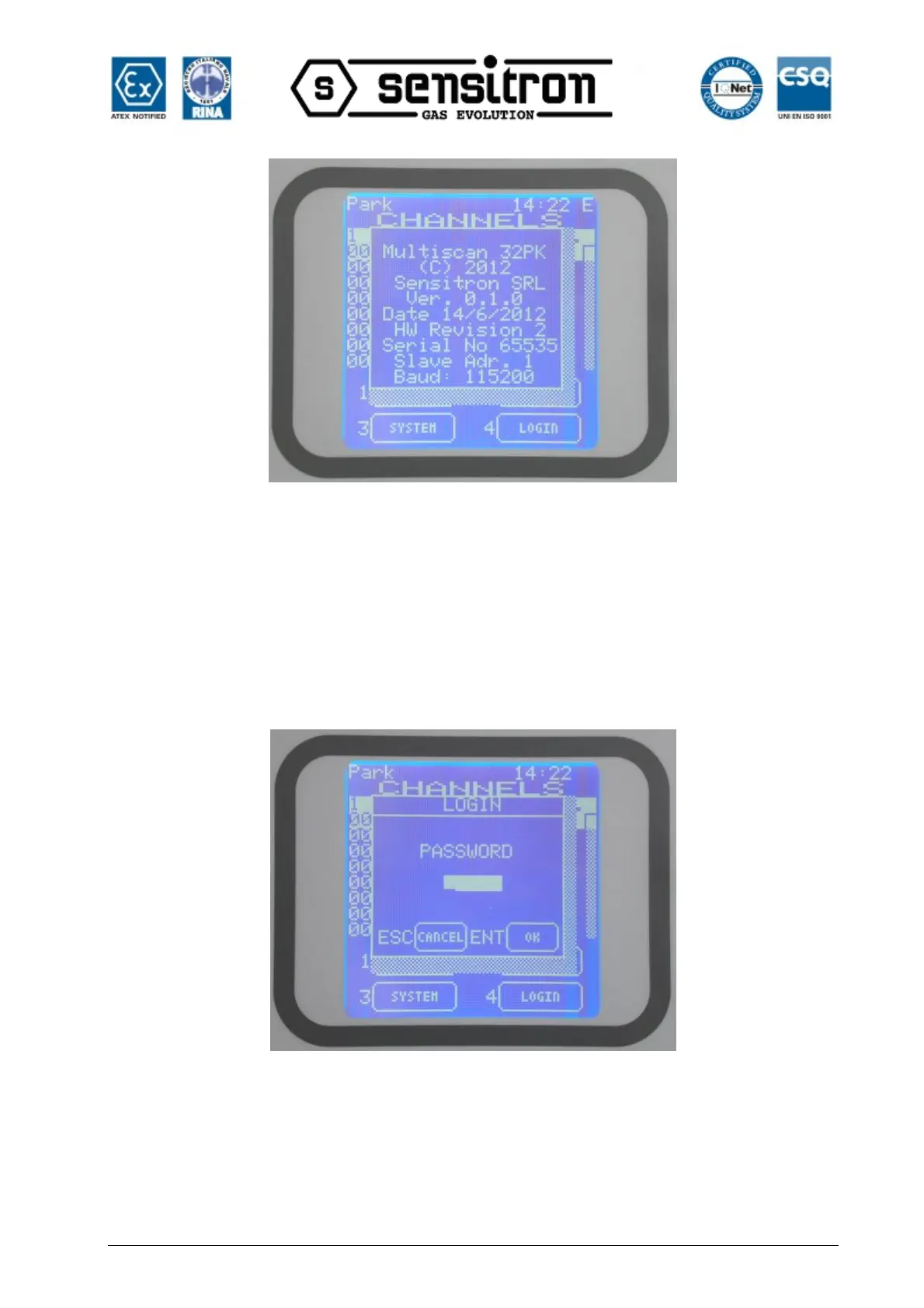
Fig. 3.5.3) System Info window
3.6) 2-LOGOUT
From the normal mode screen, pressing 2-LOGOUT key, the actual user will logout.
3.7) 4-LOGIN
Pressing 4-LOGIN key a login window will ask for the user password, to allow entering
one of the three user levels: OPERATOR, MAINTENANCE or ENGINEER level (see the
related chapter 3.3 User levels).
Fig. 3.7 a) Login dialogue window
For the OPERATOR level, login is only required for acknowledging active events, as
described in the previous chapter.
After logging in, according to the user level the next window will be in OPERATOR,
MAINTENANCE or ENGINEER level. In the right and upper corner of the screen, it will



 To Next Page