MT3401E.doc rev.0 21/05/13 Pagina 38 di 86
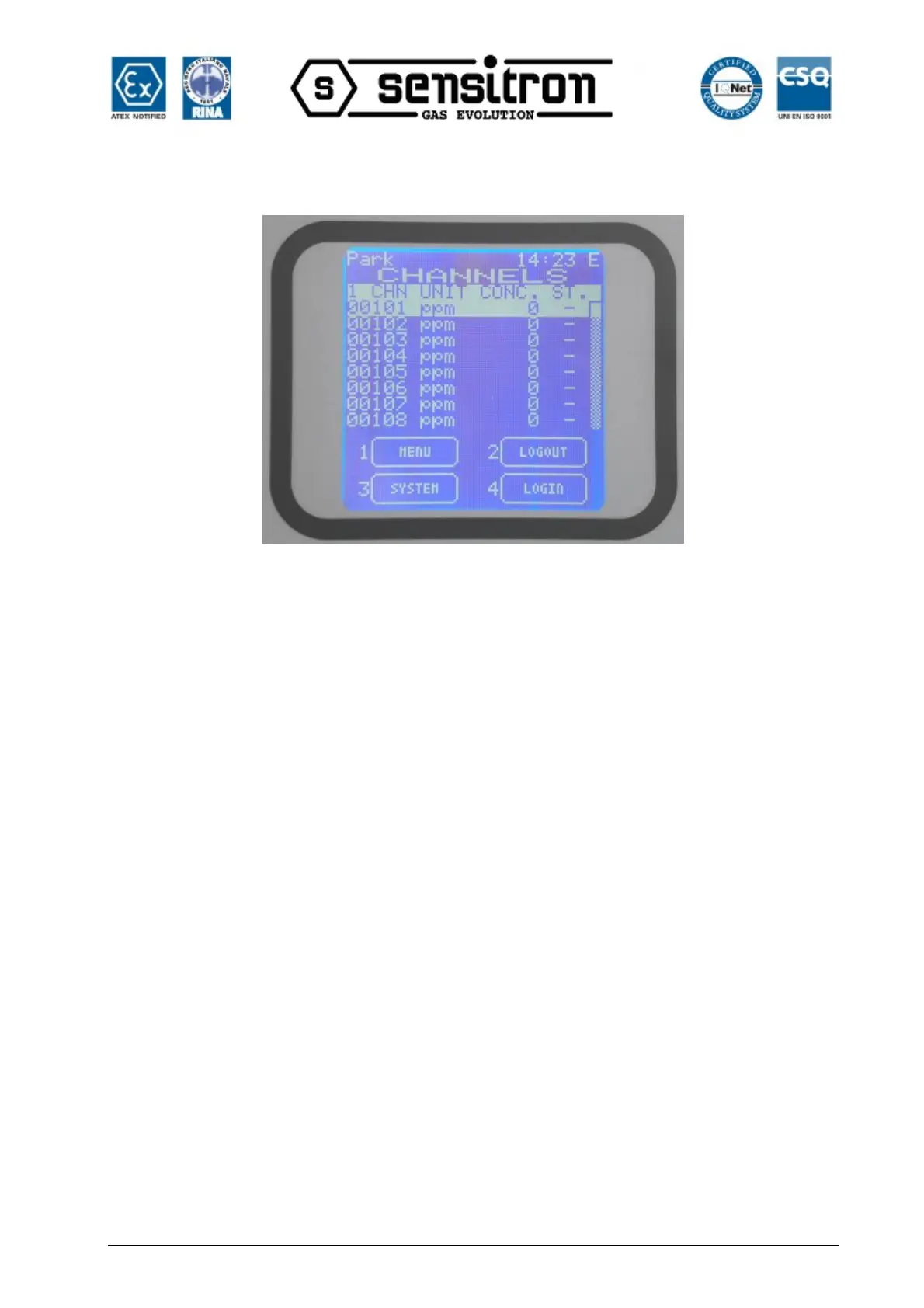
be displayed what user level is it: “O” for Operator, “M” for Maintenance and “E” for
Engineer.
Fig. 3.7 b) NORMAL state screen with the “E” in the right and upper corner
3.8) 3-SYSTEM
In the main window in Normal mode, at any user level, one may view the system’s
configuration details, by pressing 3-System. The Zones screen will appear. The Zones
screen shows the list of the defined zones. One may move the cursor up and down by
using the up/down arrow keys. In the bottom side, the available function buttons depend
on the user level.
3.8.1) Zones
In the zones screen, moving up and down with the arrow keys through the zones list
and pressing ENTER one gets into the modules screen.
In the modules screen, moving up and down with the arrow keys through the modules
list and pressing ENTER one gets into the detectors or outputs screens
In the bottom side, the available function buttons depend on the user level.
In the Maintenance or the Engineer level it is possible to Set or Unset and put in
TEST/Maintenance parts of the system.
In the “Operator” level, the SET/Unset and Test/Maintenance options are not active.
The user should be in “Maintenance” or “Engineer” level to use the options.



 To Next Page