MT3401E.doc rev.0 21/05/13 Pagina 53 di 86
Click “Save As” to save the system file with a new name
Click “Close” to close the open system file
Click “Exit” to exit the MULTISCAN++S1 program
4.4.2) Settings
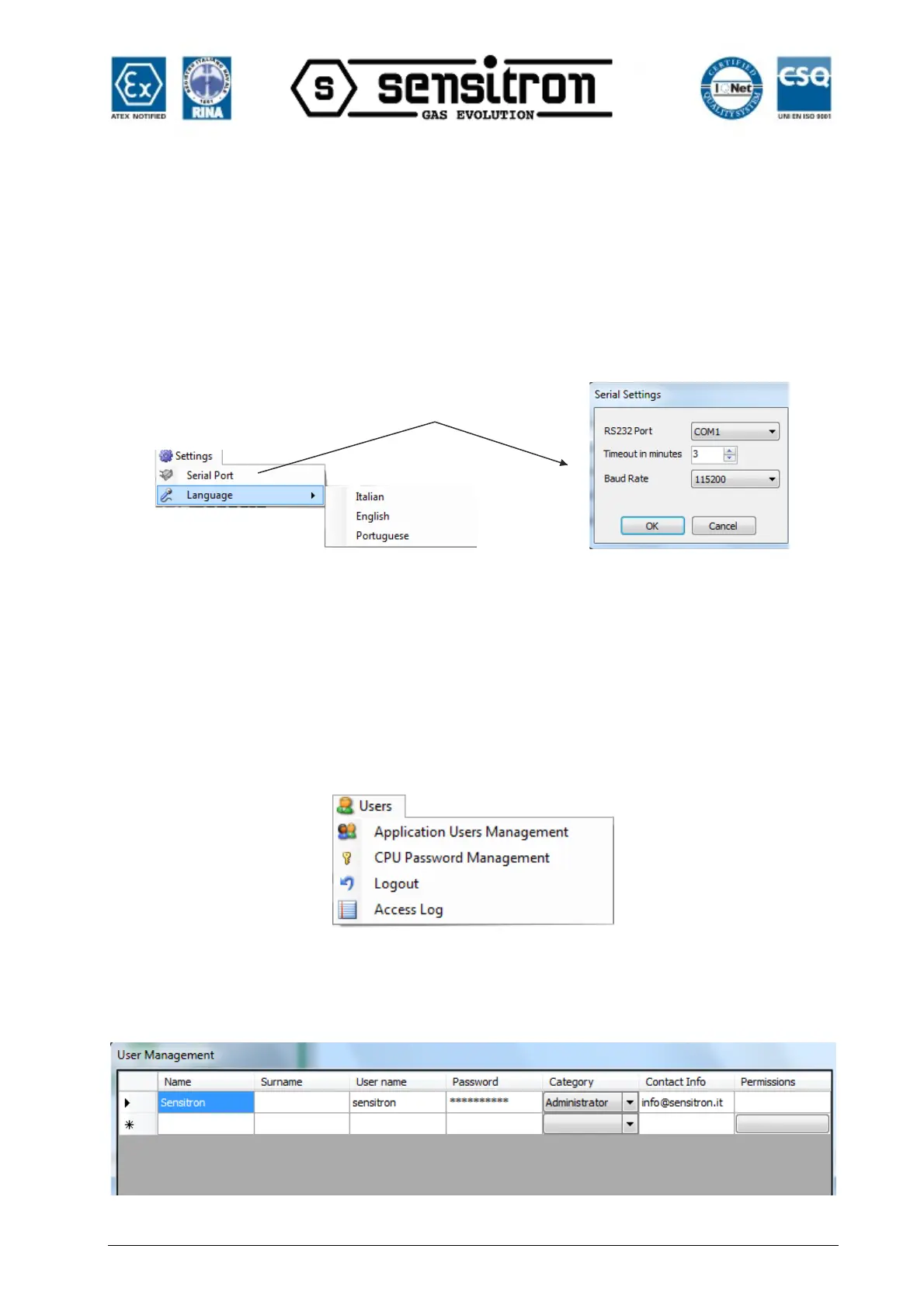
Fig. 4.4.2 a) Menu Settings
Click “Serial Port” to select the serial port and the Baud Rate for the upload and
download data with the PC.
Click “Language” to select the MULTISCAN++S1 software language. When creating or
editing a system configuration, remember to click “Save” before changing the program
language or all changes will be lost.
+
4.4.3) Users
Fig. 4.4.3 a) Menu Users
“Application Users Management” lets you set users authorised to work with
MULTISCAN++S1 software and set their permissions.
Fig. 4.4.3 b) User settings window



 To Next Page