MT3401E.doc rev.0 21/05/13 Pagina 57 di 86
4.4.4) Communication
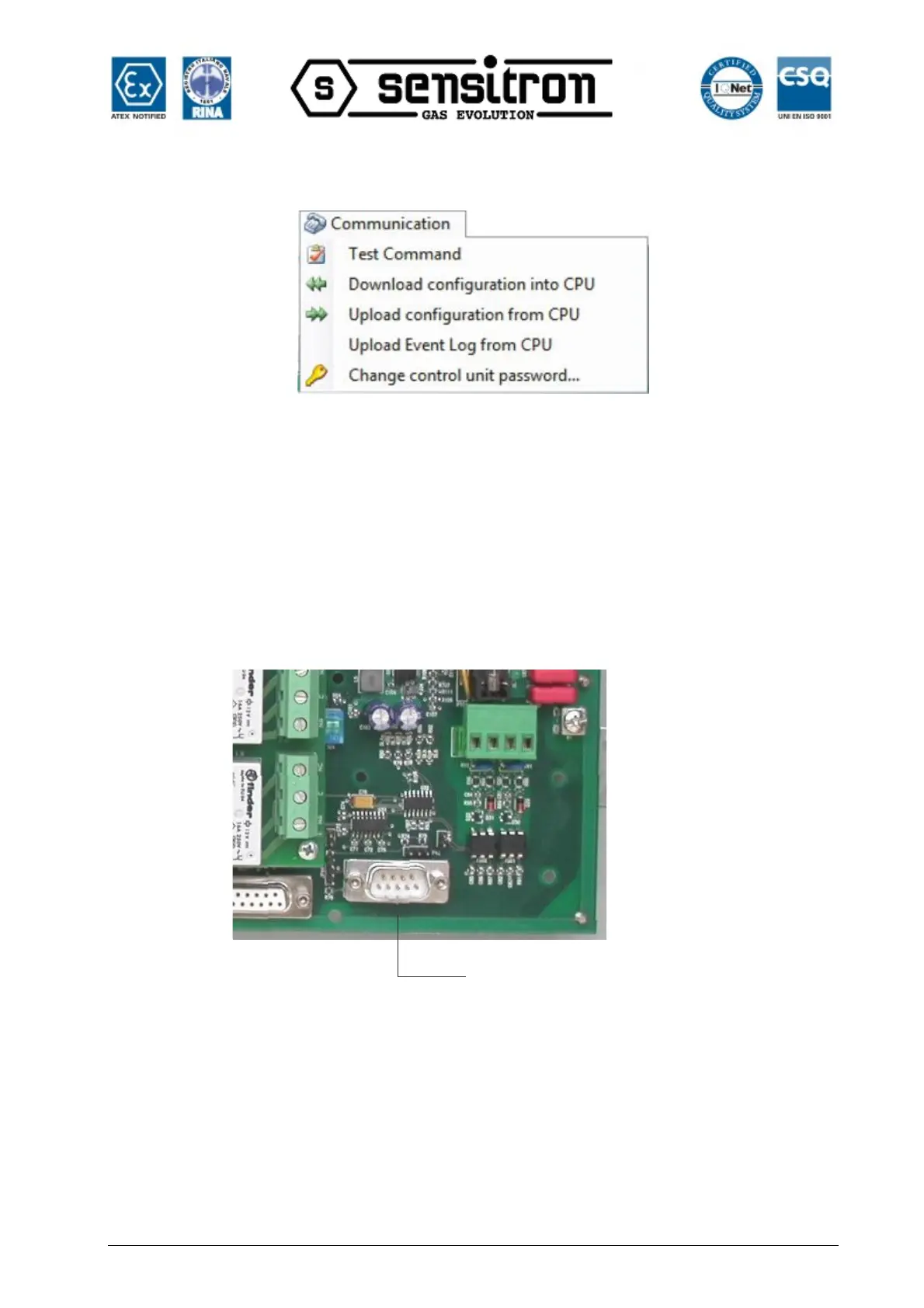
Fig. 4.4.4 a) Menu Comunicazione
The “Communication” menu includes options for data transfers between the PC
software and the MULTISCAN++S1 control panel
Note. The two devices must be connected in order to transfer data between the PC and
MULTISCAN++S1 control panel.
Connect the PC to the control panel using the serial port on the back panel. See fig.
4.4.4 b
PC Rs232 serial connection
control panel main board
Fig. 4.4.4 b) Serial port on control panel main board
Below the RS232 pin cable layout



 To Next Page