MT3401E.doc rev.0 21/05/13 Pagina 61 di 86
The various columns are explained below
Id Event ID number. This can be used to compare an event with one in the
MULTISCAN++S1 control panel
Date Event date and time
Event Type Event type. Events can be of the following types:
Acknowledge/mute an event
Events such as user login and logout, alarm reset, etc.
Control panel configuration error
Control panel settings were changes (i.e. reader alarm threshold)
Emergency event (typically a power fault)
Event concerning data transfer on the serial port (data upload and
download from PC)
Event More detailed description of the event type
Value Gas concentration value (for an alarm event)
Unit Gas detector unit of measure
User User ID for user events (Ack, Reset,Login etc.)
Device Hardware device that generated the event (input module, Gas detector,
Output module, etc.).
Area System area
Channel Channel ID (reader) that generated the event
Search criteria can also be entered in the window to optimize the underlying event list
display. Criteria can be by event type and/or date and time. If a printer is connected to
the PC, click Print Event Log to print the event list.
“Change Control Unit Password” see explanation at the beginning of chapter
“Communication”.
4.4.5) Report
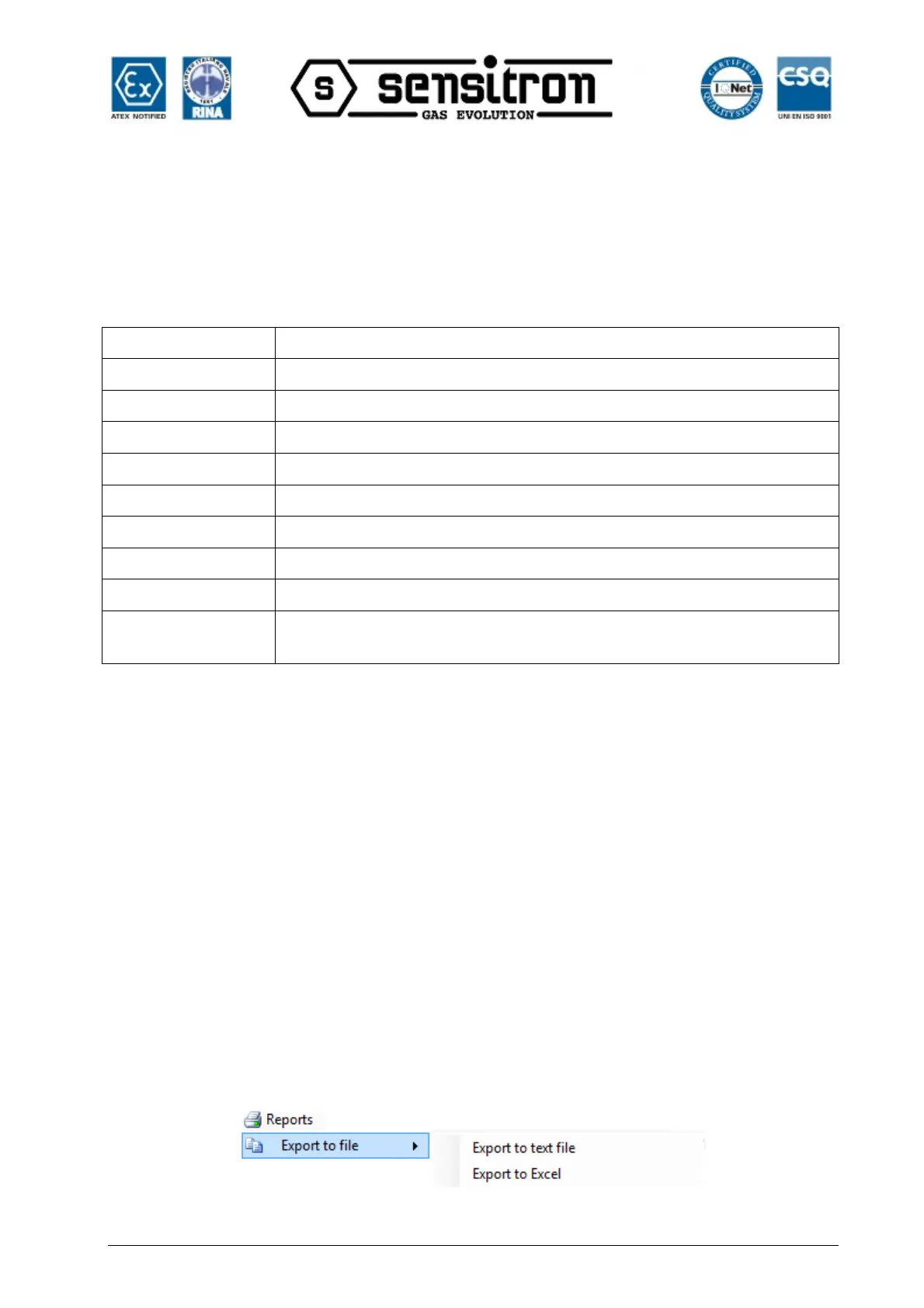
Fig. 4.4.5.a) Configuration export



 To Next Page