MT3401E.doc rev.0 21/05/13 Pagina 60 di 86
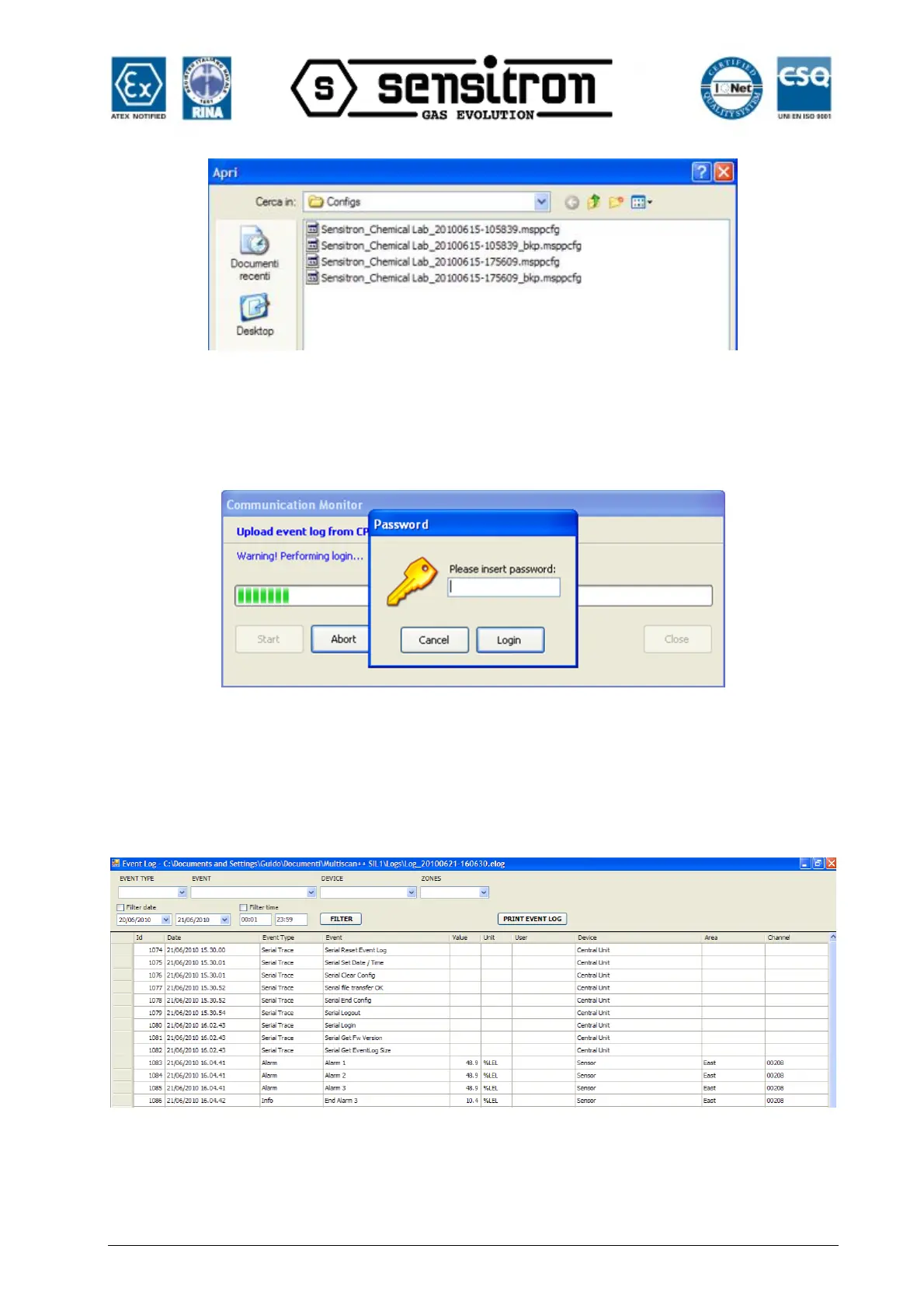
Fig. 4.4.4 h) Open an existent system file
“Up Load Event Log from CPU” lets you upload the event log file from the CPU.
Fig. 4.4.4 i) Upload event log file
After entering the password, the event log file starts uploading and this operation may
take up to one minute. When uploaded, in addition to being automatically saved in the
PC default folder: c:\Documents and settings \ user \ Documents \ MULTISCAN++S1 \
Logs, events are also displayed in the specific window.
Fig. 4.4.4.l) Event log window



 To Next Page