MT3401E.doc rev.0 21/05/13 Pagina 59 di 86
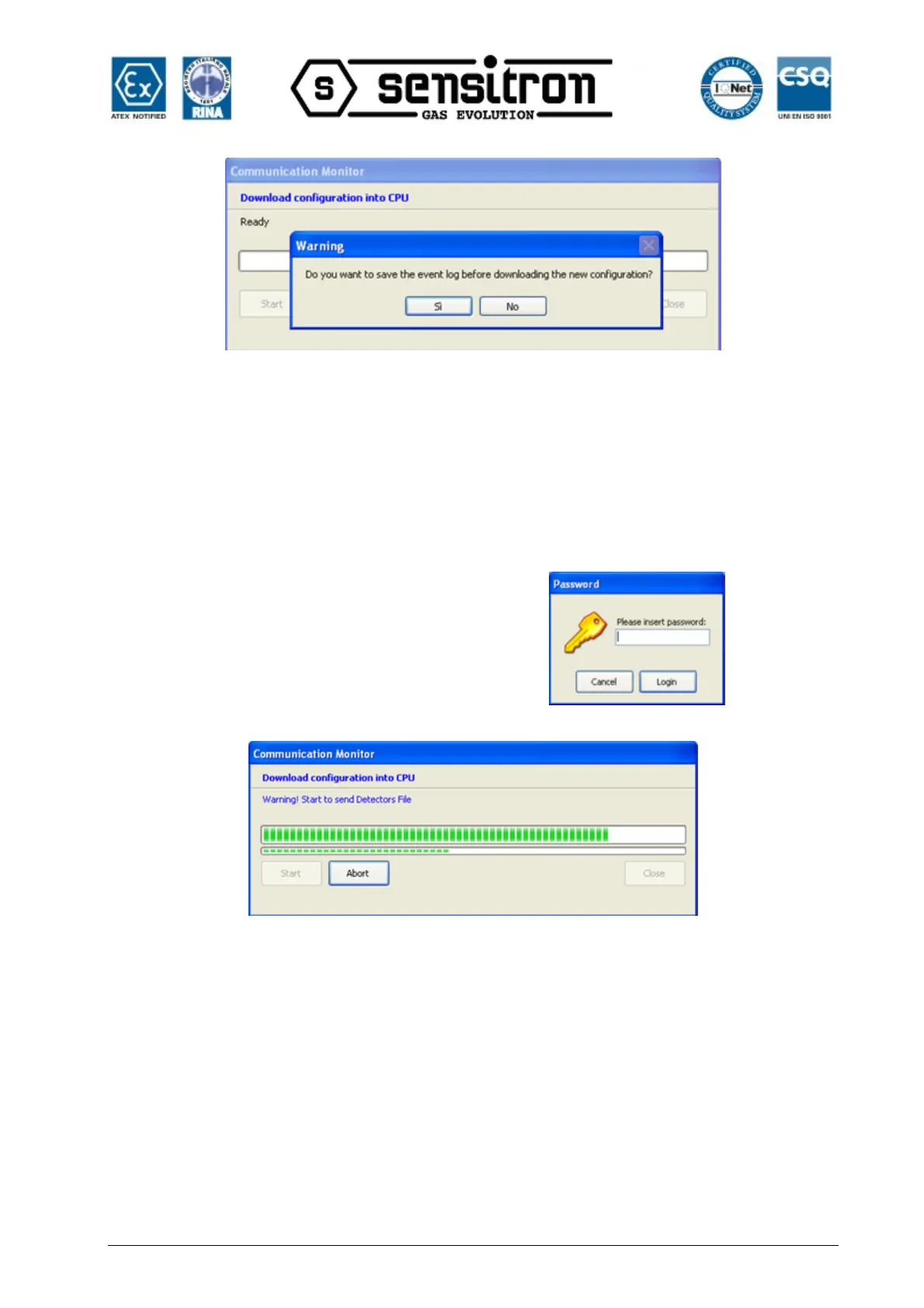
Fig. 4.4.4 f) Save control panel event log request message
Before starting the data upload and download procedure, a warning message appears
asking if you want to save the control panel event log. When a new configuration is
downloaded with different data (new gas detectors, zones and system modules, new
users, etc.) the control panel event log may no longer be real. Thus, we suggest you
save the control panel event log on the PC by clicking Yes.
The control panel serial password is
required. Next click Login.
If the password is correct, data download
starts and a progress bar appears.
Fig. 4.4.4 g) Data download to the CPU
“Upload Configuration from CPU” is the opposite procedure of data download. This
lets you upload the system file to the CPU (programming resident in the CPU). The
operating sequence is the same as the one for data download. See above.
When data is uploaded, the system file is automatically saved in the specific PC folder



 To Next Page