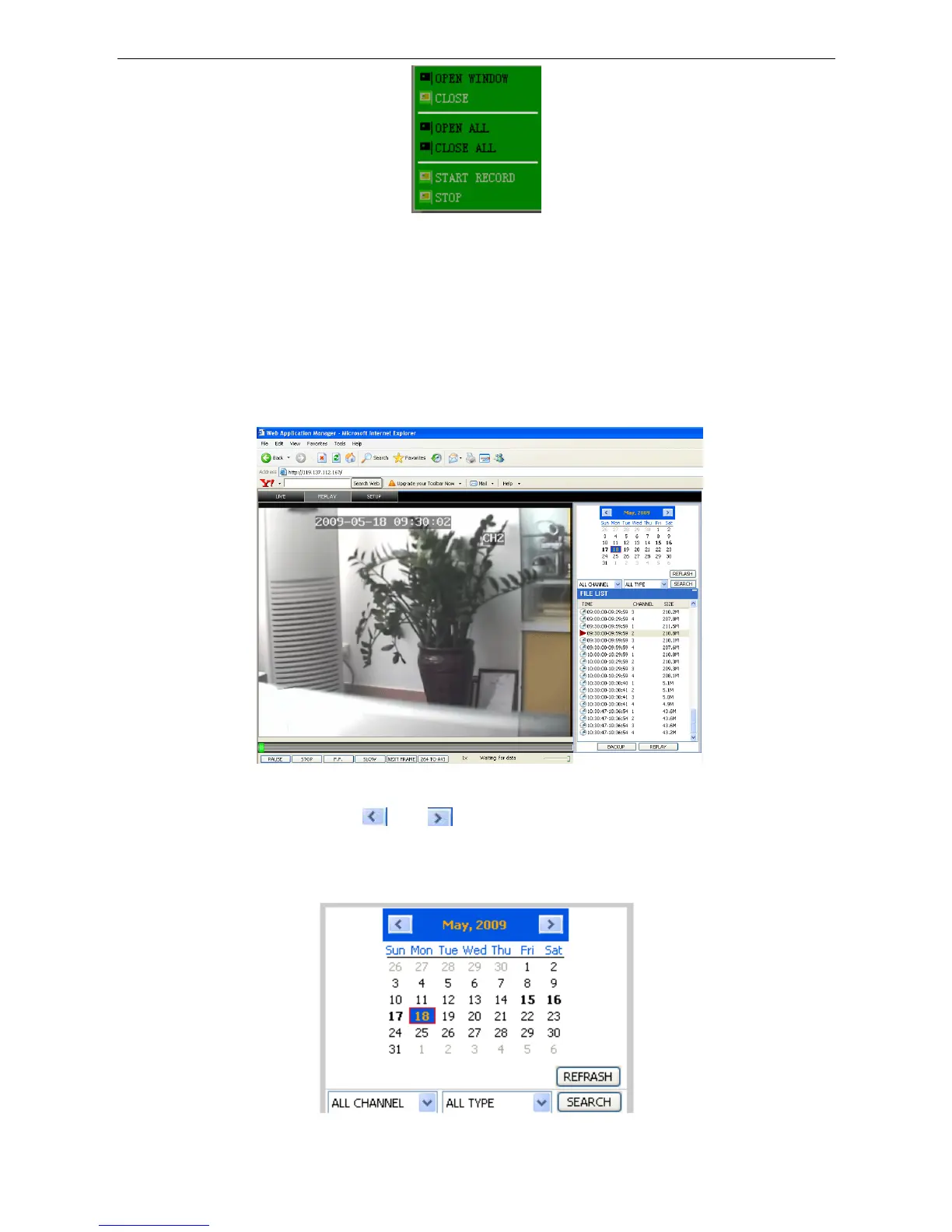
You can open, shut down and start this channel’s record function via the shortcut menu.
3. Click the right mouse button in the live view screen, click ”open all windows” or “close all windows”, to
quickly open/close all windows.
3.3.2 REPLAY
Click” REPLAY” to enter into the playback interface.
Click right in the calendar interface
and , to setup the month for searching;
Click ”REFRESH” on the calendar interface to display the recording information for the current month.
27


 To Next Page