PRO2 User Guide
Chapter 8: Using the Command Line Interface (CLI)
• 188
Command Access
Command Syntax
set banner <banner text>
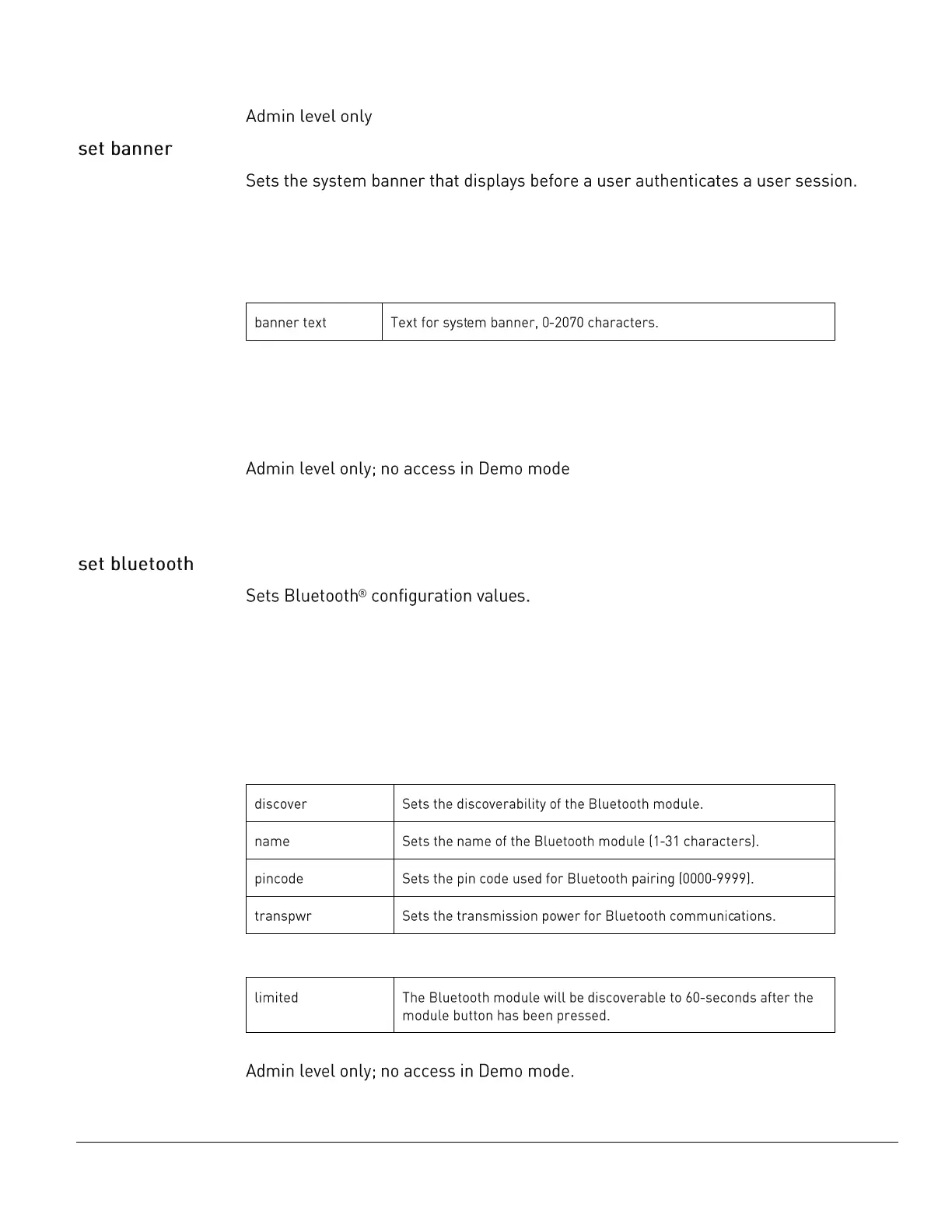
Parameters
The set banner command uses the following sub-parameters:
Usage Guidelines
• The banner accepts all printable ASCII characters, plus CRLF.
• CTL-Z terminates banner input.
Command Access
Command Syntax
set bluetooth [disabled | enabled]
set bluetooth discover [disabled | enabled | limited]
set bluetooth name <name>
set bluetooth pincode <value>
set bluetooth transpwr <value>
Parameters
The set bluetooth command uses the following parameters:
Sub-Parameters
The set bluetooth command uses the following sub-parameter:
Command Access



 To Next Page