PRO2 User Guide
Chapter 8: Using the Command Line Interface (CLI)
• 216
Command Syntax
set telnet [disabled | enabled]
set telnet port <port>
Parameters
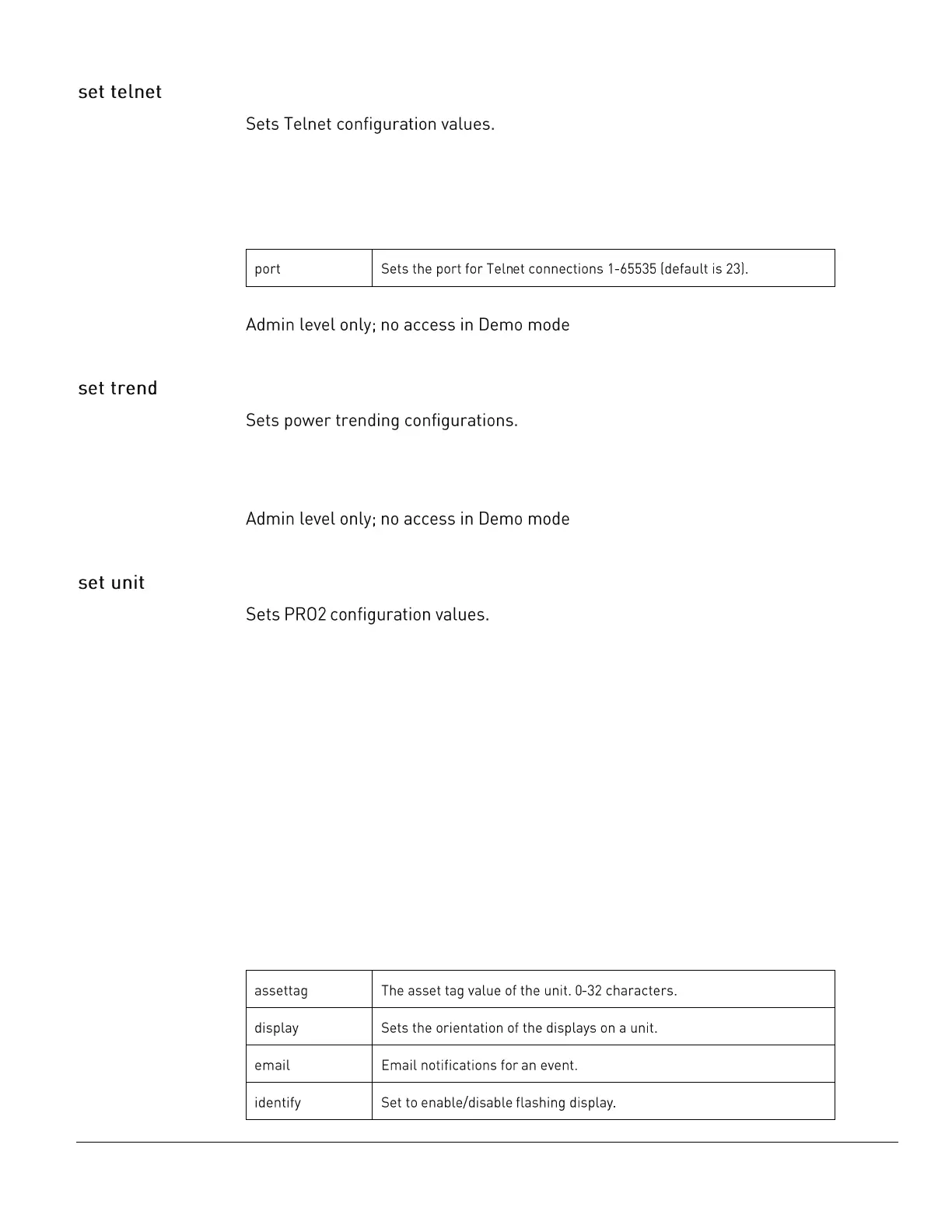
The set telnet command uses the following parameters:
Command Access
Command Syntax
set trend [disabled | enabled]
Command Access
Command Syntax
set unit assettag <name | id> <asset tag>
set unit display [auto | inverted | normal] <name | id | ALL>
set unit email [disabled | enabled] <name |id | ALL>
set unit identify [disabled | enabled] <name | id | ALL>
set unit name <name | id> <new name>
For Switched PRO2 products only:
set unit osequence [normal | reversed] <name | id | ALL>
set unit odisporder [normal | reversed] <name | id | ALL>
Confirmation required:
set unit purge <name | id | ALL>
set unit snmpt [disabled | enabled] <name | id | ALL>
Parameters
The set unit command uses the following parameters:



 To Next Page