SETTOPSURVEY, S.L. Bofarull 14, 08027 Barcelona (Spain) Phone: (+34) 93 340 05 73 Fax: (+34) 93 351 95 18 www.settopsurvey.com info@settopsurvey.com
37
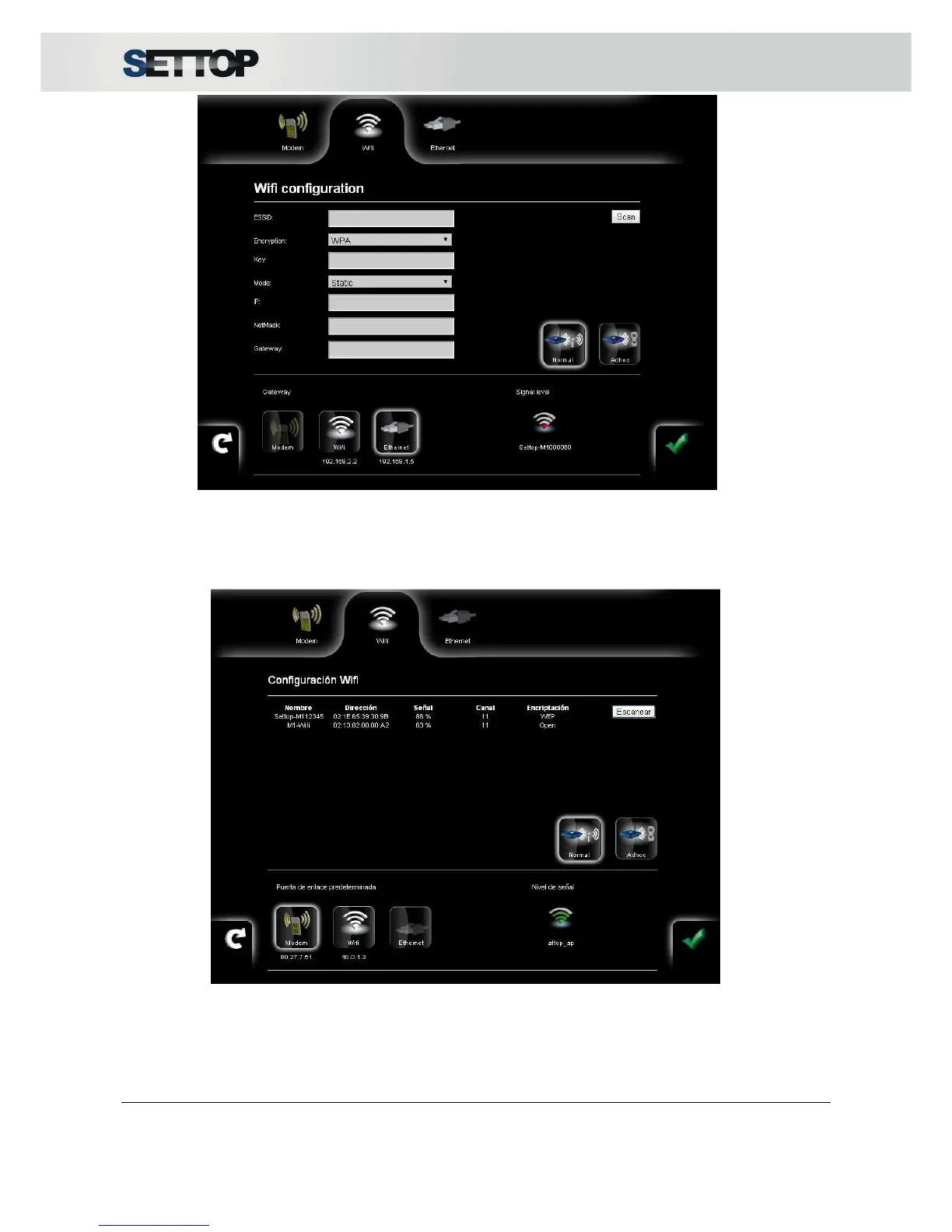
The Scan button tracks all available activated networks within reach of the Settop M1. All of these networks
appear in a list and you can select one by double clicking on it; it is then pre-set and you only need to
introduce the password.
The Back arrow allows you to return to the original set that you had before making changes.
The intensity of the wireless network signal is shown at four levels ranging from 0% (white) to 100% (blue) in
the horizontal top bar.



 To Next Page