SETTOPSURVEY, S.L. Bofarull 14, 08027 Barcelona (Spain) Phone: (+34) 93 340 05 73 Fax: (+34) 93 351 95 18 www.settopsurvey.com info@settopsurvey.com
48
know the precise coordinates, you can press the button Here to automatically enter the field coordinates
giving an accuracy of 1-2 meters (depending on the location, satellites number, etc). If could previously
connect to another base or caster and the receiver is in RTK Fixed, the accuracy will be better. The accuracy
of the base you set will be given by the received corrections.
To finish the setting, you must select the antenna type and height.
Pressing OK will accept the settings and the equipment will start to transmit on the frequency and format
selected in Radio tab. Automatically it will generate a caster offering RTCM and CMR+, to connect through
the Internet
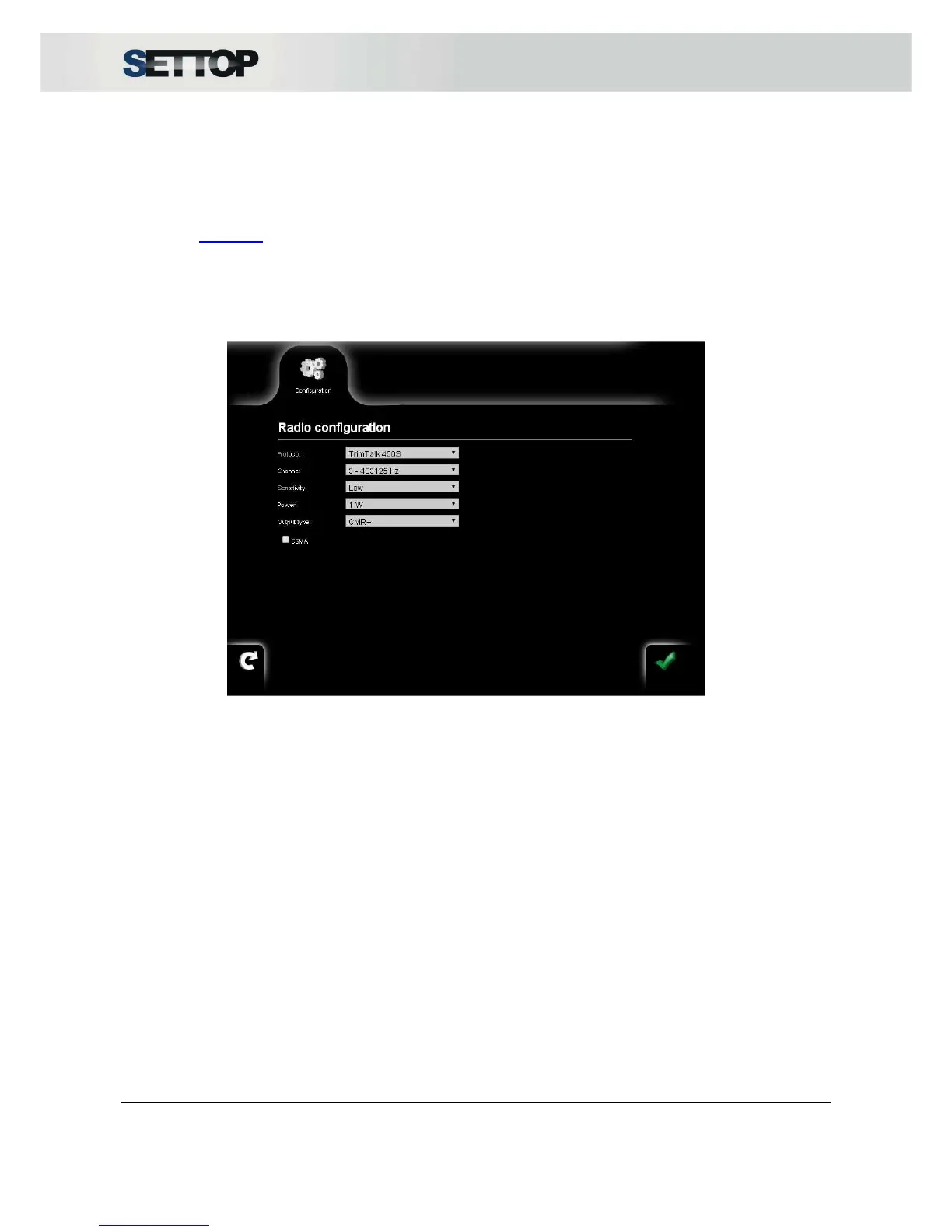
A very common Radio example:
•
Protocol: TrimTalk 450S
•
Sensitivity: Low
The channel and power depend on the environment in which the Settop M1 is to be located.
After setting up, base icon will appear in the top bar of the current configuration, with the number of satellites
being received at this time.



 To Next Page