DIGITAL WEIGHING INDICATOR
SI 4010
Input the units digit & the tens digit together (1,2,4,8,16,32)
Print Format Setting (Refer to Print Interface)
Format 2(Under F42, There is no division about continuous print or single print)
X.X.X.X.X.X.
(0.0.0.0.1.0)
You can set “EMPTY” Range.
Within set range, indicator will not display current weight and just display “Zero”.
“0.000” setting : When Net Zero, “Zero” status lamp and Near Zero relay will be
output.
“0.190” setting : Within 190, “Zero” Status lamp and Near Zero relay will be output.
SPAN Calibration Value Check
Span Calibration Value Check
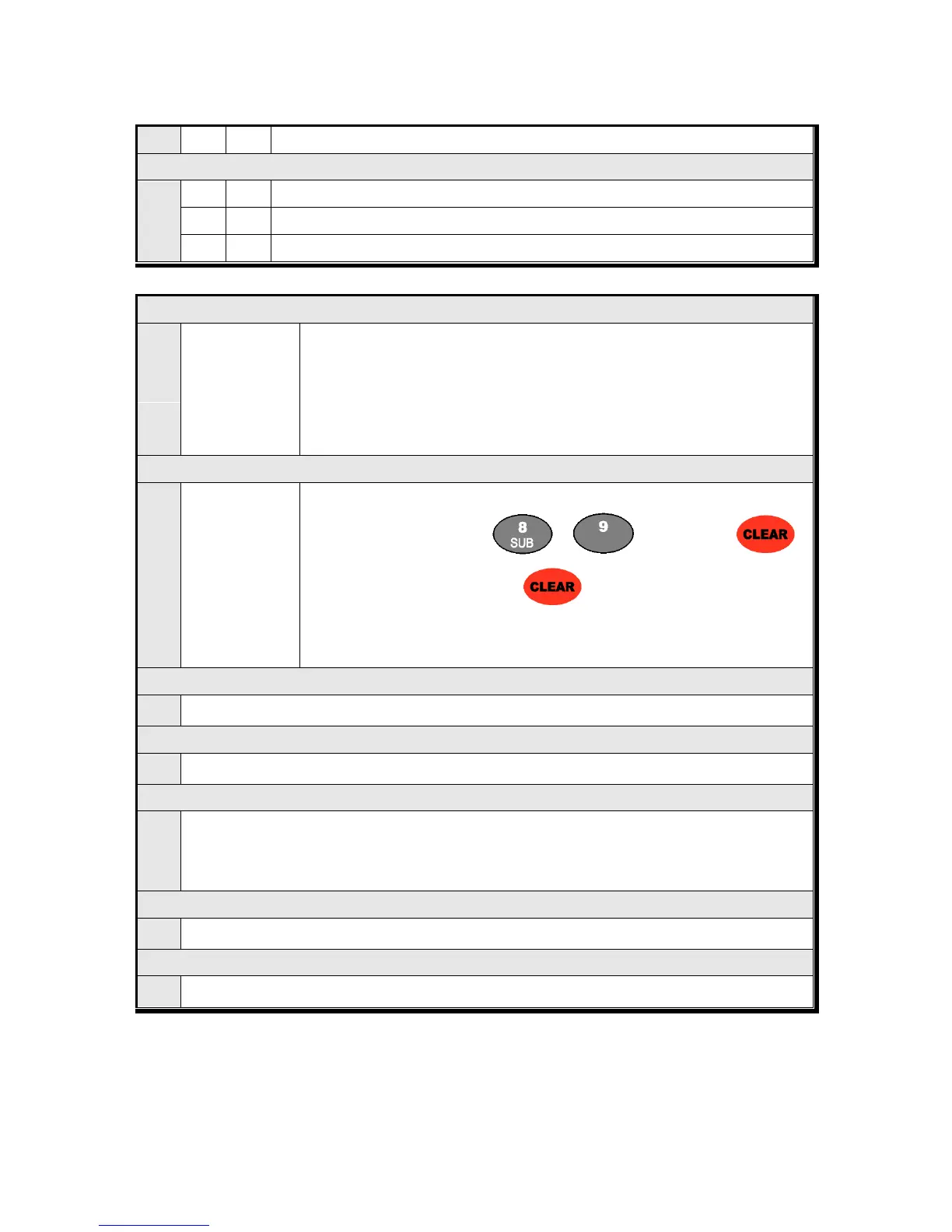
Under F-function mode, enter “ ”, “ ” key and press “ ”.
After checking the value and press “ ” to exit
※ If you have difficulty to process Calibration again, the best way to matching the
net weight and display weight is doing Calibration process once again.
Check Current DATE data or you can Change to new date
Check Current TIME data or you can Change to new date
SETUP Mode Password Key Setting / Change
How to set :” If “P-W” display, input the previous saved password . Then,
“1” display : input 4 numbers , “2” display : input the 4 numbers once more. (recheck the password)
Factory default set value: 0000 Please don’t forget your pass word.
Program & Hard ware Version Check
Check the Program & Hard ware version (H/W : X.XX, S/W : X.XX.X)
Check the Product’s Production Year and Month.


 To Next Page