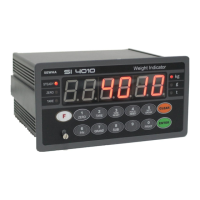
DIGITAL WEIGHING INDICATOR
SI 4010
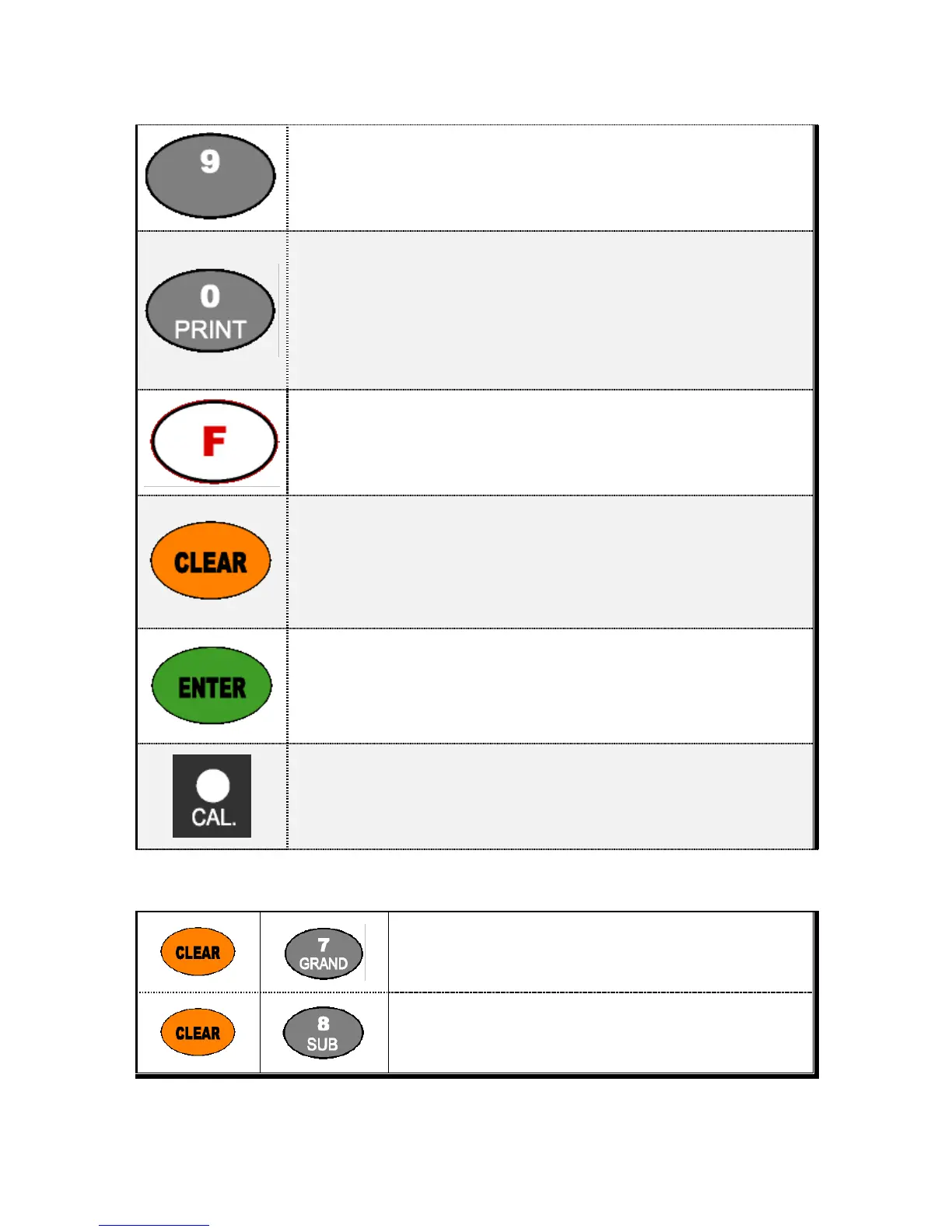
1. Manual Print
Whenever press this key, you can print out.
2. Calibration mode
- Digit setting : Whenever pressing “0”key, digit will be change 1, 2, 5, 10, and 50.
- Decimal point position : Whenever pressing “0”key, decimal point will be change.
※Decimal Point set will be done in the calibration mode.
1. Enter “F-Function / Test mode”
2. set the Function No, in F-Function mode.
1. Modify the set value during setting process.
2. Calibration mode - Move back to previous step.
3. F-function setting mode - Change F-function No.
F-function no.(number key) + Clear directly move to that F-function
4. Function key : Sub-total, Grand-total manual delete.
1. Save set value during setting process.
2. Calibration mode - Save current setting and move to next step.
3. F-Function mode- Save current F-function setting, and move to next F-function
Enter/Exit to “Calibration” mode.
First time press “CAL. Button”, enter the calibration mode.
And automatically exit, when calibration is finished.
※ Function Keys (Combined Key functions)
Delete “Gross-Total data”


 To Next Page