SI 480E DIN SIZE WEIGHING CONTROLER
5-3-2. Setting “Capacity of Load Cell”
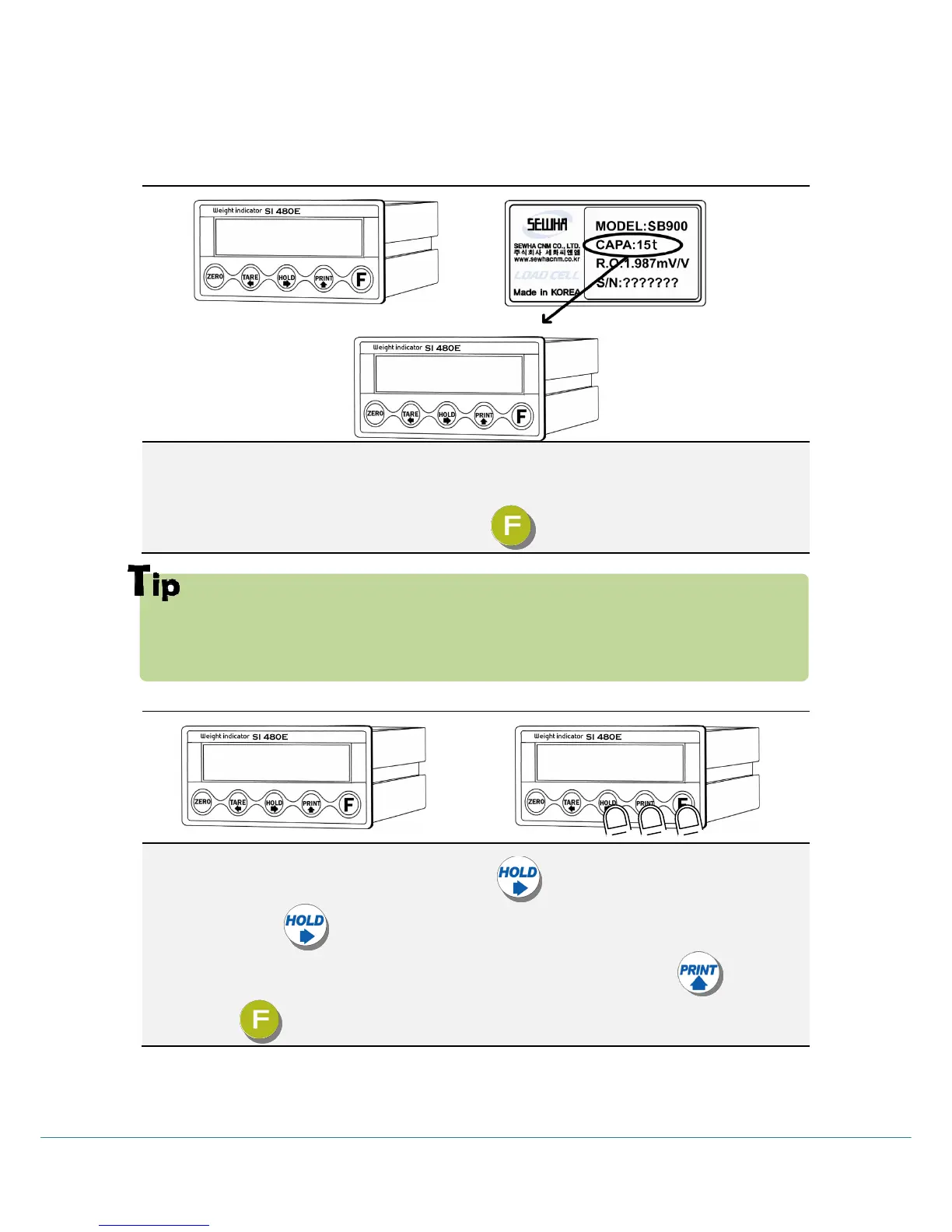
After “CAPA” displayed, Check Max. Capacity of Load cell.
(refer the load cell label, or Test Report)
Input the Max. Capacity of Load cell. And press key.
In case of plural piece of load cells are installed, Please make sum of each load cell’s capacity
and make setting with Max. Capacity.
EX) There are 4pcs of load cells, and each load cell’s Max. capa is1,000kg.
Then, total Max. Capacitywill be 4,000kg(1,000 x 4) and you have to input 4,000.
5-3-3. Setting “Digit / Division” value
After “DIVI” is displayed select Decimal point with key.
Whenever pressing key , decimal point will be changed.
Please stop at the optimal position. And select Division optimal division with key.
Finally press key to save and move to next step.



 To Next Page