SI 480E DIN SIZE WEIGHING CONTROLER
If input wrong value, there will display “BAD”, please
go back to
Setting “Capacity of Load Cell”.
After recheck the label of load cell and retry the
process.
After displaying “mV”, input Load cell Rated Output (mV), referring the load cell label. And press
key to save.
After finishing calculation, calculated “Span
value” will be display with “DONE”
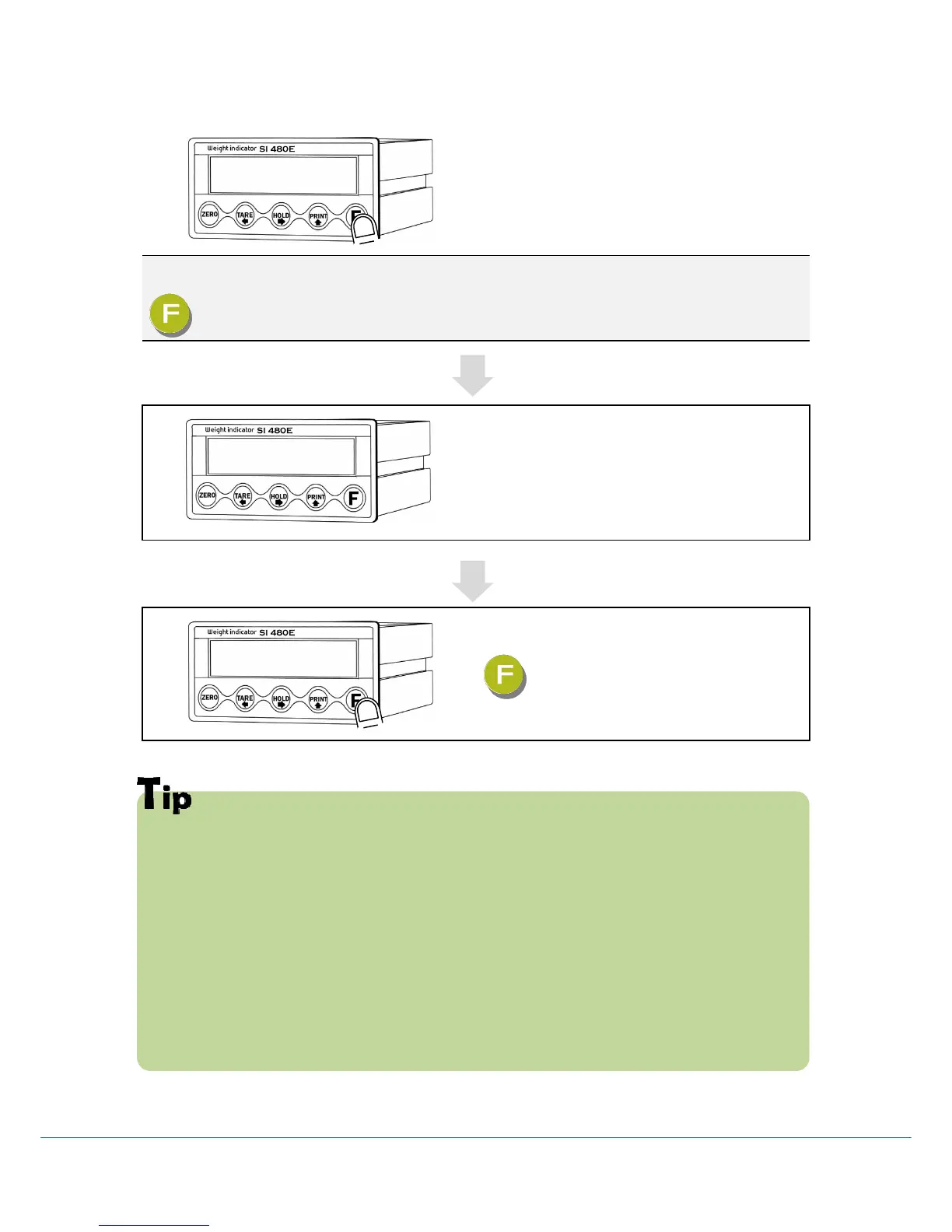
Now, the Simulation Calibration is done, press
key to complete the calibration process.
In case of plural piece of load cells are connected, the rated output will be
same as single load cell’s. (Because plural load cells are connected with parallel
connection, the sum of rated output voltage is same as single load cell’s rated
output)
※Due to some variation between “State output rate” and “Real Output rate” of
load cell, there might be some weight difference after finishing calibration.
If you want to make more precise weighing process, please measure real output
rate of load cell and input the measured value.
Then the weight measurement will be more precise than before.



 To Next Page