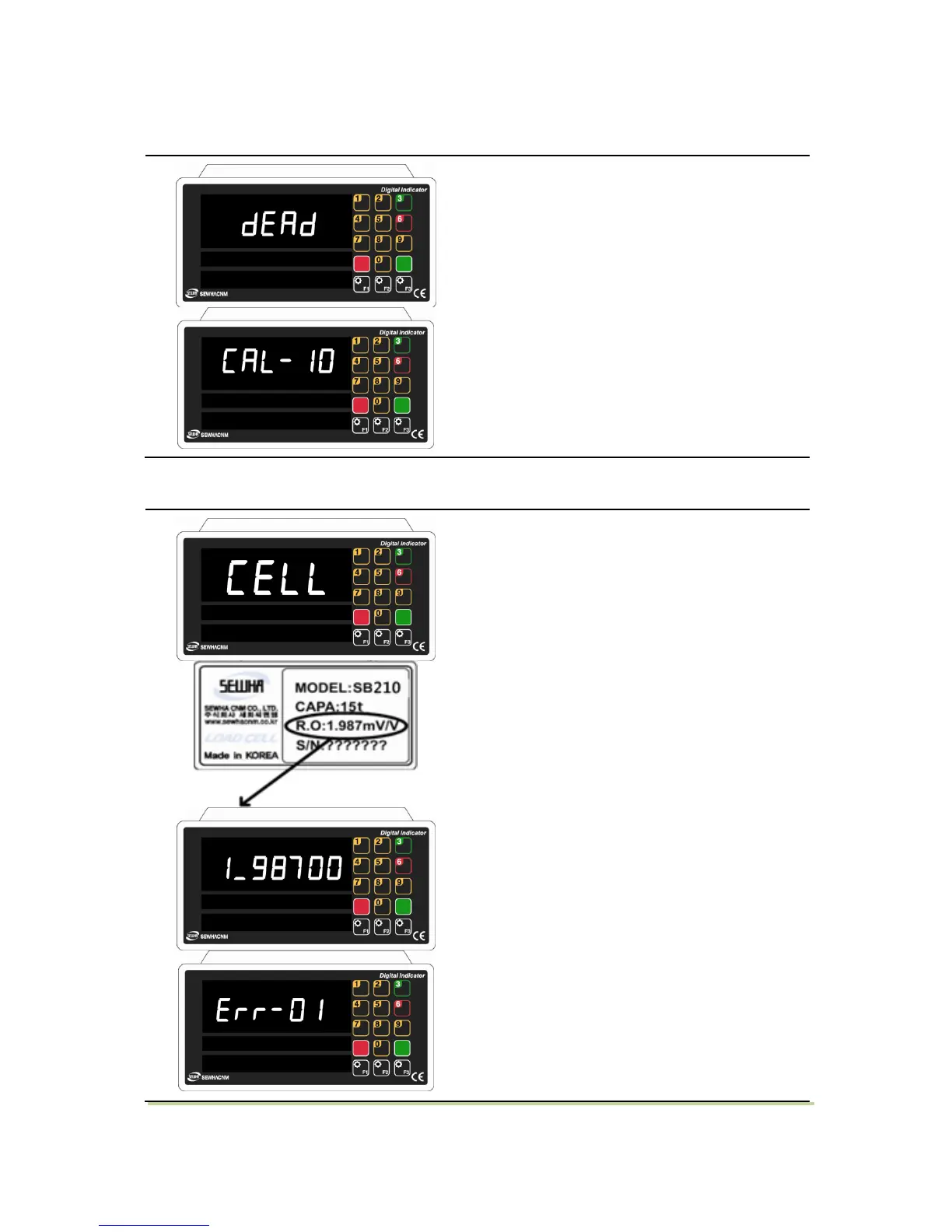
1) When "DEAD" displays, Press Enter key.
2) Then indicator will calculate dead weight of
scale part automatically. ( While this process,
there should be nothing on the scale part. )
1) After "mV/V" is dispalyed, Check the rated
output value of load cell. (Refer to the load
cell label, or test report). and press enter key
to save and move to next step.
2) Input the load cell R.O value.
3) If input wrong value, there will display “Err-
01”, please go back to Setting “Capacity of
Load Cell”. After recheck the label of load cell
and retry the process.


 To Next Page