EasyManua.ls Logo

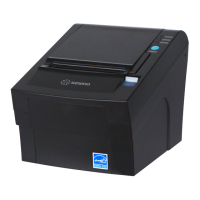
SEWOO LK-T210 - User Manual

SEWOO LK-T210
13 pages
Print Icon
To Next Page IconTo Next Page
Loading...
All specifications are subject to change without notice
Receipt Printer User’s Manual
MODEL : LK-T210
Rev. 1.0
SEWOO TECH CO.,LTD.
Doosung BD, 689-20, Geumjeong-dong, Gunpo-si, Gyeonggi-do, 435-862, Korea
TEL : +82-31-459-8200 FAX : +82-31-459-8880
www.miniprinter.com
Question and Answer IconNeed help?

Do you have a question about the SEWOO LK-T210 and is the answer not in the manual?

Summary

Parts Identification

Setting Up the Printer

Connecting Cables and Interfaces

Guides on connecting cables and details pin assignments for various interface types (Centronics, Serial, USB, Ethernet).

Loading the Roll Paper

Provides step-by-step instructions for loading roll paper, including notes on paper type and core.

Dip Switch Settings Configuration

Explains how to configure communication settings, print density, and baud rates using DIP switches.

DIP Switch Cover and Paper Jam Procedures

Details procedures for removing the DIP switch cover and releasing jammed paper from the cutter.

Control Panel and Self Test

Error Indicator Patterns

Describes the meaning of different LED patterns for printer status and errors.

Troubleshooting and Specifications

General Printer Specifications

Lists general specifications like printing method, speed, dot density, and paper size.

Electrical Characteristics

Covers input voltage, current consumption, and power connector details.
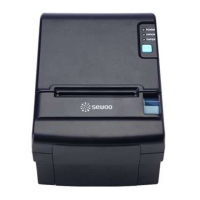
SEWOO LK-T210 Specifications

General IconGeneral
BrandSEWOO
ModelLK-T210
CategoryPrinter
LanguageEnglish

Related product manuals