7www.sharkclean.com
English
CAUTION:
To reduce the risk of shock, the
power cord must be disconnected
before removing or inserting the
dust bag.
Maintenance
Dust Bag Full Indicator:
The red dust bag full indicator may
turn on while you are vacuuming to
indicate that the dust bag is full and
needs to be replaced.
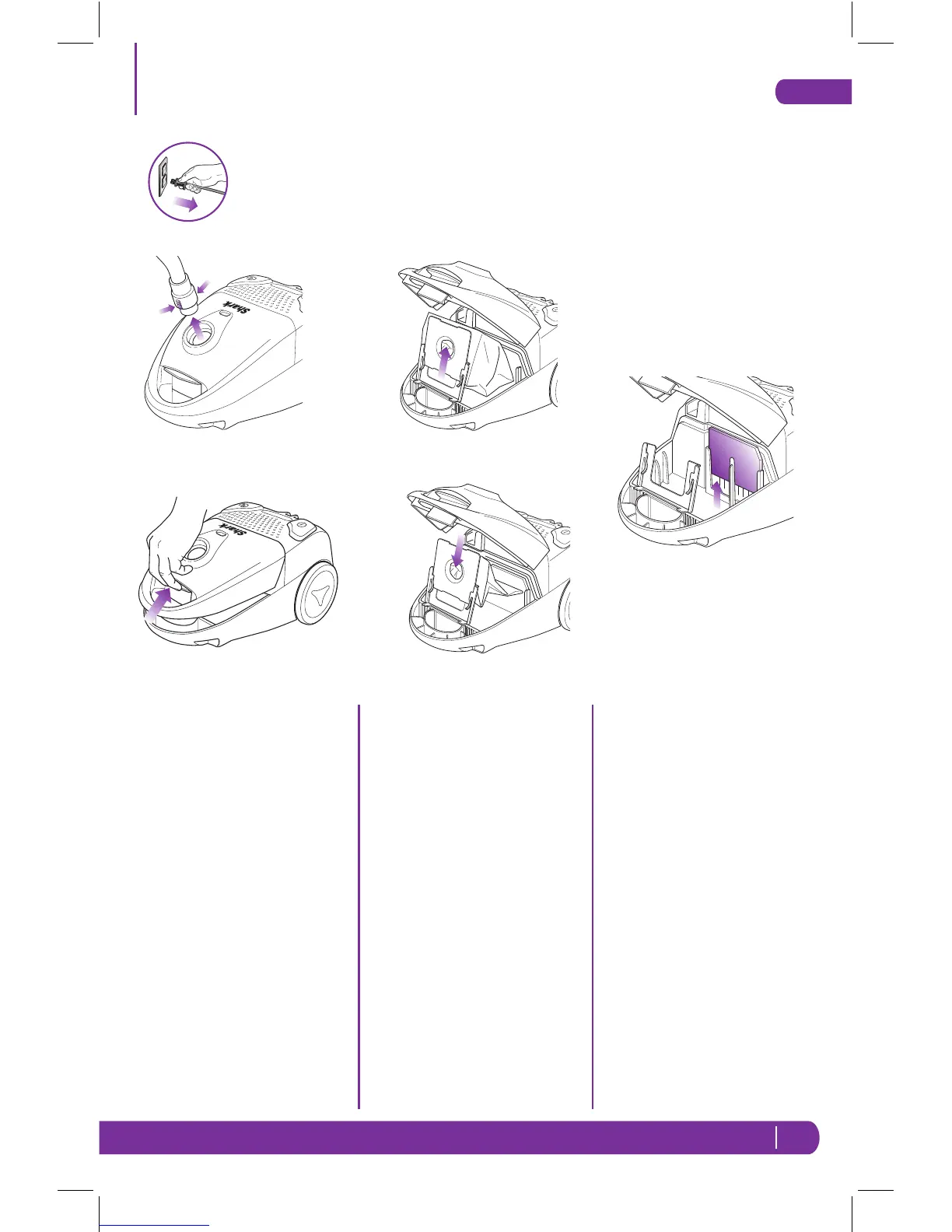
Replacing the Dust Bag:
1 Press the On/Off Button to the
“Off” position.
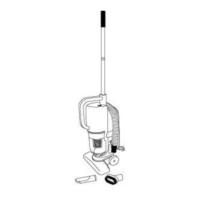
2 Remove the flexible hose from
the vacuum by squeezing the
locking tabs on the neck of the
hose and pulling it out. (Fig. 10)
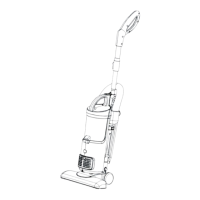
3 Place your fingers underneath
the opening indentation behind
the vacuum handle and lift the
top cover up. (Fig. 11)
4 Hold the cardboard collar of the
dust bag and gently pull the
dust bag out. (Fig. 12)
5 Holding the cardboard collar,
insert a new dust bag into
the slots of the dust bag
compartment. (Fig. 13)
6 Close the top cover of the
vacuum.
Cleaning the Pre-Motor Filter:
1 Press the On/Off Button to the
“Off” position.
2 Open the top cover and pull the
pre-motor filter straight out.
(Fig. 14)
3 Wash the filter in lukewarm
water and allow to air dry
completely for 24 hours.
4 Slide a dry pre-motor into
position between the two posts
and the motor intake.
To Reset the Motor Thermostat:
Your Shark
®
Quick Clean Canister
vacuum is equipped with a protective
Motor Thermostat. If the motor
should overheat, the thermostat
shuts off the power.
1 Press the Power Button to turn
the unit “Off”.
2 Unplug the vacuum.
3 Check for clogged hose or filter;
unclog hose and replace filter.
4 Wait 45 minutes for vacuum to
cool; then plug in the vacuum.
5 Press the Power Switch to start
the vacuum.
Note: If vacuum still does not start,
contact Customer Service at:
1-800-798-7398.
Fig. 10
Fig. 11
Fig. 12
Fig. 13
Fig. 14
EP780C_42_IB_ENG_FRE_110418_1.indd 7 11-04-19 9:15 AM



 To Next Page