What’s Included:
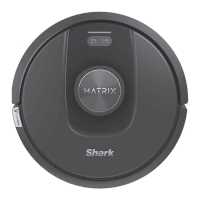
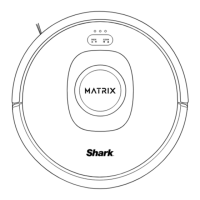
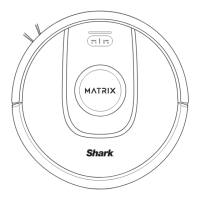
Robot
Self-Empty Base
Side Brush
Shark Matrix™ Plus robot
Bagless base holds dust and debris.
Moves debris into robot’s path.
1. Visit the app or sharkclean.com/support:
• Owner’s Guide • Troubleshooting
• How-To Videos • FAQs
• Tips & Tricks
2. For additional help, please scan the QR code
to visit the digital Owner’s Guide or call
1-888-228-5531 for robot support
Two Easy Steps If You’re Stuck: Maximize Your Robot Experience:
Tips and tricks for getting the most out of your robot.
• To manually turn ON/OFF your robot, hold down the
DOCK button for 5-7 seconds.
• Clear the area of cords and wires before each clean.
• Always place your robot on a level surface when
performing maintenance.
• Clean brushroll, charging contacts, and filter regularly.
© 2023 SharkNinja Operating LLC. SHARK and SHARKCLEAN are registered trademarks of SharkNinja Operating LLC.
SHARK MATRIX is a trademark of SharkNinja Operating LLC. APPLE and the Apple logo are trademarks of Apple Inc., registered
in the U.S. and other countries. APP STORE is a service mark of Apple Inc., registered in the U.S. and other countries. GOOGLE,
GOOGLE ASSISTANT, GOOGLE PLAY, the Google Play logo, and Android are trademarks of GOOGLE LLC.

 To Previous Page
 Loading...