Please be sure to read the enclosed Shark® Owner’s Guide prior to using your robot.
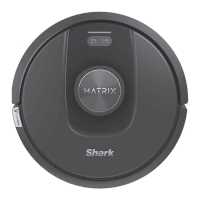
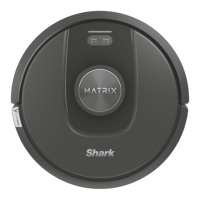
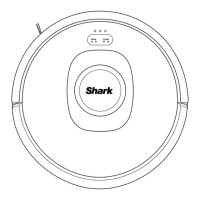
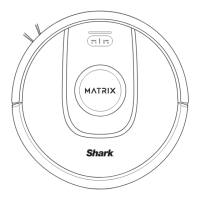
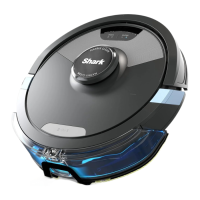
ROBOT
WHAT TO EXPECT
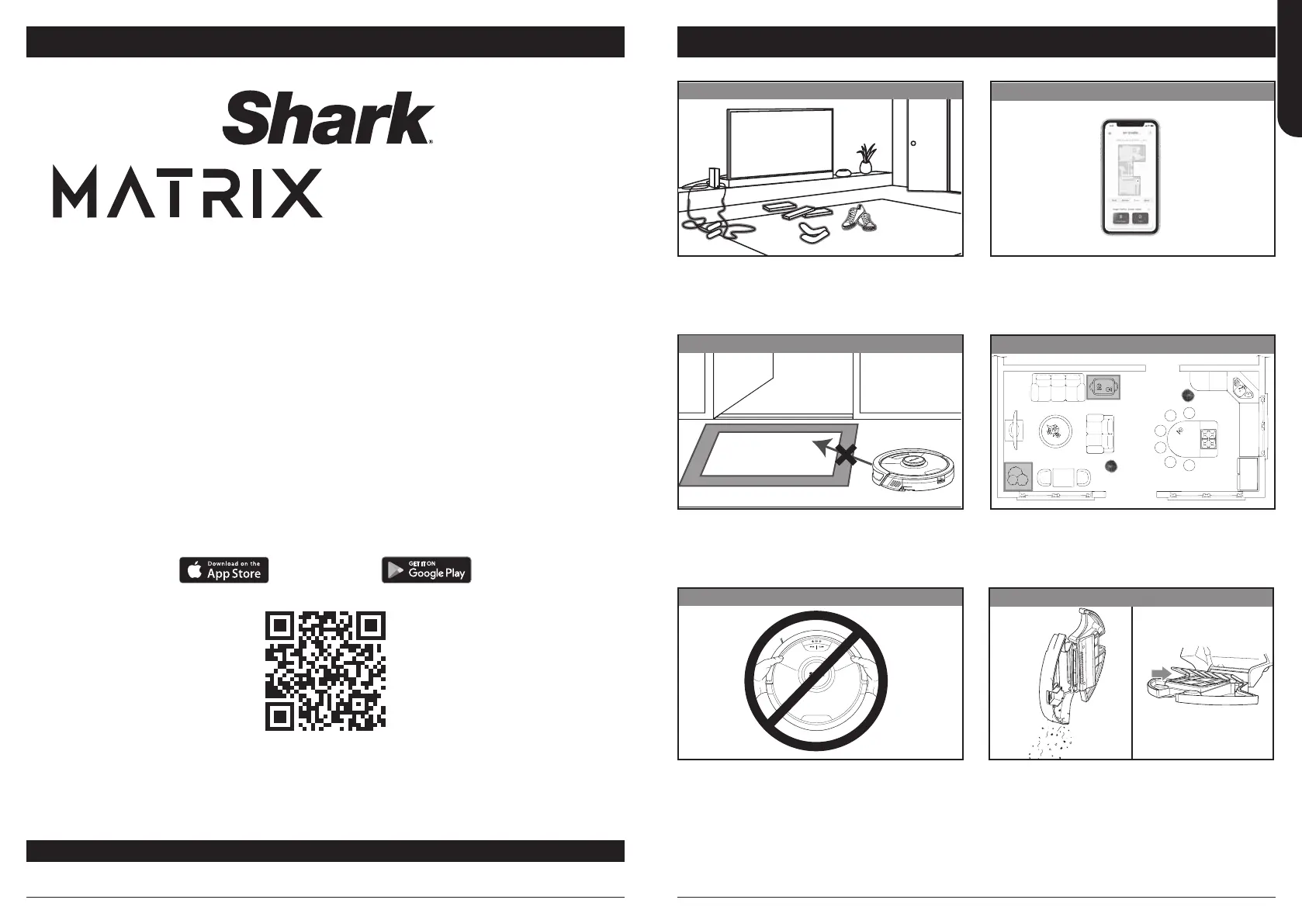
When your home map is set up, you can use the app
to identify carpets and rugs so the robot can avoid
them when it mops. If rugs are blocking your robot’s
path to another room in mopping mode, you may
need to move them.
Create no-go zones in the app to keep your robot
out of the areas you would like it to avoid:
• Near power cords or phone chargers.
• In front of high thresholds.
GETTING THE MOST OUT OF YOUR ROBOT
While your robot is cleaning, do not pick it up and
move it, or move the charging dock—this will impact
the robot’s ability to map your home.
During the first few weeks of use, the dust bin will
need to be emptied more frequently, as the robot
cleans areas that were previously hard to reach.
Empty debris and dust into trash. Remove any debris
between the filter and the plastic shield.
To get the best experience, download the SharkClean app and follow the tips below.
• For a constant state of clean, set up a whole-home
cleaning schedule in the app.
• Use the interactive home map for an even more
customizable clean.
• Before each clean, clear cords and remove small
objects like clothing or toys that are less than
11.5cm tall.
• Open interior doors in rooms you want your robot
to clean.
CARPET AVOIDANCE
NO-GO ZONES
AVOID MOVING THE ROBOT OR DOCK
EMPTYING THE DUST BIN
SCHEDULING AND INTERACTIVE MAP
PREP YOUR HOME
2-in-1
Please be sure to read the online Shark® Owner’s Guide prior to using your robot.
QUICK START GUIDE
DOWNLOAD THE SHARKCLEAN APP
Scan QR code with your
phone’s camera to quickly find
and download the app
sharkclean.eusharkclean.eu
ENGLISH
END-USER LICENSE AGREEMENT FOR SHARKNINJA SOFTWARE
SharkClean.co.uk/EULA




 To Next Page