PRINTED IN MEXICO Elbrd: J.E.
SC: 04-30-2024_2P SHNMDL: UR2410WBUS_B OBPN: N/A
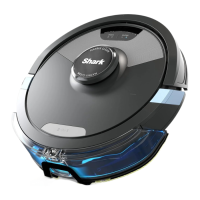
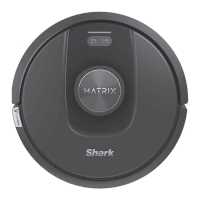
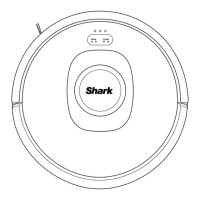
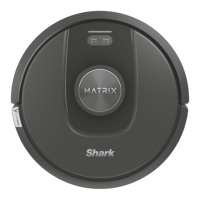
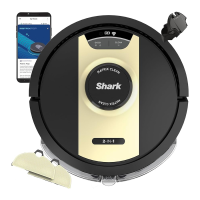
• The image shown here is for illustrative purposes only and may be subject to change.
• Accessory type and quantity may vary depending on the model.
Shark
M AT RIX 2-in-l ROBOT
QUICK START GUIDE
Robot Setup:
O
Set Up Dock + Landing Mat
• Remove protective film from robot and dock.
• Place dock in a spot with a strong Wi-Fi signal.
Attach Side Brush
Note: Side brush design may vary.
O
Place Robot on Dock
• Robot will turn on when properly placed on dock.
• Blue LED light on the dock indicates robot is charging.
1 ft.
2 ft.
O
1 ft.
Side Brush
O
O
Scan the QR code to download the SharkClean@ app.
• Complete your robot setup process in the app and learn
about mopping mode.
• To get the best cleaning performance from your robot, we
recommend downloading the latest version of the SharkClean@ app.
1
App Features
Mapping
Scheduling
No-Go Zones
s/ Carpet Zones
Spot Cleaning
Download on the
App Store
GET IT ON
Google Play
• The image shown here is for illustrative purposes only and may be subject to change.

 Need help?
 General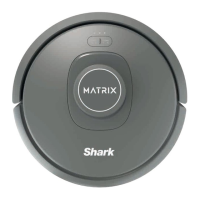



 To Next Page