PRINTED IN MEXICO Elbrd: J.E.
SC: 04-30-2024_2P SHNMDL: UR2410WBUS_B OBPN: N/A
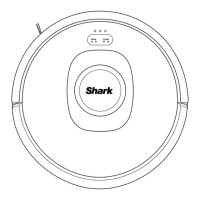
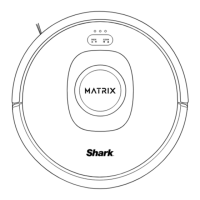
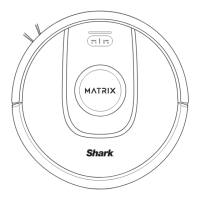
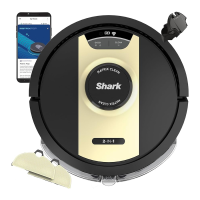
• The image shown here is for illustrative purposes only and may be subject to change.
• Accessory type and quantity may vary depending on the model.
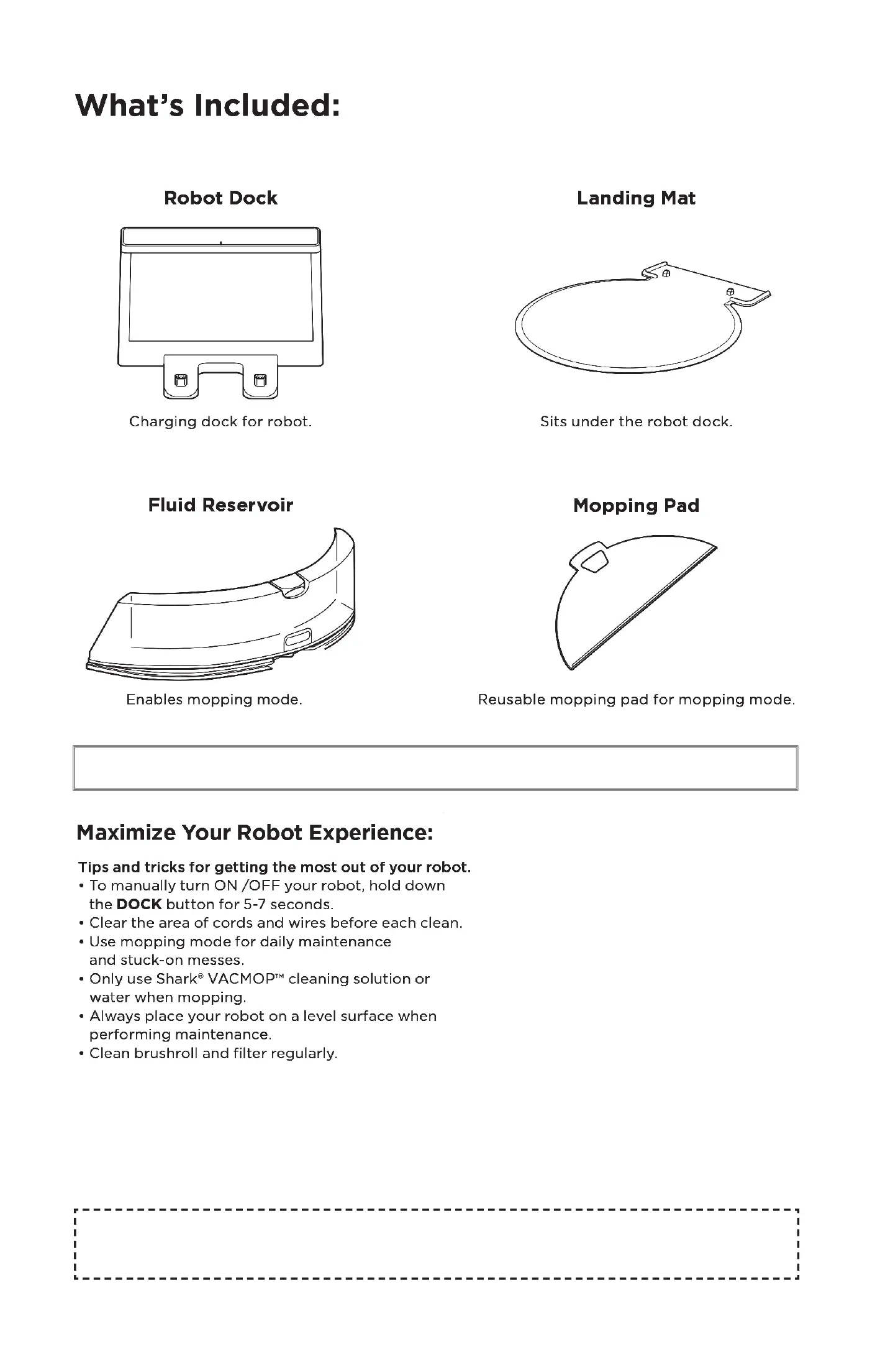
What's Included:
Robot Dock
Charging dock for robot.
Fluid Reservoir
Enables mopping mode.
Landing Mat
Sits under the robot dock.
Mopping Pad
Reusable mopping pad for mopping mode.
• Accessory type and quantity may vary depending on the model.
Maximize Your Robot Experience:
Tips and tricks for getting the most out of your robot.
• To manually turn ON /OFF your robot, hold down
the DOCK button for 5-7 seconds.
• Clear the area of cords and wires before each clean.
• Use mopping mode for daily maintenance
and stuck-on messes.
• Only use Shark@ VACMOPTM cleaning solution or
water when mopping.
• Always place your robot on a level surface when
performing maintenance.
• Clean brushroll and filter regularly.
PRINTED IN MEXICO Elbrd: J.E.
SC: 04-30-2024 2P SHNMDL: UR2410WBUS B
814000212 :
OBPN: N/A




 To Next Page