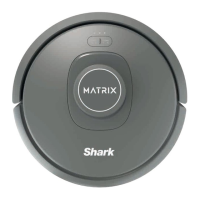
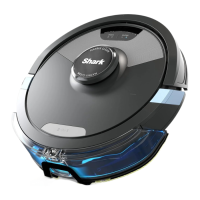
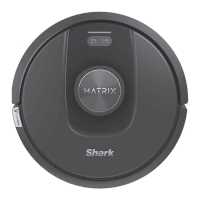
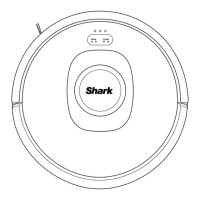
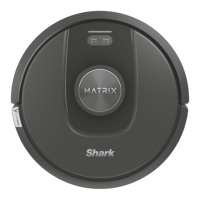
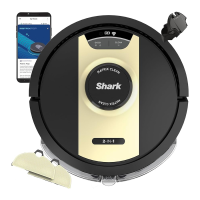
• The image shown here is for illustrative purposes only and may be subject to change.
REFURBISHED PRODUCT LIMITED NINETY
Refurbished Product Service Center
lowing WARRANTY to the ORIGINAL purchaser of a product
which we have refurbished.
This product that has been refurbished is warranted against
any electronic or mechanical defects for a period of NINETY
DAYS from the date of the original purchase by the consumer.
Since this unit was sold as a refurbished item, the warranty
does not apply to any cosmetic appearance items such as
scratches. Should a defect occur, the
Center
Service
Center
Service
will repair or, at its option, replace defective
rebuilt materials without charge for either
parts or labor. Replacement unit/parts will be warranted for the
remaining portion of the original warranty period.
This warranty does not cover installation or damage from acci-
dent, misuse, abuse, improper wiring, incorrect voltage, oper-
the unit against the instructions in the owner’s manual
or any product which has been opened, altered, or tampered
This warranty does not cover costs for removal and or instal-
lation of the unit for repair. Under no circumstances shall the
service center be liable for any special, incidental or con-
sequential damages or for any other expenses incurred by
reason of use or sale of this product. This warranty is in lieu
of any other warranties expressed or implied warranty of mer-
chantability of fi tness for particular use or otherwise.
This warranty gives the consumer specifi c legal rights and
they may also have other rights which vary from State to State.
Some States do not follow the exclusion or limitation of inciden-
consequential damages, hence the above exclusion and
limitations may not apply.
Refurbished Product Service Center
13225 Marquardt Avenue Santa Fe Springs, CA 90670.
If you need service on your unit and this product requires
repair during the 90 days warranty period; please go to
www.ConsumerServiceRefurbish.com
Refurbished
Product Service Center
Refurbished
Product Service Center at 562-946-3531 Product Service Center
to obtain the required return authorization (RA) number.
Pack the unit properly (the original carton is ideal for this
purpose) along with a copy of your purchase receipt and
a letter describing the problem. Send the unit freight pre-
Refurbished Product Service Center,
Att: Customer Service Department 13225 Marquardt Avenue
Santa Fe Springs, CA 90670
Your unit will be promptly repaired and returned to you.
We will refuse to accept delivery of the returned unit unless
the assigned RA number appears on the outside of the ship-
(Keep for your permanent records)
WARRANTY REPAIR INFORMATION
20.
21.
22.
23.
24.
25.
26.
27.
28.
29.
30.
31.
32.
33.
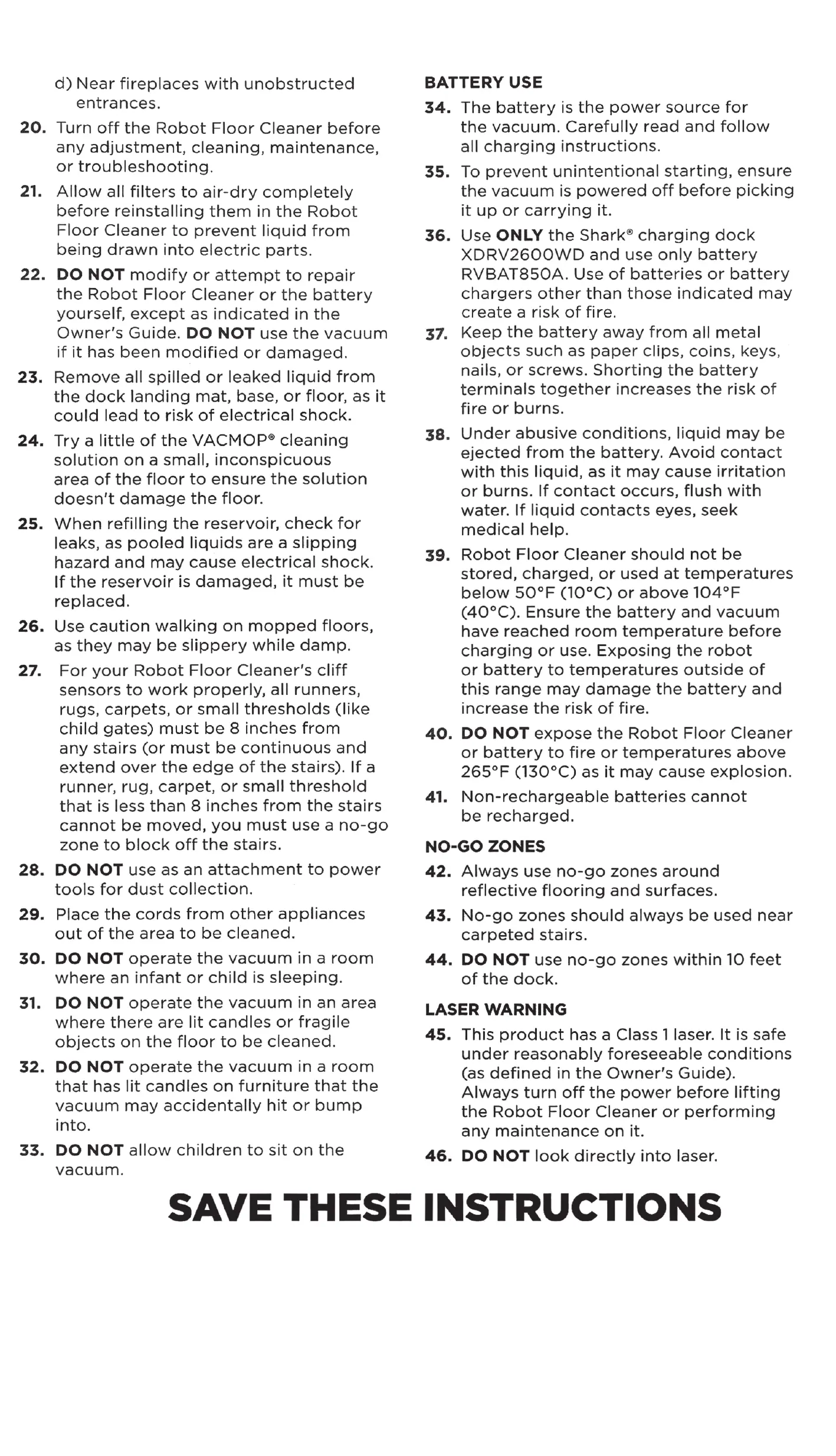
d) Near fireplaces with unobstructed
entrances.
Turn off the Robot Floor Cleaner before
any adjustment, cleaning, maintenance,
or troubleshooting.
Allow all filters to air-dry completely
before reinstalling them in the Robot
Floor Cleaner to prevent liquid from
being drawn into electric parts.
DO NOT modify or attempt to repair
the Robot Floor Cleaner or the battery
yourself, except as indicated in the
Owner's Guide. DO NOT use the vacuum
if it has been modified or damaged.
Remove all spilled or leaked liquid from
the dock landing mat, base, or floor, as it
could lead to risk of electrical shock.
Try a little of the VACMOP@ cleaning
solution on a small, inconspicuous
area of the floor to ensure the solution
doesn't damage the floor.
When refilling the reservoir, check for
leaks, as pooled liquids are a slipping
hazard and may cause electrical shock.
If the reservoir is damaged, it must be
replaced.
Use caution walking on mopped floors,
as they may be slippery while damp.
For your Robot Floor Cleaner's cliff
sensors to work properly, all runners,
rugs, carpets, or small thresholds (like
child gates) must be 8 inches from
any stairs (or must be continuous and
extend over the edge of the stairs). If a
runner, rug, carpet, or small threshold
that is less than 8 inches from the stairs
cannot be moved, you must use a no-go
zone to block off the stairs.
DO NOT use as an attachment to power
tools for dust collection.
Place the cords from other appliances
out of the area to be cleaned.
DO NOT operate the vacuum in a room
where an infant or child is sleeping.
DO NOT operate the vacuum in an area
where there are lit candles or fragile
objects on the floor to be cleaned.
DO NOT operate the vacuum in a room
that has lit candles on furniture that the
vacuum may accidentally hit or bump
into.
DO NOT allow children to sit on the
vacuum.
BATTERY USE
The battery is the power source for
34.
the vacuum. Carefully read and follow
all charging instructions.
To prevent unintentional starting, ensure
35.
the vacuum is powered off before picking
it up or carrying it.
Use ONLY the Shark@ charging dock
36.
XDRV2600WD and use only battery
RVBAT850A. Use of batteries or battery
chargers other than those indicated may
create a risk of fire.
Keep the battery away from all metal
37.
objects such as paper clips, coins, keys,
nails, or screws. Shorting the battery
terminals together increases the risk of
fire or burns.
Under abusive conditions, liquid may be
38.
ejected from the battery. Avoid contact
with this liquid, as it may cause irritation
or burns. If contact occurs, flush with
water. If liquid contacts eyes, seek
medical help.
Robot Floor Cleaner should not be
39.
stored, charged, or used at temperatures
below 500F (IOOC) or above 1040F
(400C). Ensure the battery and vacuum
have reached room temperature before
charging or use. Exposing the robot
or battery to temperatures outside of
this range may damage the battery and
increase the risk of fire.
DO NOT expose the Robot Floor Cleaner
40.
or battery to fire or temperatures above
2650F (1300C) as it may cause explosion.
Non-rechargeable batteries cannot
41.
be recharged.
NO-GO ZONES
Always use no-go zones around
42.
reflective flooring and surfaces.
No-go zones should always be used near
43.
carpeted stairs.
DO NOT use no-go zones within 10 feet
44.
of the dock.
LASER WARNING
45. This product has a Class 1 laser. It is safe
under reasonably foreseeable conditions
(as defined in the Owner's Guide).
Always turn off the power before lifting
the Robot Floor Cleaner or performing
any maintenance on it.
46. DO NOT look directly into laser.
SAVE THESE INSTRUCTIONS
• The image shown here is for illustrative purposes only and may be subject to change.


 To Next Page
 Loading...