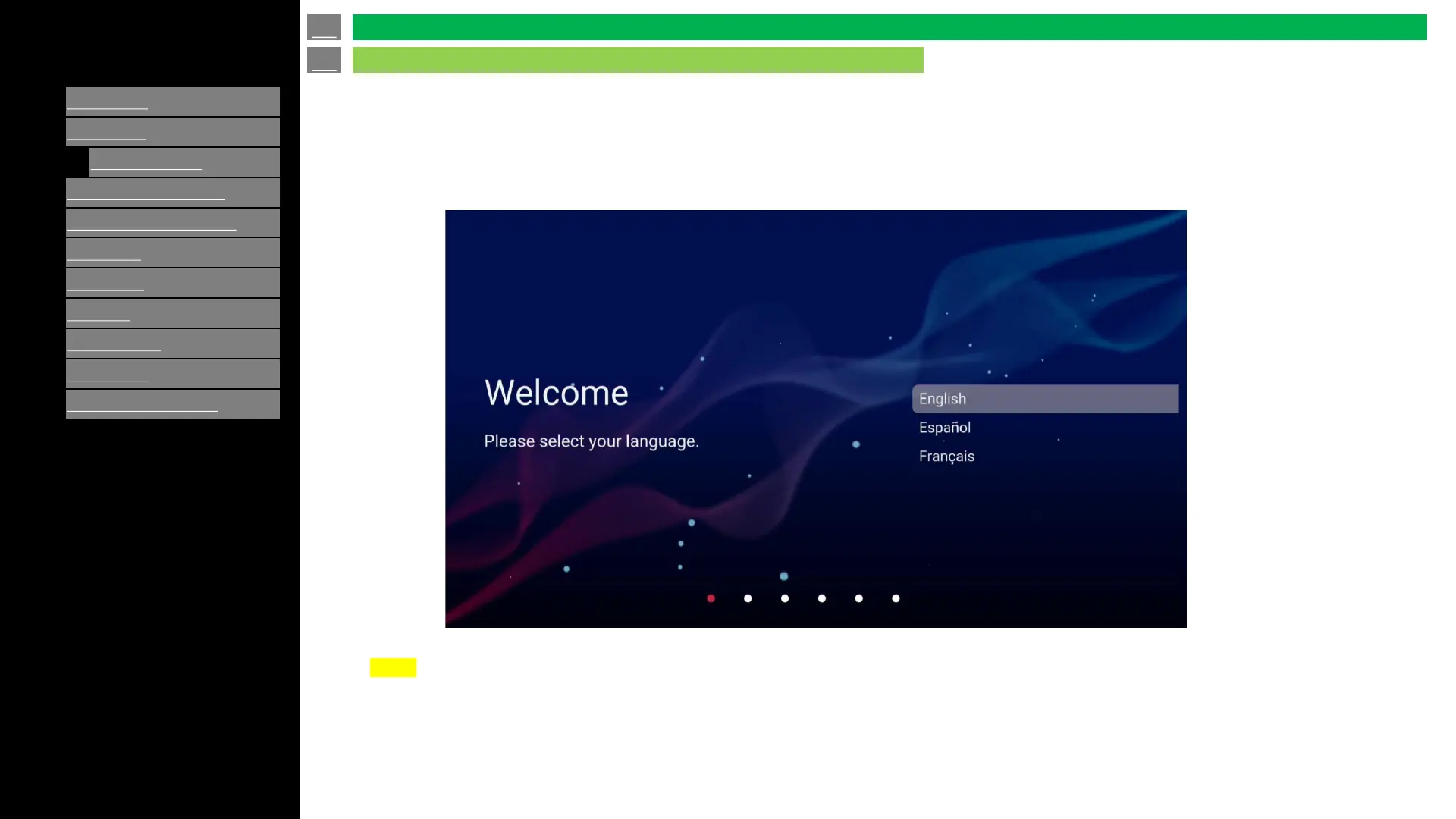
Operation after first power-on
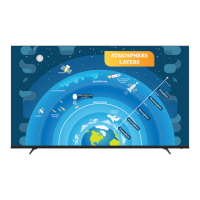
When the monitor is turned on for the first time after being shipped from the factory, the Initial Setup screen will be displayed.
NOTE
• You can change the TV configuration after finishing the Initial Setup by using "SETTINGS" on Menu.
• Regarding password of display, these are set as default as below;
System password: 1234
Public mode password : 027
You can also change these password from “MENU” after initial setup.
en-US 11
Introduction
Initial Installation



 To Next Page