EasyManua.ls Logo

Sharp AQUOS 4P-B65EJ2U - Page 23

Sharp AQUOS 4P-B65EJ2U
67 pages
Print Icon
To Next Page IconTo Next Page
To Previous Page IconTo Previous Page
Loading...
[ENGLISH]
Contents
Ver. 1.0.0
>>
<<
1.
Part Names
2.
Introduction
3.
Direct Button Operation
4.
On
-Screen Display Menu
1.
Introduction
2.
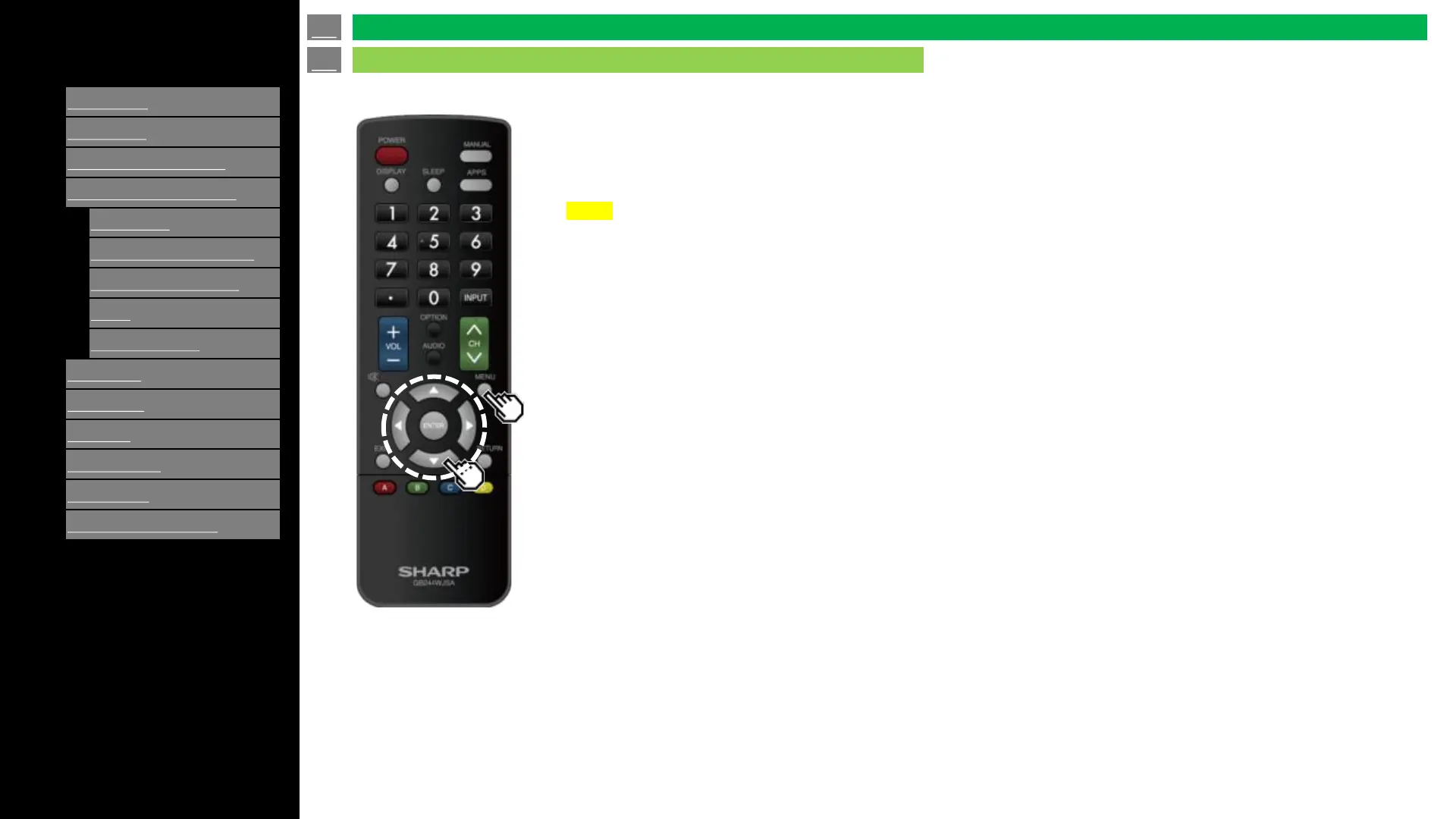
Menu Operation Buttons
3.
Video / Audio Settings
4.
Setup
5.
Parental Control
5.
Application
6.
Using a PC
7.
Appendix
8.
Specifications
9.
Trademarks
10.
Dimensional Drawings
About Menu Items
Some menu items may not be displayed depending on the selected input source.
NOTE
The screens in the operation manual are for explanation purposes (some are enlarged, others
cropped) and may vary slightly from the actual screens.
The order of explanations for each menu item in the following pages is not necessarily in accordance
with the alignment of the items on the screen.
en-US 22
Introduction (Continue)
On-Screen Display Menu


Related product manuals