Ver. 1.0.0
>>
<<
• To launch Web-browser press “APPS” on remote control -> select “OPEN BROWSER” and press ENTER.
• Go to the Browser homepage. You may see there are some apps to choose.
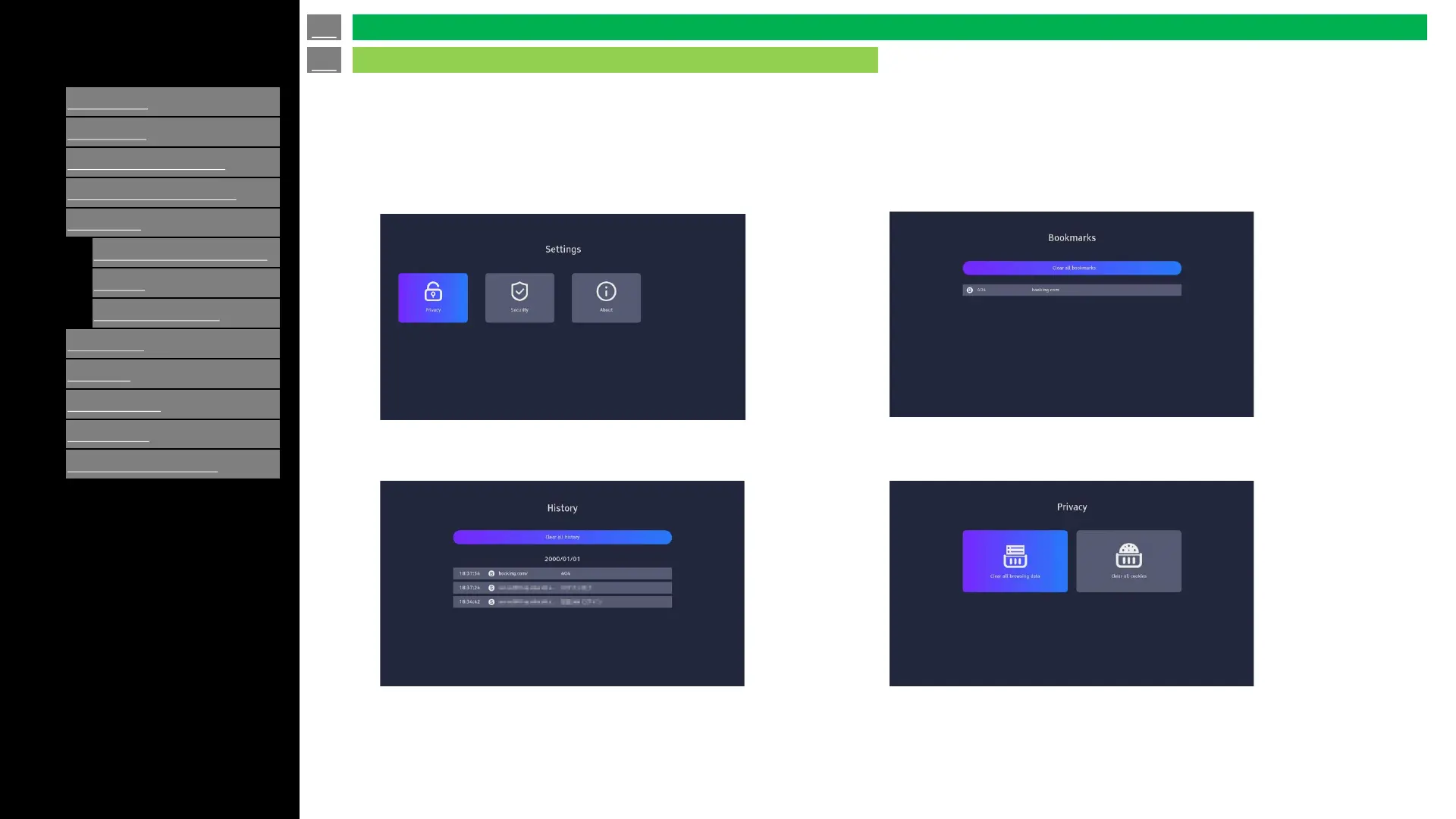
Press the Settings icon in the upper right corner of the screen to
enter the Settings page.
History: View previously visited pages.
Bookmarks: Saved favorite pages.
Privacy: Clear cached data.
en-US 48
Application (Using the Internet)
OPEN BROWSER




 To Next Page