EasyManua.ls Logo

Sharp Aquos LC-40LE820X - User Manual

Sharp Aquos LC-40LE820X
78 pages
Print Icon
To Next Page IconTo Next Page
Loading...
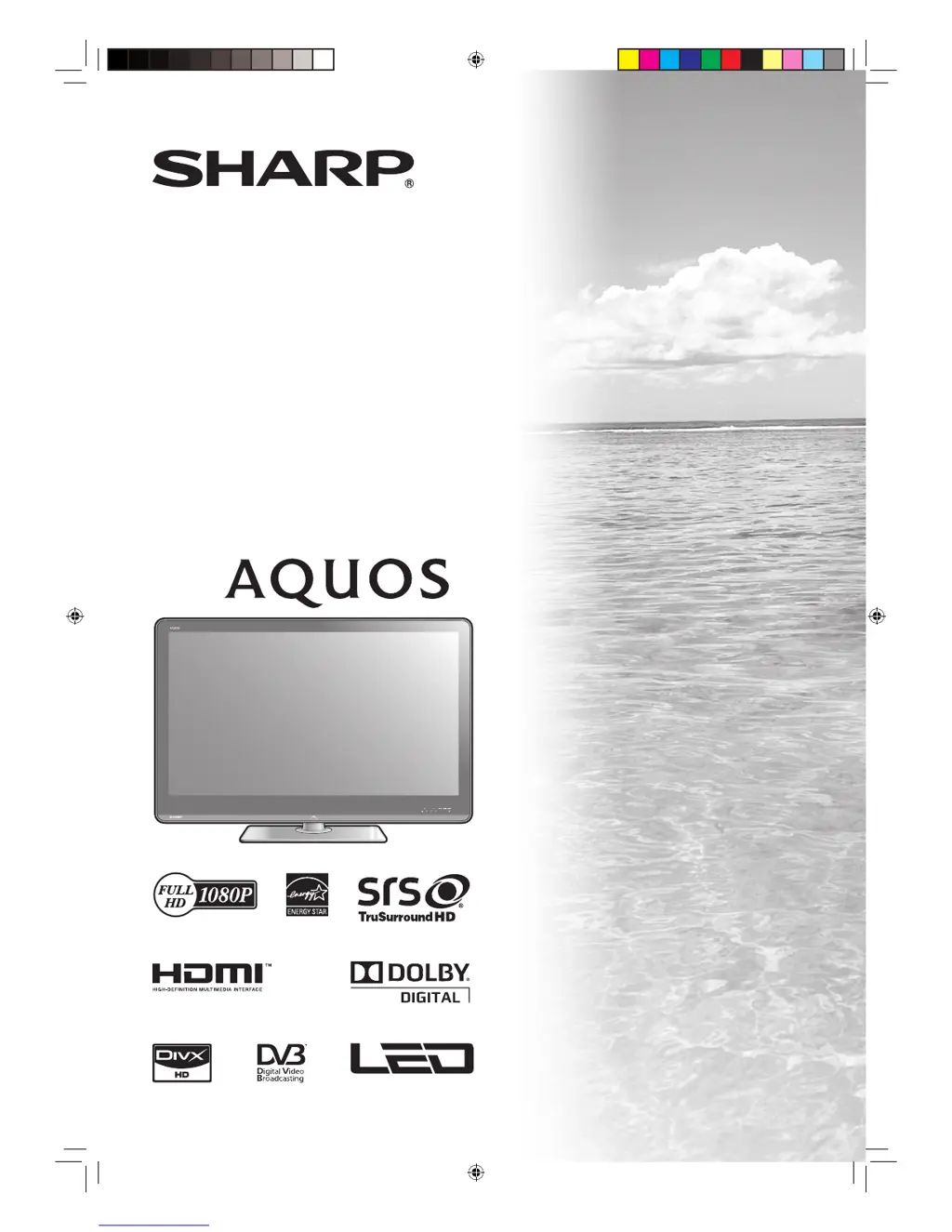
MODEL
LC-40LE820X
LC-46LE820X
LC-52LE820X
LCD COLOUR TELEVISION
OPERATION MANUAL
cover_40LE820X_au.indd 1cover_40LE820X_au.indd 1 2010/06/18 16:14:172010/06/18 16:14:17

Table of Contents

Questions and Answers

  • J
    Jessica WilsonAug 14, 2025
    Why does my Sharp TV power keep turning off?
    • T
      Timothy BurnsAug 15, 2025
      If your Sharp TV suddenly turns off, it could be due to a few reasons. The unit's internal temperature may have increased; try removing any objects blocking the vent or clean the vent. Also, check the 'ECO' setting. Finally, verify if the sleep timer is set.
  • D
    Dustin Scott MDAug 17, 2025
    What to do if Sharp TV remote is not working?
    • A
      Angela MooreAug 18, 2025
      If your Sharp TV remote control isn't working, check if the batteries are inserted with the correct polarity. If the batteries are worn out, replace them with new ones. Strong or fluorescent lighting, or a fluorescent light shining on the remote control sensor, might also interfere with the remote's operation.
  • A
    Amber JenkinsAug 21, 2025
    Why does my Sharp TV have strange colors?
    • V
      Victoria GrantAug 21, 2025
      If your Sharp TV displays strange colors, light or dark hues, or color misalignment, try these steps: First, adjust the picture tone. If the room is too bright, it can affect the picture, so check the room's lighting. Also, verify the color system setting and the 'HDMI auto view' setting.
  • S
    Stephanie LopezAug 25, 2025
    How to fix no picture on Sharp TV?
    • R
      Ronald PerryAug 25, 2025
      If your Sharp TV has no picture, ensure the connection to external equipment is correct. Verify that the correct input is selected. Check the picture adjustment settings. Make sure the antenna is properly connected. Also, confirm that 'On' is not selected in 'Audio only'.
  • J
    Joseph TaylorAug 28, 2025
    How to troubleshoot no power on Sharp Aquos LC-40LE820X TV?
    • M
      Michael WilliamsAug 28, 2025
      If your Sharp TV has no power, make sure the AC cord is connected. Check if the power has been turned on. If the power switch doesn't work, remove the power plug, re-insert it, and press POWER on the TV after waiting more than five seconds.
  • A
    Anna MartinezAug 31, 2025
    Why is there no sound on my Sharp Aquos LC-40LE820X TV?
    • S
      Shawn GonzalesAug 31, 2025
      If your Sharp TV has no sound, first check if the volume is too low and increase it. Also, ensure that headphones are not connected to the TV.
  • A
    Austin GuzmanSep 3, 2025
    How do I fix a cut off picture on Sharp TV?
    • E
      Eddie MorrisSep 3, 2025
      If your Sharp TV picture is cut off, verify if the image position is correct. Also, check if screen mode adjustments such as picture size are made correctly.
  • M
    Miguel MorrisonSep 7, 2025
    What to do if my Sharp Aquos LC-40LE820X TV cannot be operated?
    • S
      Samuel Bradley DDSSep 7, 2025
      If your Sharp TV cannot be operated, it may be due to external influences such as lightning or static electricity. To resolve this, turn the power off or unplug the AC cord, wait 1 or 2 minutes, and then re-plug it in before operating the unit.
  • D
    Daniel LeblancSep 12, 2025
    Why does my Sharp Aquos LC-40LE820X TV make a cracking noise?
    • S
      Sheri PriceSep 12, 2025
      This is not a malfunction. The cracking noise from your Sharp TV is normal. It happens when the cabinet slightly expands and contracts due to temperature changes, and it does not affect the TV's performance.

Summary

Preparation

Attaching the stand

Step-by-step guide to assemble and attach the TV stand.

Protection against overturning

Methods to secure the TV and prevent accidental tipping.

Before turning on the power

Essential steps before powering on the TV for the first time.

Watching TV

Setting channels to your preference

Customizing DTV channel lists and settings.

Settings when using external devices

Other useful features

Appendix

Troubleshooting

Solutions for common TV operational problems.

Reset

Restores TV settings to factory default values.

Sharp Aquos LC-40LE820X Specifications

General IconGeneral
Screen Size40 inches
Display TypeLCD
HDMI Ports4
USB Ports2
Wi-FiYes
Smart TVYes
Backlight TechnologyLED
Ethernet PortYes
Refresh Rate100Hz
3D CapabilityNo
Resolution1920 x 1080
Sound Output20 W
Weight17.5 kg

Related product manuals