Main Sub
Item Content
Adjustment
code code range
04 03 Checks upper
tray cassette
size switch.
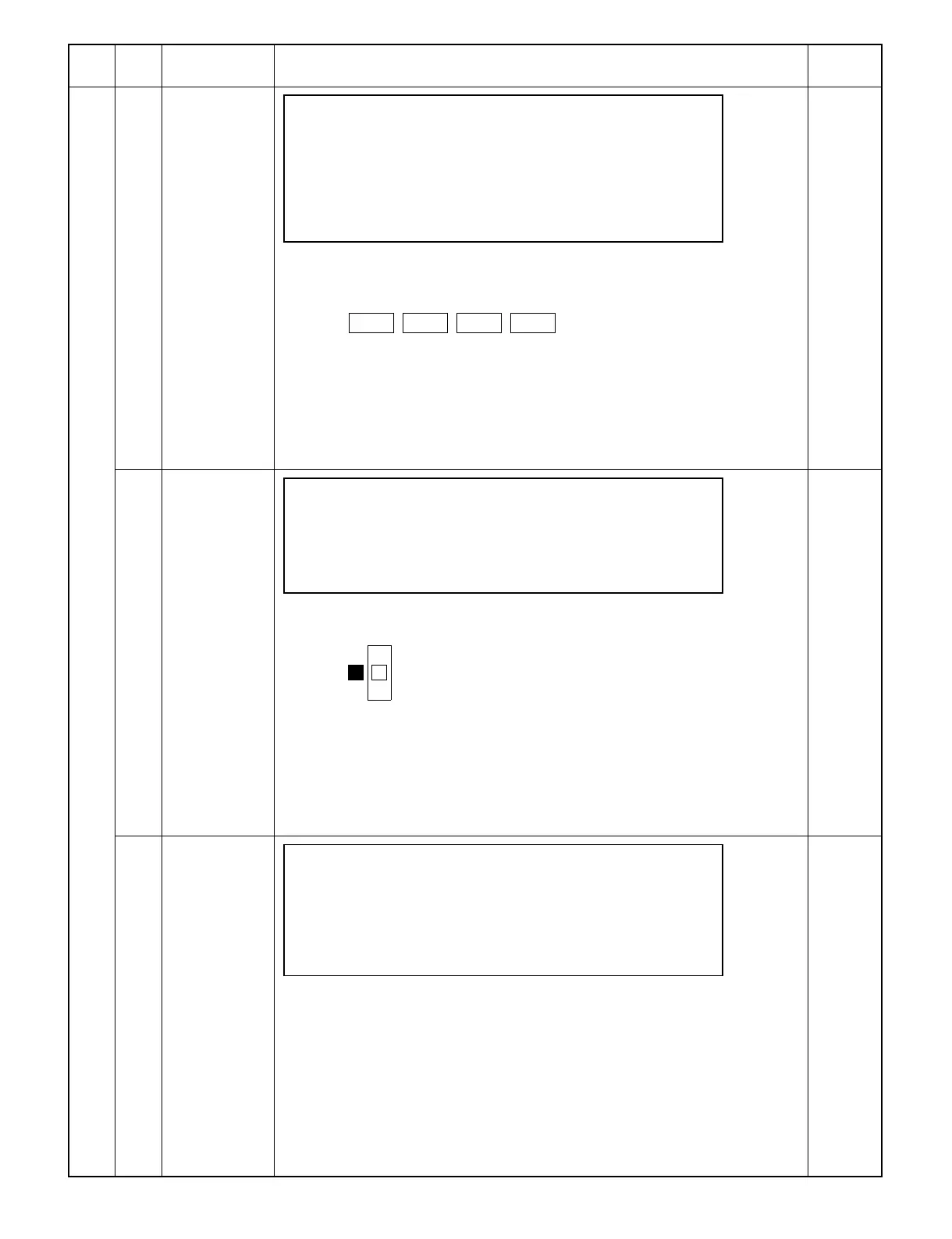
SIMULATION NO. 4- 3
TRAY SIZE SWITCH CHECK (UPPER TRAY)
CSSW1 , CSSW2 , CSSW3 , CSSW4
[PAUSE]KEY: END DISPLAY
[Content] Displays the operating status of the upper tray cassette size switch.
Switches viewed from front frame side
CSSW4 CSSW3 CSSW2 CSSW1
||||
(a) Operation/display
The display is in: Reverse video when the cassette size switch is ON.
Normal state when the cassette size switch is OFF.
[PAUSE]: The execution of the simulation is stopped and the screen returns to the
sub code input screen.
[CA]: The execution of the simulation is stopped and the simulation is terminated.
04 Checks the
cassette size
switch.
SIMULATION NO. 4- 4
TRAY SIZE SWITCH CHECK (LCC TRAY)
LT , A4 , B5
[PAUSE]KEY: END DISPLAY
[Content] The cassette size switch of the desk LCC is displayed.
Switches viewed from front frame side
↑ L L: LT
A A: A4
↓ B B: B5
(a) Operation/display
The display is in: Reverse video when the cassette size switch is ON.
Normal state when the cassette size switch is OFF.
[PAUSE]: The execution of the simulation is stopped and the screen returns to the
sub code input screen.
[CA]: The execution of the simulation is stopped and the simulation is terminated.
06 Checks the
activation of the
transport motor.
SIMULATION NO. 4- 6
TRANSPORT MOTOR ROTATION
[PAUSE]KEY: END ACTIVATION
[Content] The desk transport motor is turned ON.
(a) Operation/display
[PAUSE]: The execution of the simulation is stopped and the screen returns to the
sub code input screen.
[CA]: The execution of the simulation is stopped and the simulation is terminated.
9 – 16



 To Next Page