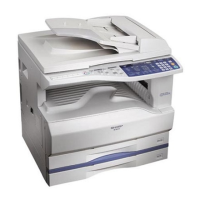
AR-203E/5420/M200/M201 SIMULATION, TROUBLE CODES 10 - 8
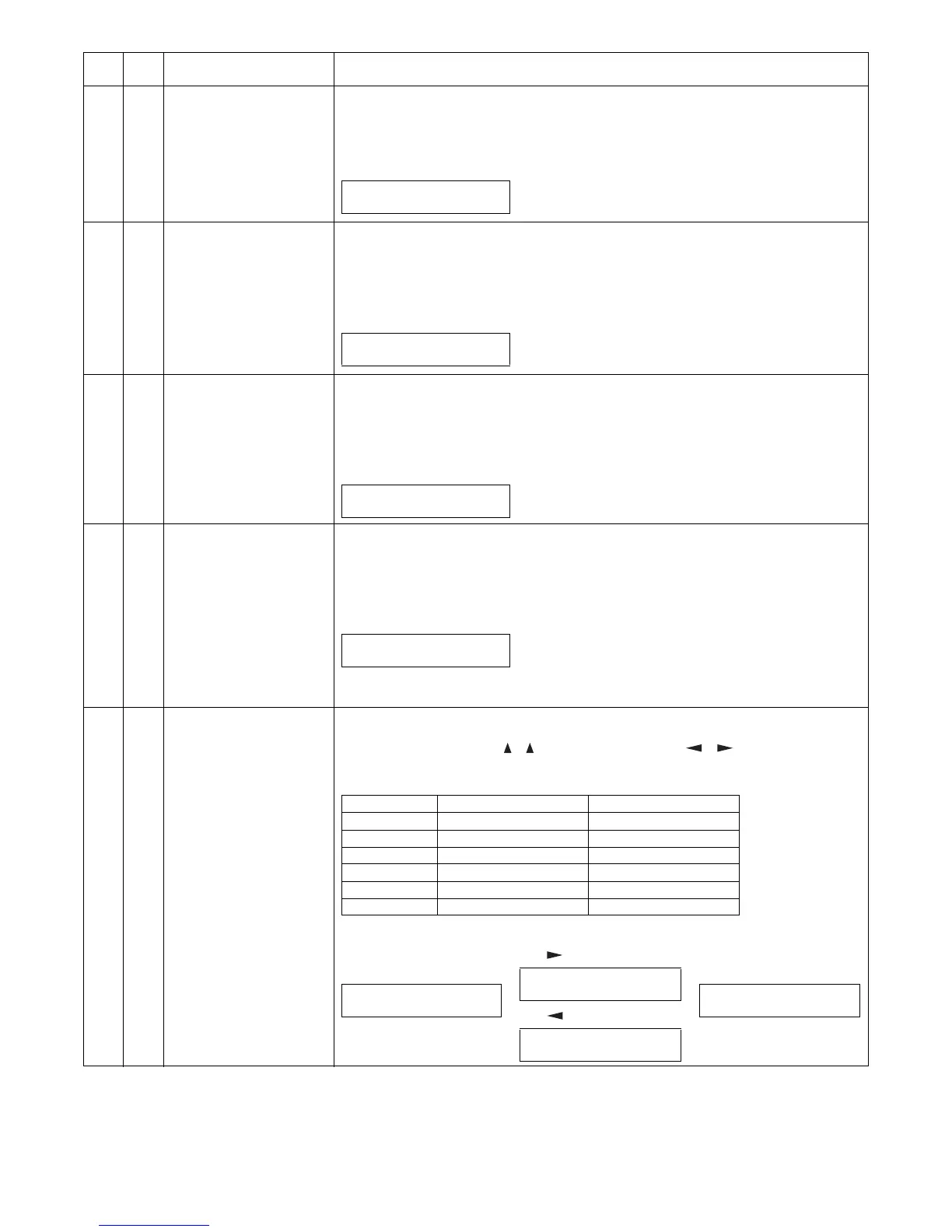
10 Toner motor aging [Function]
When [OK]/[ENTER]/[START] key is pressed, the toner motor is rotated for 30sec.
After completion of this process, the machine goes into the main code entry standby mode.
[Operation] (AR-M200/M201)
14 Cancel of troubles other than
U2
[Function]
Used to cancel troubles other than U2.
∗ Cancel troubles such as H trouble which writes data into EEPROM, and perform hardware
reset.
[Operation] (AR-M200/M201)
16 Cancel of U2 trouble [Function]
Used to cancel U2 trouble.
When [OK]/[ENTER]/[START] key is pressed, check sum of the total counter in the EEPROM is
rewritten and hardware reset is made.
[Operation] (AR-M200/M201)
20 01 Maintenance counter clear [Function]
When [OK]/[ENTER]/[START] key is pressed, the maintenance count value is cleared and
"000,000" is displayed.
[Operation]
21 01 Maintenance cycle setting [Function]
The currently set code of the maintenance cycle is displayed, and the newly set data are saved.
Enter the code number with [ ] [ ] key (or [Numeric] key or [ ] [ ] key for the AR-M200/
M201) and press [START] key. The entered value is saved and the display returns to the sub
code input standby state.
[Operation] (AR-M200/M201)
Main
code
Sub
code
Contents Details of function/operation
1) Initial display
10-00 TONER MOTOR
EXECUTING...
1) Initial display
14-00 TRBL CANC.
CLEARED
1) Initial display
16-00 U2 TRBL CANC.
CLEARED
AR-M200/M201
1) Initial display
AR-203E/5420
The count value is displayed in 3 digits X 2
times repeatedly.
<Display example: 012,345>
20-01 M-CNT CLR.
CLEARED 000,000
012 → Blank → 345 → Blank → 012
0.7s 0.3s 0.7s 1.0s 0.7s
Code number Setting Remark
0 3,000 sheets
1 6,000 sheets
2 9,000 sheets
3 13,000 sheets
4 25,000 sheets Default
5 Free (999,999 sheets)
1) The current set value is
displayed.
2) [ ] key or [Numeric] key
2) [ ] key or [Numeric] key
3) [OK]/[ENTER]/[START]
key
21-01 M-CYCLE
4:25,000 ( 0-5 )
21-01 M-CYCLE
5:FREE ( 0-5 )
21-01 M-CYCLE
3:13,000 ( 0-5 )
21-01 M-CYCLE
5:FREE ( 0-5 )



 To Next Page