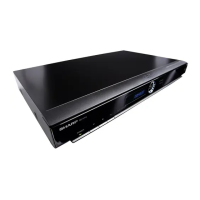
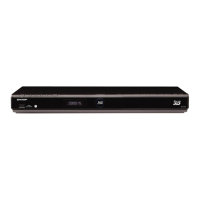
Getting Started
Step 1: Unpacking
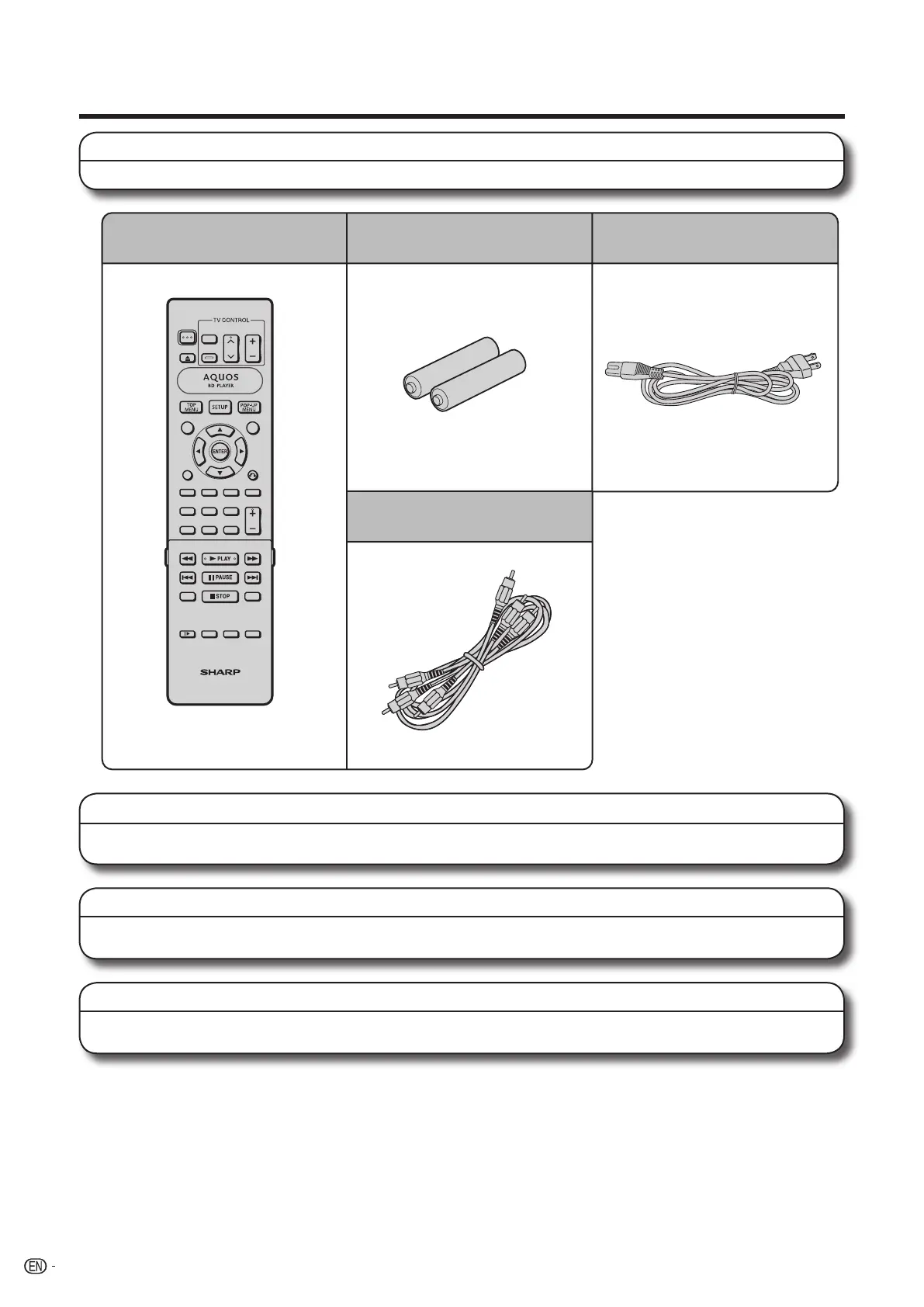
Make sure the following accessories are provided with the product.
Step 2: Selecting equipment to connect
Connection varies with the equipment used. Refer to Connection (Pages 14-19).
Turn off the devices before connecting.
Step 3: Playing back discs
Play back a Blu-ray disc after connecting the Player to your favorite equipment.
Refer to Disc Playback. (Pages 20-32)
Step 4: Adjust settings
Adjust settings to enjoy various features and other functions for playing discs.
Refer to Settings (Pages 33-46).
Remote control unit
“AAA” size battery (g2)
AC cord
AV cable
10
BD-HP20U_en_b.indd 10BD-HP20U_en_b.indd 10 2007/08/06 10:18:422007/08/06 10:18:42


 To Next Page