Connecting the Audio Jacks
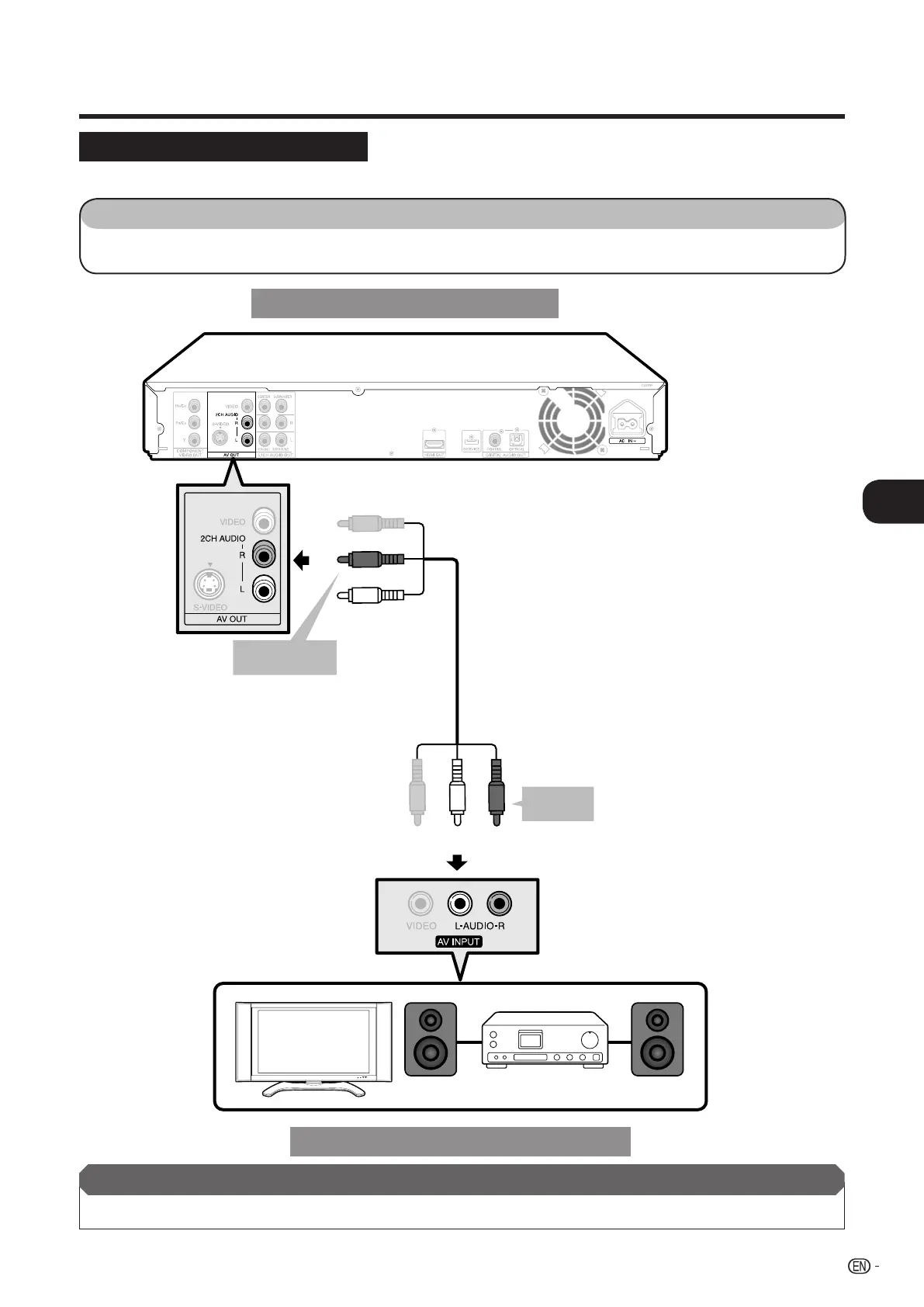
You can connect audio equipment or the TV to the 2CH AUDIO output jacks.
STEPS
1: Be sure to turn off this Player and the equipment before making any connections.
2: Firmly connect the AV cable (supplied) to the audio jacks (1 and 2).
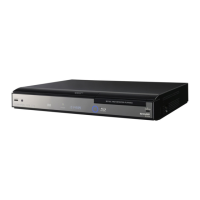
This Player
(White)
AV cable (supplied)
Amplifi er
Audio equipment with audio jacks
1
To 2CH AUDIO
output jacks
(Red)
(White)
(Red)
After connecting
• Load a disc and start playback. (Pages 24-27)
TV
2
To audio
input jacks
19
Connection
o
Audio Connections
BD-HP20U_en_c.indd 19BD-HP20U_en_c.indd 19 2007/09/11 13:43:042007/09/11 13:43:04


 To Next Page