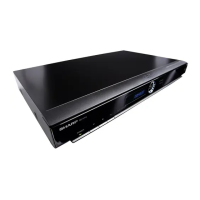
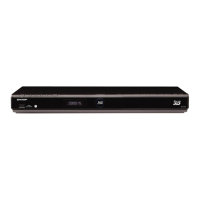
Turning the Power On
Turning the power on
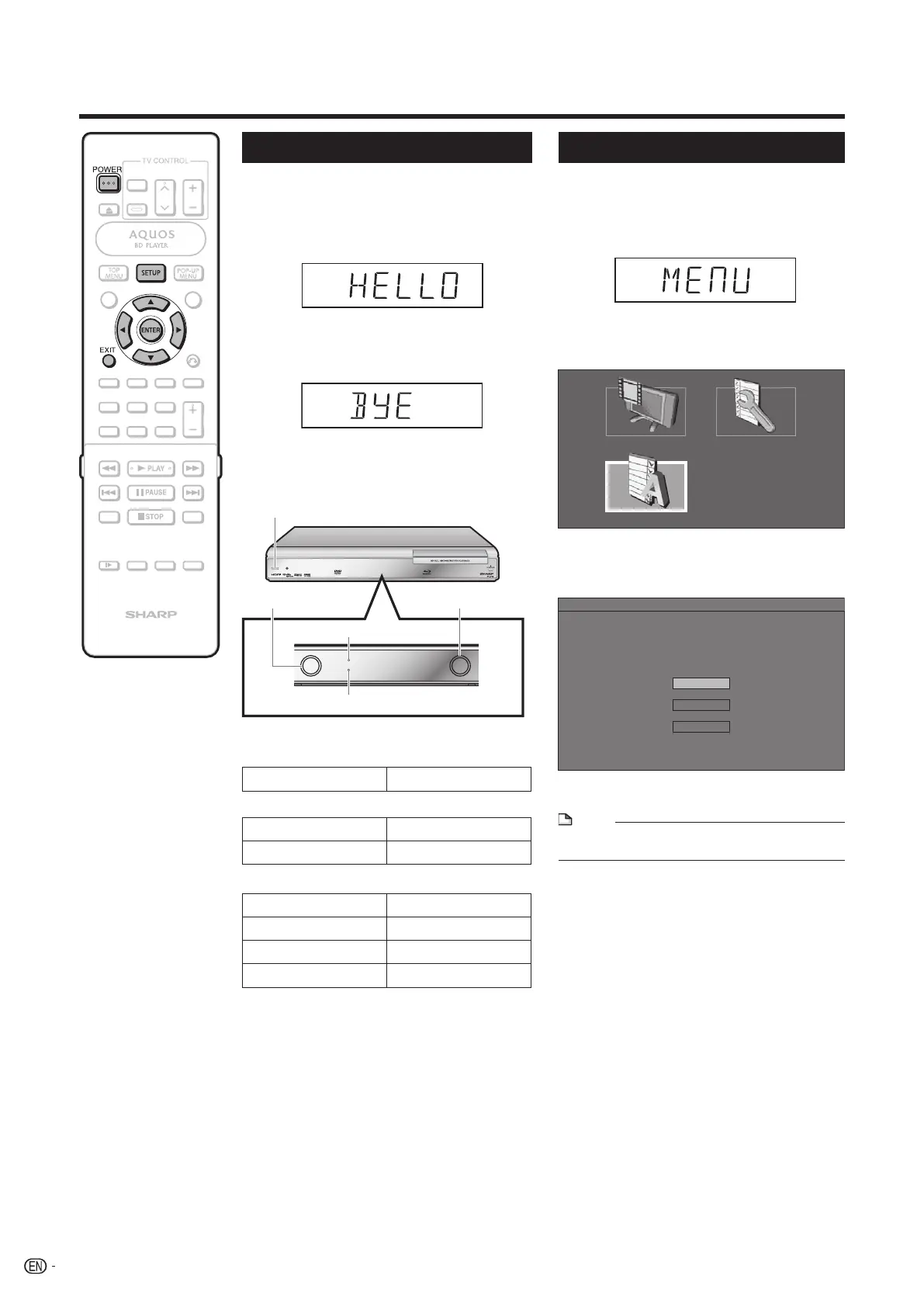
Press POWER on the remote control or
on the Player to turn on the power of the
Player.
Language Setting
NOTE
• To select the DVD disc language, such as subtitle
language, etc., (See page 25)
Changing the on-screen display
language
Press SETUP to display the SETUP
MENU screen.
1
Press SETUP or EXIT to exit.4
DISPLAYS THE TITLE LIST SETTINGS
ON SCREEN LANGUAGE
Press a/b/c/d to select the
language you want to display on the
screen, then press ENTER.
3
MENU [ON SCREEN LANGUAGE]
ENGLISH
ESPAÑOL
FRANÇAIS
Before Starting Playback
STANDBY indicator
Red blinks Preparing for standby
Red on Standby
BD and DVD/CD mode indicators
Off No disc
Blue on Playing back
White on Disc stopped
White blinks Loading a disc
Indicators on the Player
ON indicator
• If you press POWER again immediately after
entering standby, the Player may not turn on. If this
happens, wait for 10 seconds or more and then
turn on the power again.
Entering standby
Press POWER on the remote control or
on the Player to enter standby.
POWER
DVD/CD mode indicator
BD mode indicator
STANDBY indicator
ON indicator
Green on Power on
Press a/b/c/d to select “ON
SCREEN LANGUAGE”, then press
ENTER.
2
• When you turn on the POWER, the MENU screen
automatically displays for a while.
Press EXIT to erase the display.
22
BD-HP20U_en_d.indd 22BD-HP20U_en_d.indd 22 2007/08/06 10:19:592007/08/06 10:19:59


 To Next Page