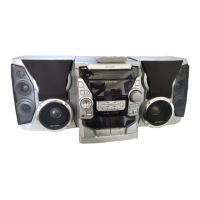
CD-BA3000
– 12 –
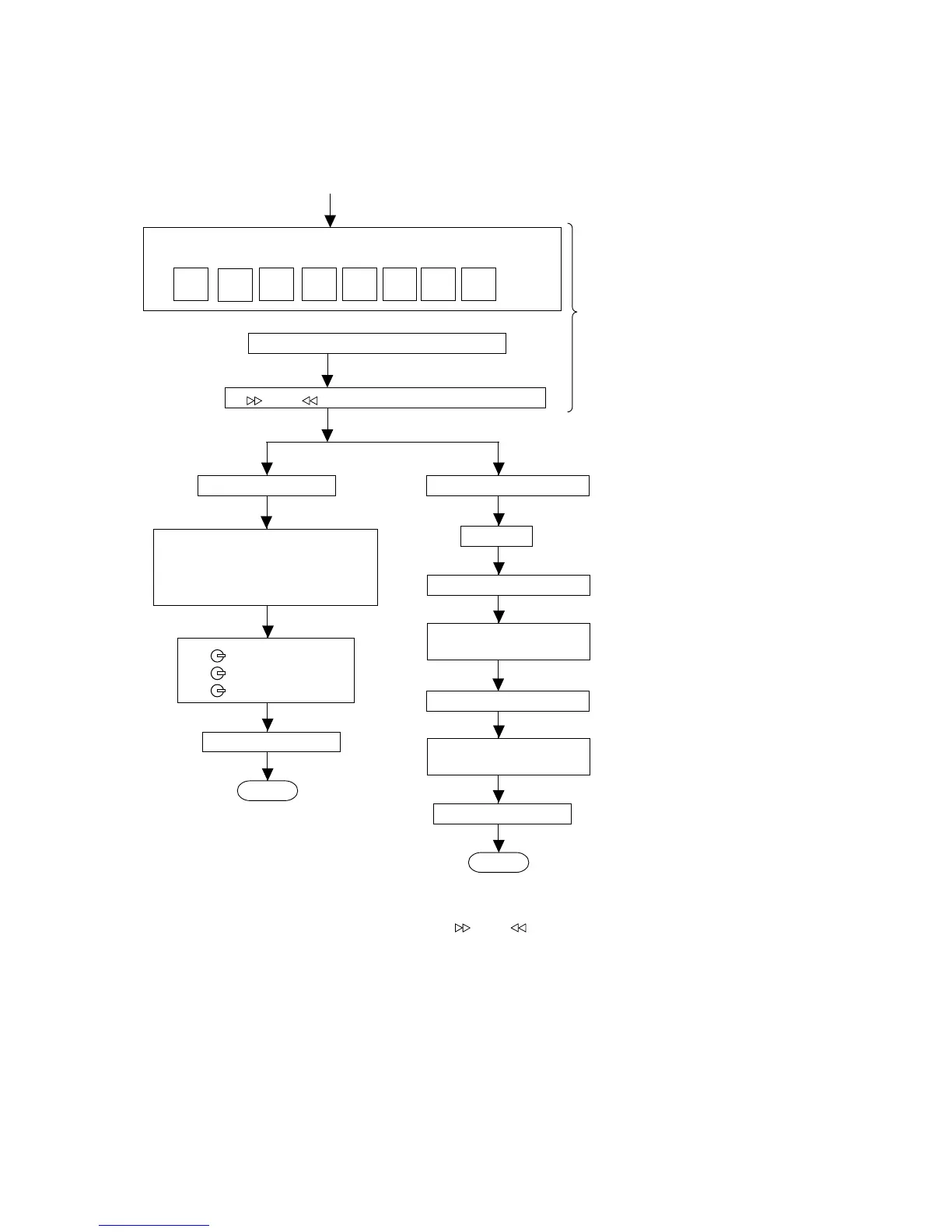
TEST MODE
·Setting the test mode
Any one of test mode can be set by pressing several keys as fallows.
<X-BASS> + <CD> + <POWER> TEST:CD operation test
Function:-CD test mode.
-Enter test mode.
C D T E S T
OPEN/CLOSE operation is using manual.
<< >>, << >> buttons make pick's slide possible.
Do TOC IL. Do normal play
When these following key is input
into PLAY key, track number can
be appoint directly
<<PLAY>> key input.
<<MEMORY>> key input.
<< 1>> key: Track 4
<<
2>> key: Track 9
<<
3>> key: Track 15
<<STOP>> key input.
STOP
Laser ON.
<<MEMORY>> key input.
Tracking OFF play at that
specific point.
<<MEMORY>> key input.
Tracking ON play at that
specific point.
<<STOP>> key input.
STOP
IL isn't done
VOL — Last memory
BAL — CENTER
P.GEQ — FLAT
X-BASS — OFF
To cancel : Power OFF
Sliding the PICKUP with
<<
>>, << >> button
must only be in STOP mode.



 To Next Page