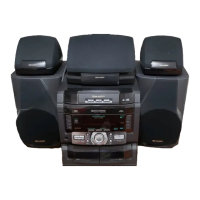
CD-SW330
2 – 2
[2] Test Mode
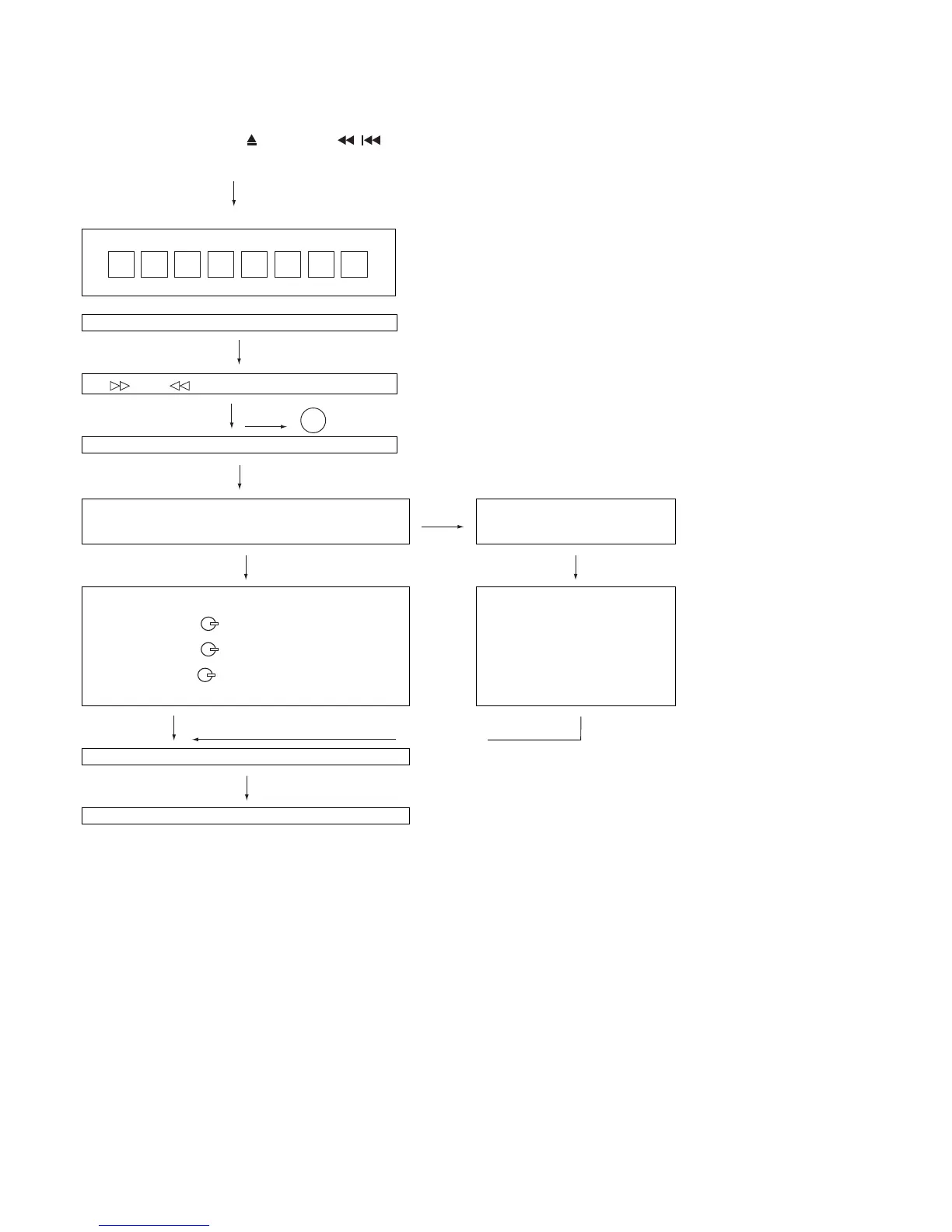
• Setting the test mode
During stand-by mode, press GAME/VIDEO button
while pressing down the button and button.
then, press the CD button to enter the test mode.
IL isn’t done
OPEN/CLOSE operation is using manual. IL isn’t done
<< >>,<< >>buttons make pick's slide possible.
IL isn’t done
to page 2-3
<<PLAY>> key input.
C D T E S T
A
Do TOC IL. Do normal play.
When these following key is input into PLAY key, track num-
ber can be appoint directly.
<<MEMORY>>
key input.
<< 1>> key: Track 4
<< 2>> key: Track 9
<< 3>> key: Track 15
Adjustment result automatically will
display as below for each 2 sec:
a) "FOF_XXXX"
b) "TOF_XXXX"
c) "TBAL_XX"
d) "TGAN_XX"
f) "FGAN_XX"
g) "RFLS_XX"
––––––––
<<STOP>> key input.
STOP
Explanation:
a) Focus off set = "FOF_XXXX"
b)Tracking off set = "TOF_XXXX"
c)Tracking balance = "TBAL_XX"
d)Tracking Gain = "TGAN_XX"
f) Focus Gain = "FGAN_XX"
g) RF level shift = "RFLS_XX"
VOL — Last memory
P. G EQ — F LAT
X-BASS — OFF
To cancel : Power OFF


 To Next Page