32
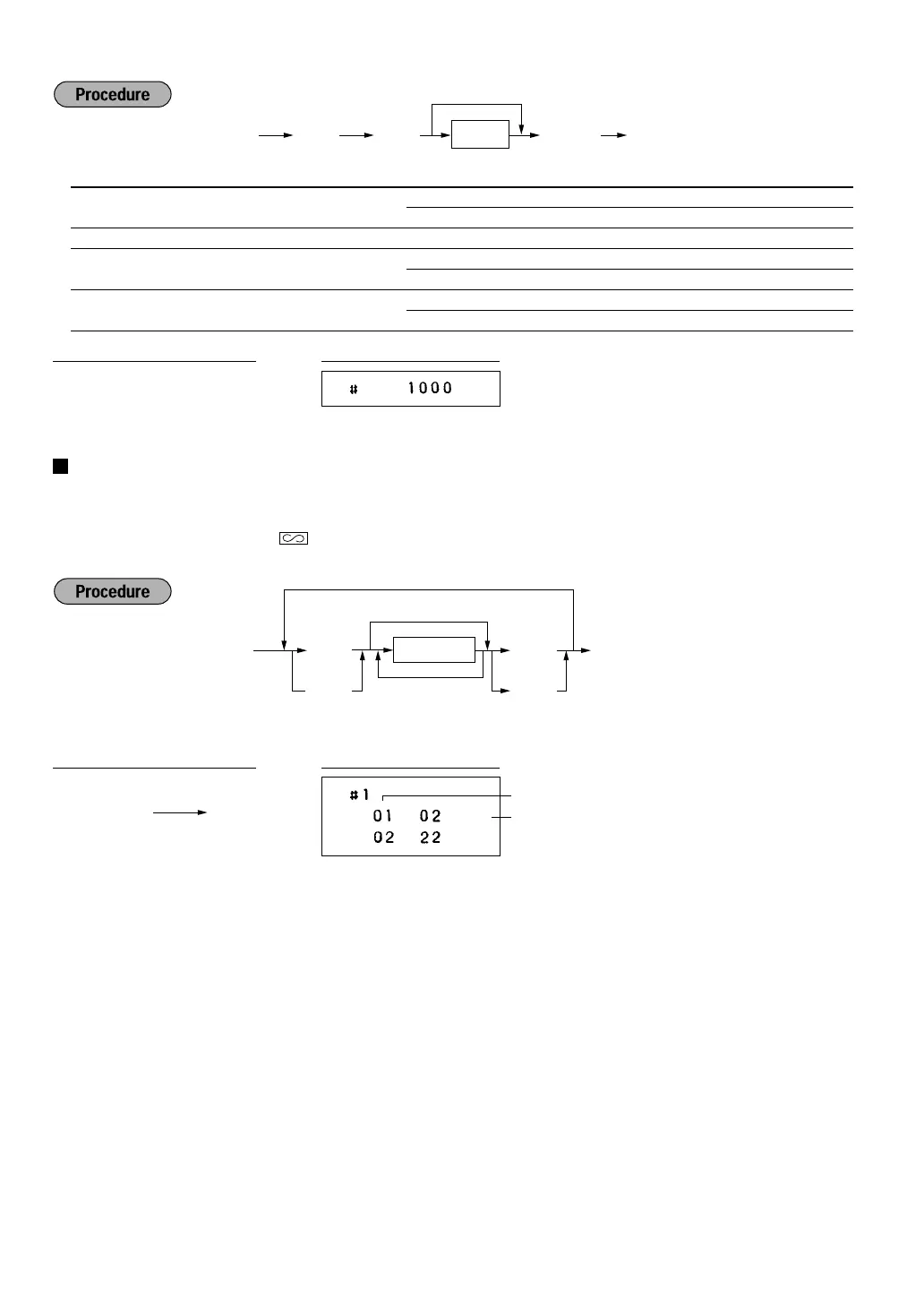
* Item: Selection: Entry:
A Printing exchange total amount and Yes 1
change amount on receipt or journal No 0
B Always enter 0. 0
C Cheque and credit operation when Yes 1
tendering in foreign currency No 0
D Exchange calculation method Division 1
Multiplication 0
Programming the AUTO key — Automatic sequencing key —
If you program frequently performed transactions or report sequences for the AUTO keys, you can call those
transactions and/or reports simply by pressing the corresponding AUTO keys in key operations in the
appropriate mode (REG, MGR,
,
OP X/Z, X1/Z1 or X2/Z2).
Programming for
~
; entering a PLU 2 item (programmed unit price: 1.50)
Key number list


 To Next Page